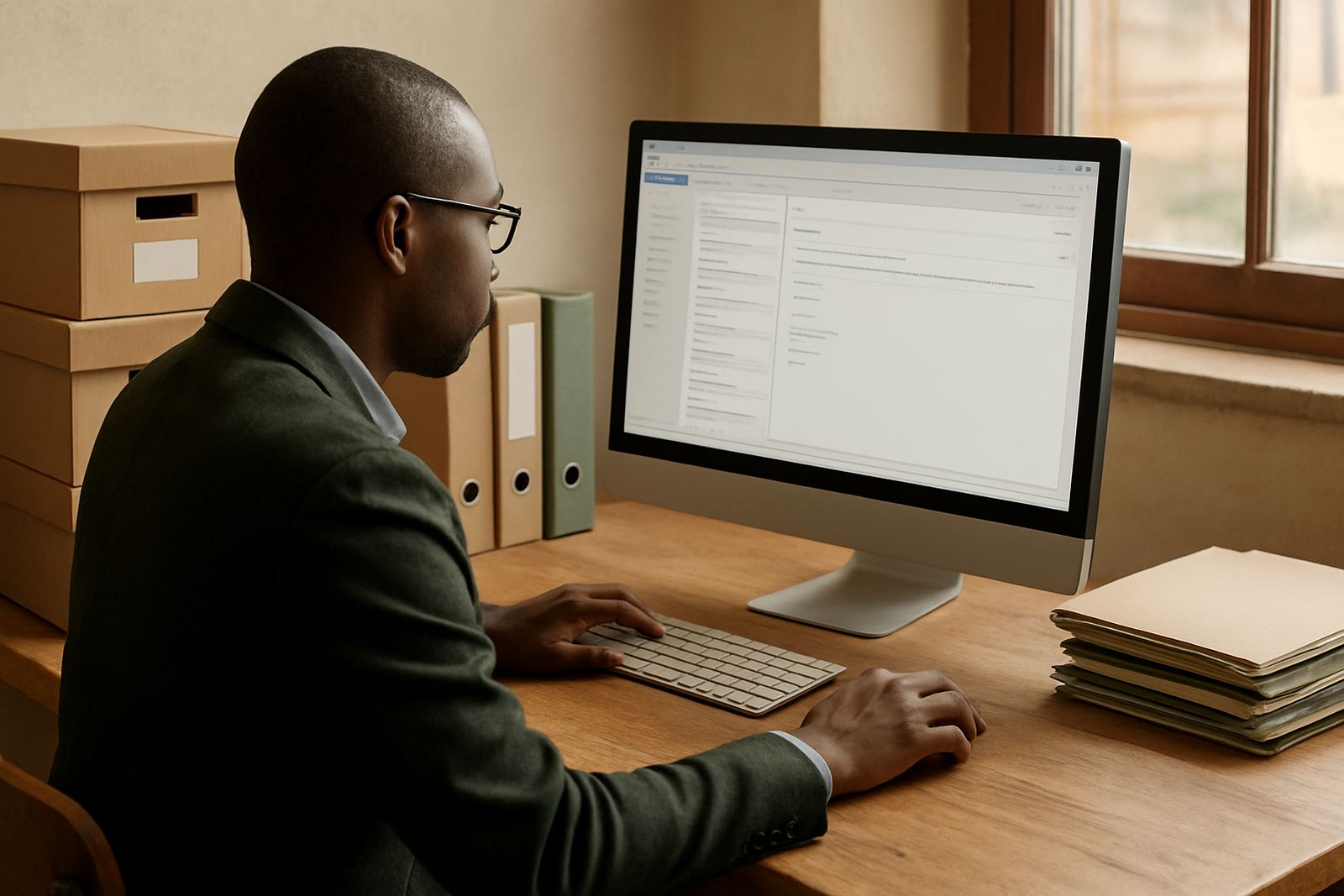
What an Archive Mailbox does for your team
An Archive Mailbox is a separate mailbox set aside for historic correspondence that still needs to be checked now and then. It is useful when you need to keep donor threads, supplier agreements, municipal letters or governance records together, but do not want those messages sitting in a working inbox and slowing the team down.
For many South African non-profits, this setup helps with staff turnover and audit seasons. A handover is easier when old messages are kept in one controlled space, rather than scattered across personal accounts or copied into random folders. It also gives your team a clear place for records that may be needed months or years later, which is handy when a file needs to be traced quickly.
Sizes and storage options that suit real admin work
Archive Mailbox options should be sized according to how much correspondence you expect to retain and how long you need to keep it. A smaller archive may work for a local charity with light admin, while a larger one suits an organisation handling branches, funding reports and regular supplier correspondence across several provinces.
- 5 GB for light archive use and small teams
- 10 GB for regular record keeping and donor correspondence
- 25 GB for larger archives, shared admin and multi-year retention
- Custom sizing where you need more capacity for document-heavy correspondence
As a rule, if your team is already storing attachments like signed forms, meeting notes and scanned letters, allow extra headroom. It is better to size the archive a bit generously than to run out during reporting season. That small bit of planning saves trouble later on.
Where an archive mailbox suits best
This add-on suits organisations that need a clean split between current work and retained mail. It works well for executive offices, finance teams, compliance staff and programme managers who need occasional access to older correspondence but do not want to search through live inboxes every day.
- Non-profits with audit, governance or donor record requirements
- Teams that hand over administration between staff or volunteers
- Branches in Cape Town, Johannesburg, Durban, Pretoria or Bloemfontein that need one central record store
- Offices dealing with time-sensitive correspondence and later follow-up
It is also a good fit for groups operating from smaller offices in Observatory, Bellville or Stellenbosch where every megabyte and every minute counts. With load-shedding still affecting many areas, having mail organised properly means less wasted time when staff are back online and trying to catch up.
Installation, linking and daily use
Setting up the archive mailbox normally includes linking it to your organisation’s domain, creating the mailbox and confirming who may access it. If you need older mail moved into the archive, that can be handled as part of the migration or import process. Folder naming should be agreed upfront, because a tidy structure makes the archive easier to use later on.
- Domain linking for your organisation’s email address
- Mailbox setup with the right storage allocation
- Migration of historic messages where needed
- Contact imports if legacy systems are being moved across
- Admin handover so your internal team knows who controls access
There is no separate power or gas requirement for the mailbox itself. It is a hosted service, so your main requirements are stable internet access, a device for admin work and sensible password control. In practice, most teams use laptops or phones, and the archive just sits in the background until someone needs it.
Security, care and servicing over time
Old message can still contain sensitive information, so access should be limited to the people who really need it. Good practice includes strong passwords, two-factor sign-in where enabled and regular checks on who has admin rights. If your team changes often, review permissions after every handover, not only at year end.
Care is mostly about housekeeping. Delete nothing that must be retained, but remove obvious duplicates, failed test messages and unnecessary clutter from the archive structure. A short monthly review is usually enough for most small teams, although larger offices may prefer a quarterly check with the operations or finance lead. That keeps things neat without making it a full-time job.
If your organisation runs on limited budget, the archive can still be maintained without expensive IT support. The service is designed for practical use, and when combined with training it becomes easy enough for non-technical staff to manage. A little routine attention goes a long way, especially when several people access the same records.
What to check before you order
Before ordering, confirm how much old mail you want to retain, who must access it and whether any messages need to be moved in from an existing system. You should also check whether your team needs calendar sharing or document collaboration alongside the archive, since some organisations prefer to add those tools at the same time for simpler admin.
- How many messages and attachments must be kept
- Whether the archive is for one mailbox or several departments
- Who will manage permissions and handovers
- Whether old folders, contacts or calendar items need importing
- Any internal policy for retention periods and access control
For non-profits in South Africa, it helps to think about real working conditions too. If your office loses connectivity during outages or staff split time between towns, the archive should still be easy to find, open and review when the connection returns. That kind of setup keeps admin calm and avoids last-minute scrambles.
Key facts
| Product type | Add-on archive mailbox for retained correspondence |
|---|---|
| Typical sizes | 5 GB, 10 GB, 25 GB and custom options |
| Primary use | Historic message storage with occasional review |
| Access | Controlled admin access for selected staff |
| Setup services | Domain linking, mailbox setup and migration support |
| Power or gas needs | None, hosted service accessed via internet |