

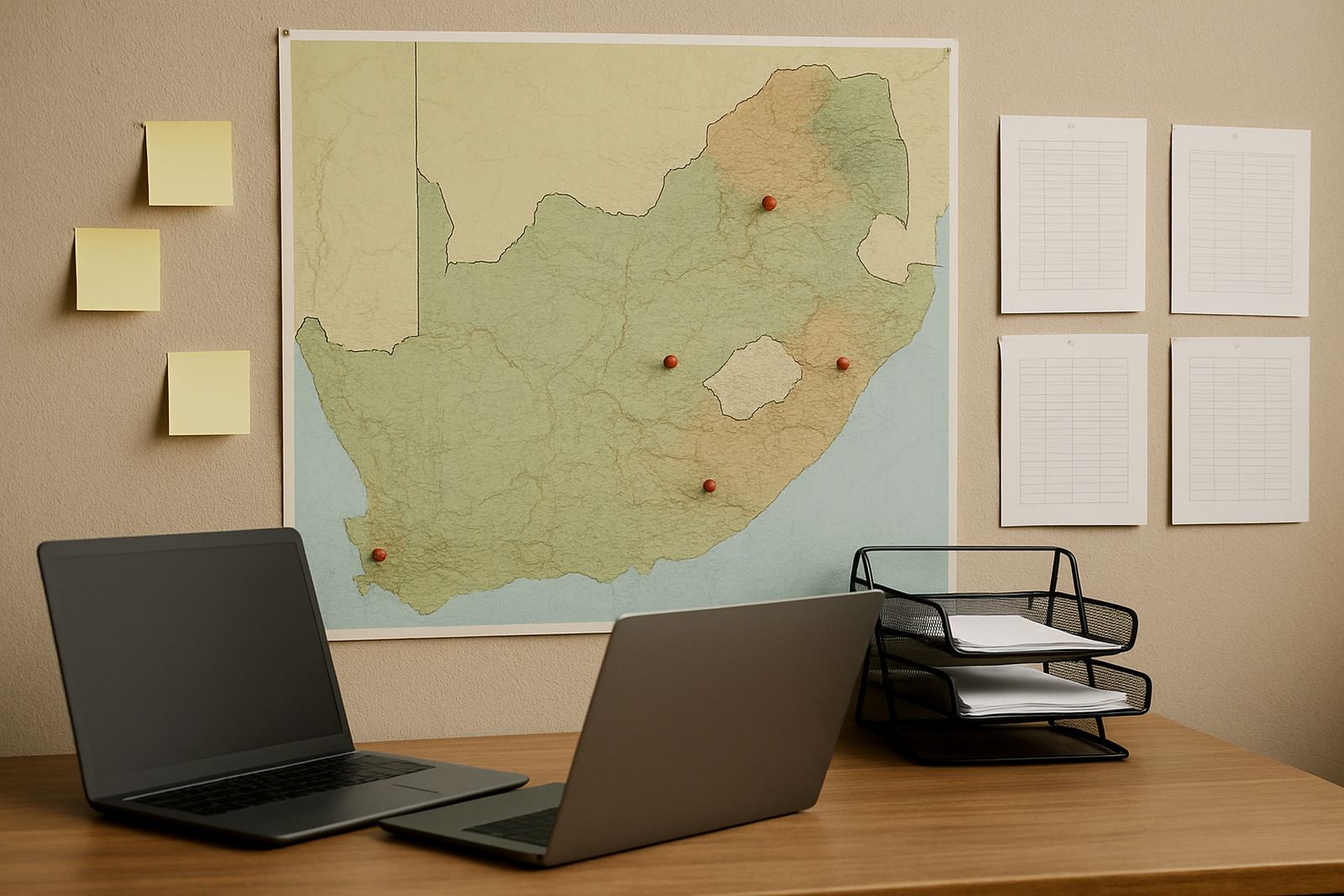








Support Across Major South African Centres
Our support hubs are set up for non-profit teams that need practical help with message, shared calendars and document collaboration, without paying for unnecessary extras. Whether your staff are in Cape Town, Johannesburg, Durban, Pretoria or Bloemfontein, we coordinate setup and support remotely with the right level of local attention.
The idea is simple: some organisations need a full onboarding process with mailbox setup and migration, while others only need admin handover or a quick security review after staff changes. We keep the process steady and clear, even when you are working across offices, field teams and volunteer groups.
How To Choose The Right Hub
Pick the hub that best matches where your main team works and how involved your rollout is likely to be. A smaller office with a few shared mailboxes may only need light setup, while a larger team, or one moving from another system, may need migration, contact imports and go live support.
- Choose your nearest hub if most staff work in one city and need easier coordination during setup.
- Choose a larger rollout hub if you are moving many users, folders and calendars at once.
- Choose ongoing admin help if your internal team has limited time for account changes and access requests.
- Choose training support if staff need help using shared calendars and document space properly.
If your office is in a coastal area such as Cape Town or Durban, we also plan around connectivity issues and load-shedding windows so the work does not stall halfway through a handover.
What Each Hub Can Handle
Each support hub covers the same core services, but the mix depends on the type of organisation and the stage of the project. Some hubs are used mainly for new account setup, while others are busy with migrations, security checks and staff training. The work is always handled with non-profit budgets in mind.
- Domain Linking and Mailbox Setup
- Calendar Setup and Document Space Setup
- Mail Migration and Contact Imports
- Mobile Device Setup for phones and tablets
- Admin Handover and Security Review
- Team Training, Go Live Support and Ongoing Admin Help
Local Support In Observatory And Cape Town
Our Observatory base gives us a strong starting point for Cape Town organisations, especially where teams need quick turnaround and clear coordination. This is useful for charities, community trusts and service organisations that work from one office during the week and in the field on weekends.
We also support Bellville and Stellenbosch, where many teams want structured onboarding for staff, trustees and volunteers. If you are running shared inboxes across multiple people, we can keep access and calendar permissions tidy from the start, which saves a lot of admin later on.
Regional Rollouts For Gauteng, KwaZulu-Natal And The Free State
For Johannesburg, Pretoria, Durban and Bloemfontein, the hub model helps us coordinate training and migration work without making your staff wait for unnecessary in-person visits. That matters when teams are split across offices, outreach points and home-based staff, because everyone needs the same setup and the same rules.
These regions often need extra attention on scheduling, document access and device setup, especially where staff join and leave during grant cycles or project changes. We can handle the admin in stages so your team stays operational, not stuck in a long transition.
What To Expect During Support
When a hub is activated, we start with a clear plan for who needs access, which mailboxes must be created, and what shared calendars or document folders should be ready on day one. From there we work through setup, testing and handover in a way that suits your organisation size.
Most non-profits want a simple process with no confusion, and that is what we aim for. You send the details through the enquiry form on our contact page, we match the request to the right support hub and then guide the rollout step by step, with practical help where it counts.