














Why These NPO Snapshots Matter
Non-profit teams often need more than basic message. They need shared calendars for field visits, document access for trustees and staff, and admin support that keeps everything moving when a small team is wearing many hats. These stories show how that looks in practice, from a first migration to day-to-day support after go live.
The examples below reflect work for organisations in Cape Town, Johannesburg, Durban, Pretoria and Bloemfontein. Some teams were moving off manual inboxes, others needed cleaner access for volunteers, and some had to tidy up old contact lists before their new setup could be handed over.
A Better Start For Small Office Teams
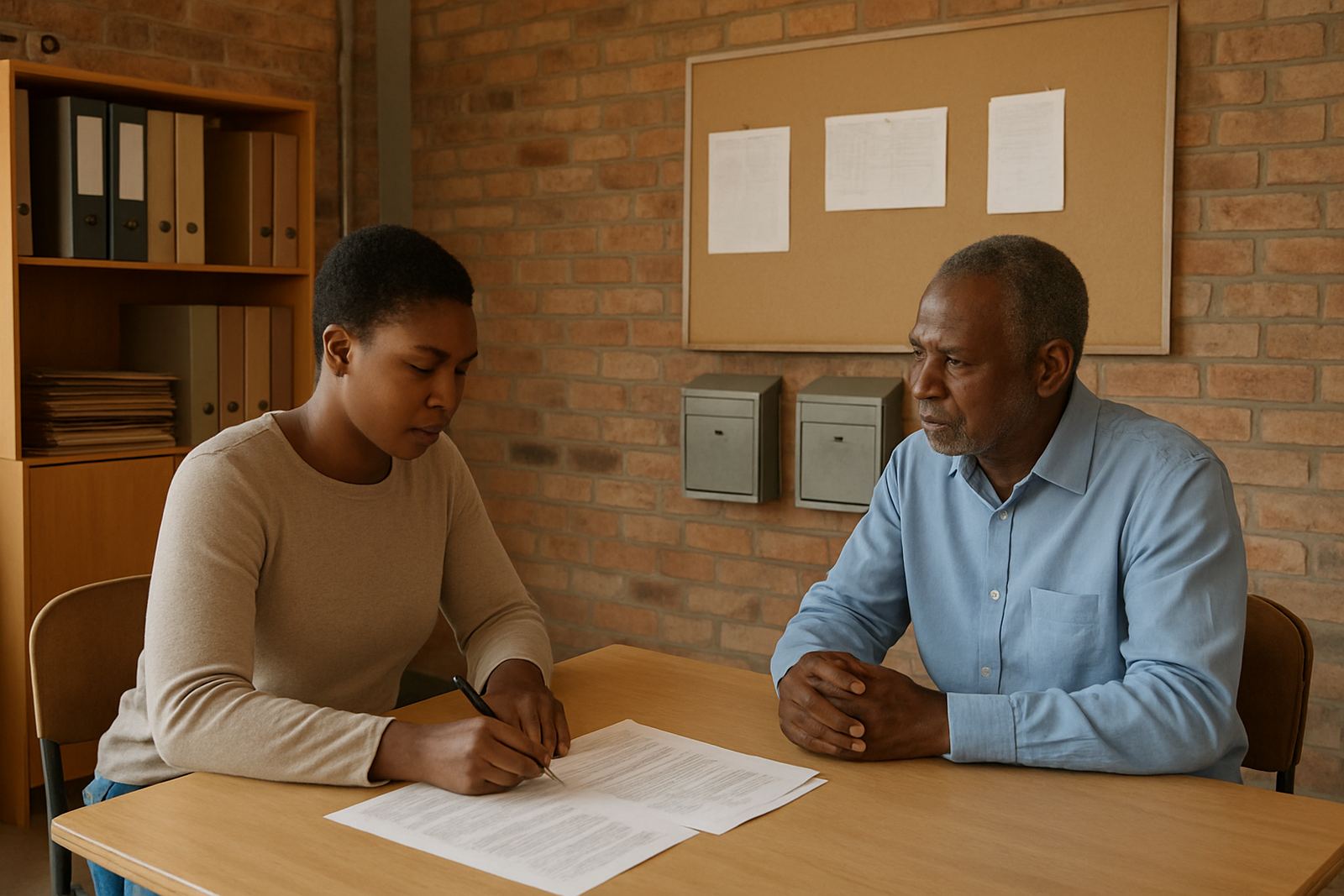
One common rollout is for a small admin team that has outgrown free mail accounts. The need is usually simple on paper: a proper domain, a few shared mailboxes, calendar visibility and a place to keep shared documents. In reality, there are often old devices, mixed passwords and people working from home, the office and the road.
- Domain linking and mailbox setup for staff with different roles
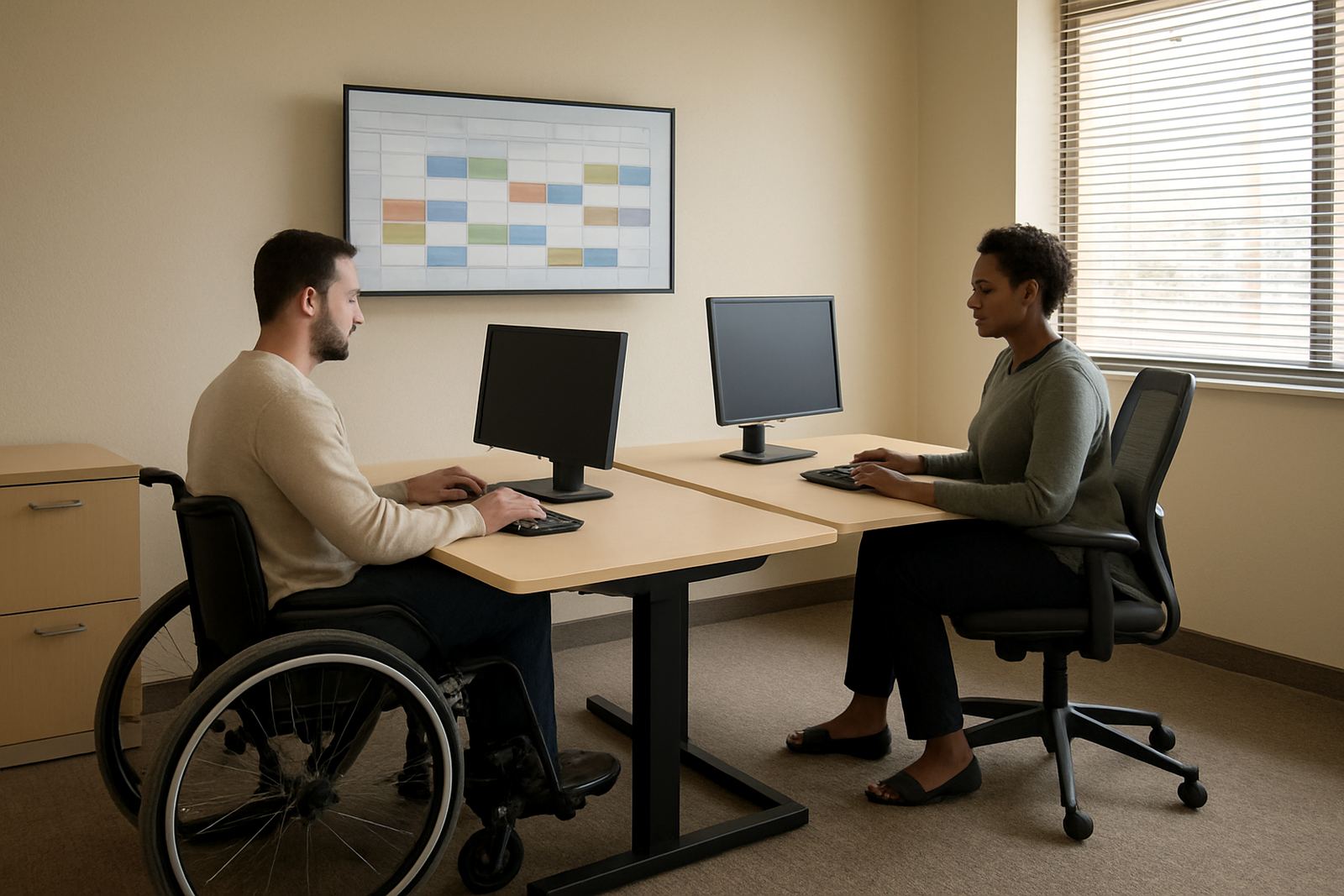
- Calendar setup for meetings, outreach days and board dates
- Mobile device setup so messages sync on phones and tablets
- Go live support on the first day to catch login issues early
Once the setup is in place, the team can stop juggling logins and start using one clear system. That usually means fewer missed invites and a lot less back-and-forth on who has the latest file.
When A Charity Needs To Bring Everything Together
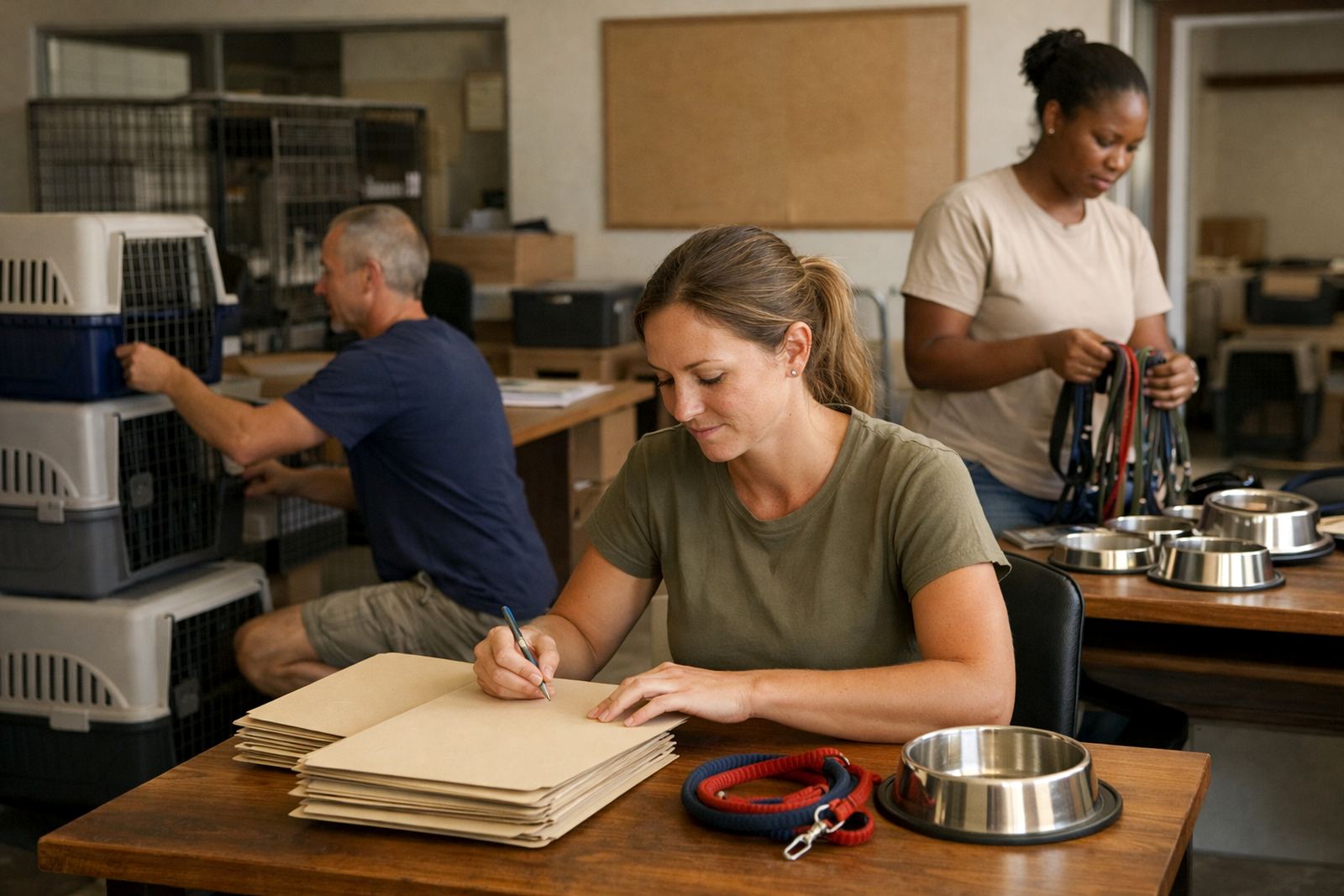
Some organisations have years of old mail, donor records and project files spread across several accounts. In those cases, the main work is migration and cleanup. Inbox NPO Mail handles the move in stages so the team can keep working while the new mailboxes, contacts and document areas are prepared.
- Mail migration from older accounts into a single structure
- Contact imports so donor and partner details are not lost
- Document space setup for reports, minutes and programme files
- Security review before the new setup is handed over
This kind of rollout is especially useful for groups with part time staff or rotating volunteers. The handover matters just as much as the migration, because the new system only works if the team knows where things live and who manages them.
Supporting Teams Working Across Provinces
Many non-profits now have staff in more than one city, with one team in Cape Town and others in Gauteng, KwaZulu-Natal or the Free State. Shared calendars and document collaboration help these teams stay aligned without relying on long message chains. It also helps when load-shedding, travel delays or municipal meeting changes upset the week.
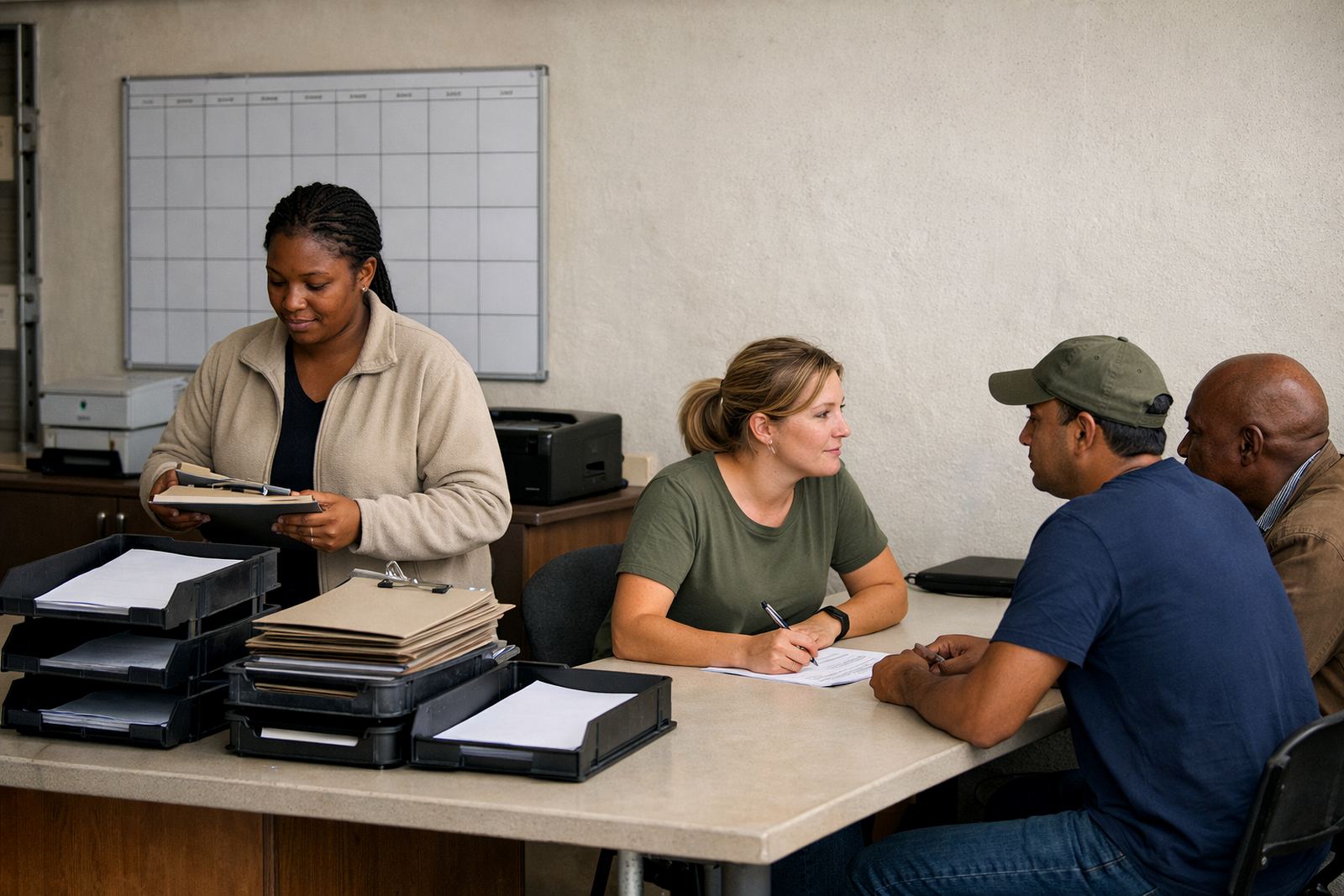
For groups with regional offices, the setup often includes admin handover and training so local coordinators can manage day-to-day tasks without waiting for head office. That is useful for organisations that run workshops, community visits or outreach programmes across several towns.
Typical support areas include:
- Observatory Support, Cape Town Support and Bellville Support
- Johannesburg Support, Pretoria Support and Durban Support
- Stellenbosch Support and Bloemfontein Support
Training That Fits A Busy Non-Profit Calendar
Even a good system can frustrate people if they have not been shown how to use it. That is why team training is part of many rollouts. The training is usually short, practical and focused on the tasks that matter most, like sharing calendars, attaching documents properly and checking mail on a mobile device. No one needs a long session full of jargon.
Training also helps when staff turnover is high or when a board member wants access for a short period. A clear process for setup and access changes saves time later, and makes it easier for the operations manager or support lead to keep things under control.
What A Good Outcome Looks Like
The strongest stories usually end the same way: fewer missed messages, cleaner collaboration and less pressure on the person doing admin. Some teams see immediate benefits after go live, while others notice the real difference a few weeks later when reporting deadlines arrive and nobody is hunting for files.
Inbox NPO Mail is built for that kind of day-to-day reality. The aim is not just to set up accounts, but to make sure the organisation can keep using them properly with ongoing admin help where needed.
- Clear mailboxes for staff, volunteers and trustees
- Shared calendars for events, meetings and travel
- Document areas that keep reports and templates in one place
- Support that continues after the first rollout is complete
Choosing The Right Story To Compare With Yours
If you are scanning these project snapshots, choose the one that feels closest to your own situation. A small charity with three staff members will have different needs from a national network with regional coordinators and a board. A team moving from free message will need a different plan from one cleaning up old accounts and imported contacts.
Use the stories to compare size, structure and support needs, then contact us through the enquiry form on our contact page if you want to talk through a rollout. It helps to know how many users you have, which devices they use and whether you need help with migration, training or a go live plan. That gives us a practical starting point, not guesswork.