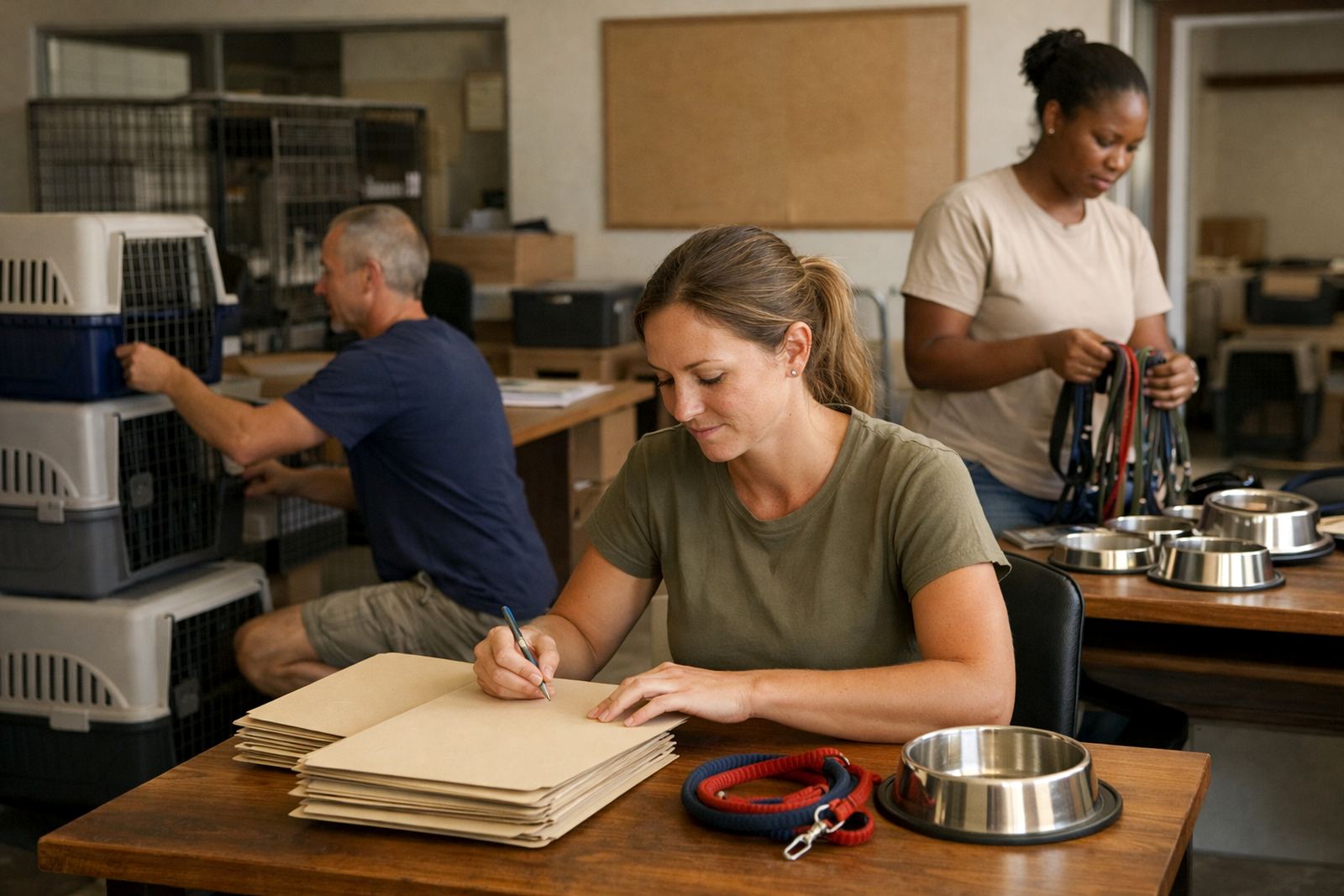
A youth programme that needed cleaner coordination
Woodstock Youth Centre is the kind of place where the week changes quickly. One afternoon there is a skills class, the next there is a parent meeting, then an outreach session that has to be moved because a room is not available. The team needed a simple way to keep programme communication together instead of relying on personal inboxes, forwarded messages and handwritten notes that were easy to miss.
The brief was straightforward: give the team shared calendars, programme mailboxes and a better way to store working documents. They wanted something affordable, easy to learn and suitable for a non-profit with people joining, leaving or assisting on different days. In a city like Cape Town where traffic, load-shedding and venue changes can all affect timing, they needed a setup that could handle quick updates without confusion.
- Client type: youth support and training non-profit
- Town: Woodstock, Cape Town
- Need: shared mail, shared calendars and document collaboration
- Constraint: tight budget and part-time admin support
The brief and the practical limits
The centre did not need a large corporate system. It needed structure. They asked for programme-specific mailboxes, calendars that multiple staff members could access, and a central document space for timetables, attendance sheets and session notes. The team also needed help moving from scattered accounts into a single working setup without losing contacts or old messages that were still in use.
There were a few realities to plan for. Staff used different phones and laptops, some with older settings. Internet access was usually fine at the office but not always reliable when people were out in the field. The centre also had to keep an eye on who could see what, because not every volunteer should have the same access to internal records or learner details.
- Different devices across staff and volunteers
- Need for access control by role
- Documents had to stay easy to find and update
- Migration had to be done with minimal downtime
What we supplied for the Woodstock setup
We put together a mail and collaboration setup built around the team’s daily work. That meant custom mailboxes for programme use, shared calendars for class planning, and a document area arranged for quick access to current files. We also handled contact imports so the centre could keep its community and partner records together instead of rebuilding lists from scratch.
The work covered both the technical side and the handover side. We linked the domain, set up mailboxes, prepared calendar sharing rules and arranged mobile device access for the staff who needed it. We also reviewed security settings so the centre had a cleaner admin structure and less risk of shared passwords being passed around in a panic at 7am before a session starts.
- Domain linking for the centre’s message identity
- Mailbox setup for programme and admin use
- Calendar setup for shared session planning
- Document space setup for attendance, notes and templates
- Contact imports and mobile device setup
How the rollout ran over three weeks
The full rollout took three weeks. Week one covered planning, mailbox structure and access mapping. We checked who needed full admin rights, who needed read-only access and which shared calendars should be visible to each team member. Week two handled migration of existing mail and contacts, then testing on phones and laptops used by the team. Week three focused on training, go live support and final admin handover.
Because the centre could not afford a long interruption, we scheduled the busiest migration tasks outside core programme hours. That reduced disruption and made it easier for staff to keep working while the new setup was introduced. A few users had older handset settings, so we adjusted those individually instead of forcing everyone into the same config.
- Week 1: planning and access design
- Week 2: migration, contacts and device testing
- Week 3: training, go live support and handover
- Low downtime approach for normal office hours
The changes the team noticed first
The first visible change was that programme communication stopped getting buried in personal inboxes. Shared mailboxes gave the team one place to receive and answer messages about classes, volunteer schedules and venue changes. Shared calendars meant staff could see clashes early and move sessions before people arrived at the wrong time or a room was double-booked.
Document collaboration helped in a more practical way. Attendance sheets, programme outlines and notices no longer had to be sent around as separate attachments. The team could work from current copies and avoid version mix-ups, which is especially useful when several people are helping on a tight turnaround. A small but important benefit was that new staff could get up to speed faster because the structure was easier to explain and easier to follow.
- Cleaner separation between personal mail and programme mail
- Fewer missed updates on schedule changes
- Shared files reduced duplicate copies
- Faster handover for new team members and volunteers
Why this suited a non-profit budget
For a youth centre, every rand has to work hard. The setup had to be affordable without feeling piecemeal. That meant matching the service level to what the team actually needed, not loading the account with extras they would not use. It also meant keeping the admin side simple enough that one person could manage the basics, even during a busy week.
We have found that many non-profits do best with clear structure rather than complicated tools. When people are already dealing with learners, parents, donors and venue changes, the system should reduce admin instead of creating more of it. That was the approach here, and it suited the centre well. The team now has a process they can maintain without needing constant outside help.
What we would do again for a similar centre
We would use the same approach for another youth or community organisation in Cape Town, Johannesburg, Durban, Pretoria or Bloemfontein. Start with the real working pattern, assign the right access levels, then migrate mail and contacts in a controlled way. It is better to keep the structure simple and train the team properly than to add features that no one has time to manage.
For centres that run classes, after-school support or outreach programmes, the most useful tools are usually shared calendars, programme mailboxes and a central document space. Add mobile access, a security review and a proper admin handover, and the team can carry on with less confusion. That is the part that tends to make the biggest difference once the daily pressure starts.
- Start with roles and access, not with features
- Keep shared mailboxes named by function
- Train the team before go live, not after
- Build around the way the centre already works
Key facts
| Project type | Youth support non-profit mail and collaboration setup |
|---|---|
| Town | Woodstock, Cape Town |
| Timeline | 3 weeks |
| Core services | Domain Linking, Mailbox Setup, Calendar Setup, Document Space Setup, Mail Migration, Contact Imports |
| Support included | Mobile Device Setup, Admin Handover, Security Review, Team Training, Go Live Support |
| Result | Shared calendars and programme mailboxes for better class coordination and less admin confusion |