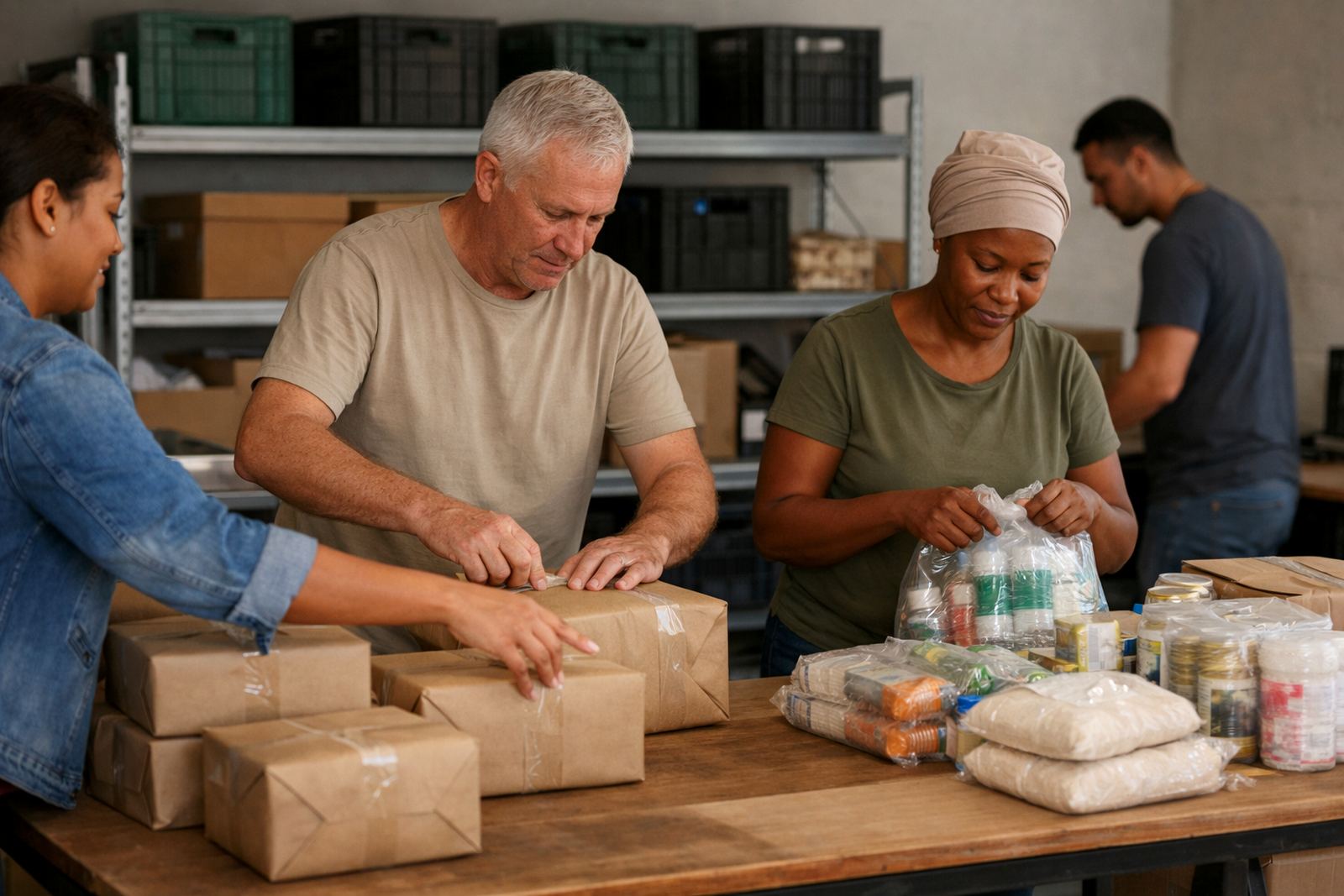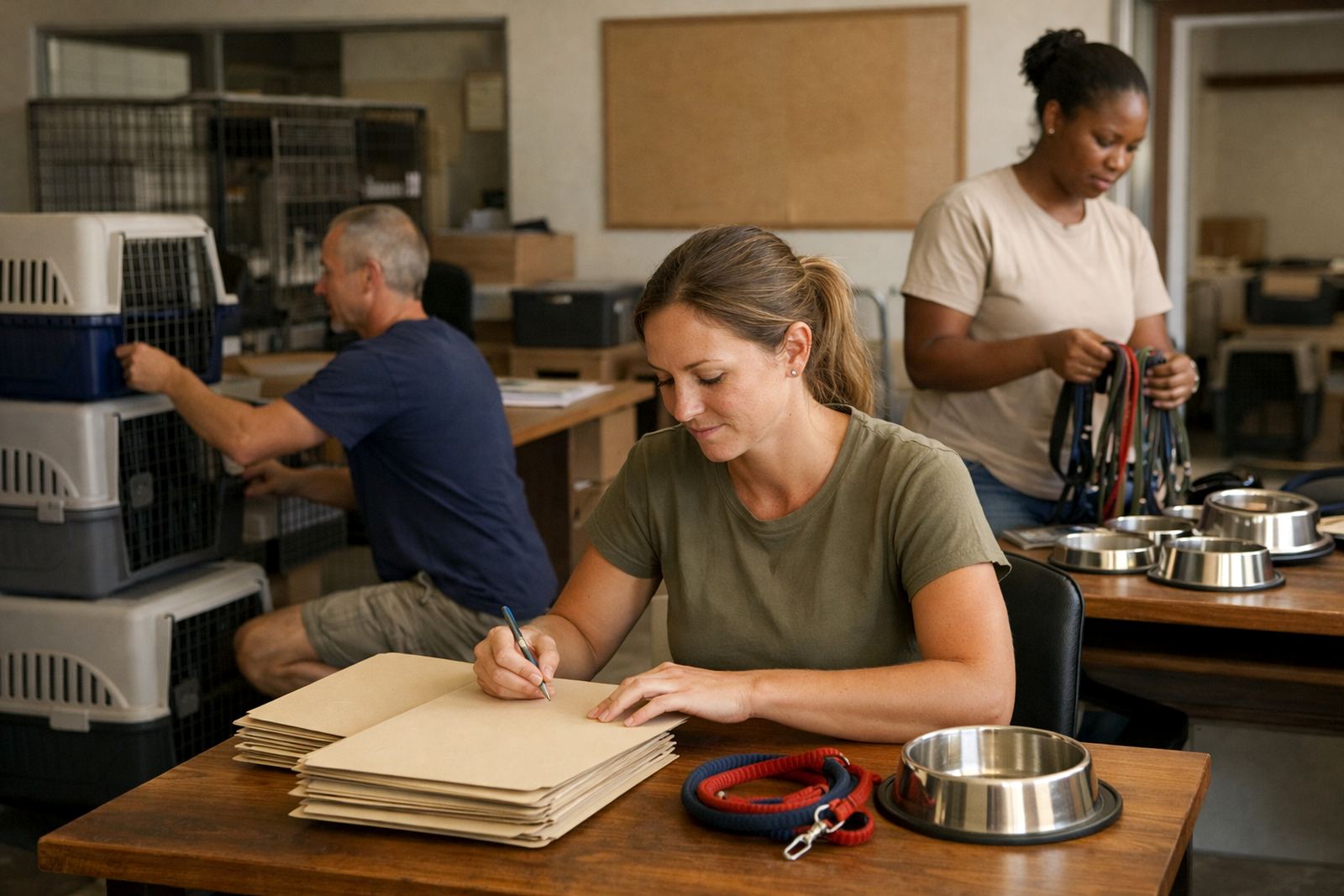
The brief from a rescue team in Pinetown
Pinetown Animal Group came to us with a familiar non-profit problem: too many moving parts and not enough time. The team was handling foster placements, intake queries, lost pet reports, transport planning and volunteer cover through a mix of personal inboxes and ad hoc chats. That works for a few days, maybe a week, but it becomes messy quickly when volunteers are spread across Durban, the North Coast and inland routes into Pietermaritzburg.
The brief was clear. They needed structured email addresses for different functions, a shared calendar for volunteer shifts and transport dates, and a central document space for forms, animal records and handover notes. They also wanted something affordable, easy to learn, and suitable for people using phones in the field, not only laptops in an office.
- Client type: rescue and welfare organisation
- Town: Pinetown, KwaZulu-Natal
- Users: office coordinators, foster leads, volunteers and committee members
- Main need: less confusion around who was handling which case
What was getting in the way
The organisation had a few constraints that shaped the setup. First, there was the budget. Like many non-profits, they needed to keep monthly costs predictable and avoid paying for tools they would not use. Second, some volunteers only needed limited access, while a smaller admin group needed full control over calendars and shared files. Third, connectivity was uneven. A few people worked from home on mobile data, and others were dealing with load-shedding or shared office equipment in Pinetown and Westville, so the system had to be light enough to use on a phone.
There were also practical governance issues. Rescue work often includes private donor information, medical notes and contact details for foster homes. The team wanted a setup that reduced the risk of important details sitting in personal inboxes. They also needed a simple handover path for new volunteers, so that a person could step in without spending days asking where everything was kept.
- Limited admin time for managing multiple inboxes
- Mixed device use, mainly phones plus a few shared computers
- Need for clear access levels for volunteers and coordinators
- Protection of donor, foster and case information
The setup we supplied
We mapped the team structure first, then set up the mail and collaboration tools around actual day to day work. The rescue group received role-based email addresses for foster coordination, volunteer scheduling, intake handling and general admin. That made it easier for incoming enquiries to land in the right place from the start, instead of being forwarded around after the fact.
We then configured shared calendars for rescue pickups, foster check-ins, vet appointments and volunteer rosters. For document work, we created a central file area for forms, contact lists, transport logs and standard replies. The admin group had full control while the wider team got only the access they needed. It was set up so a volunteer in Pinetown, Durban or even further afield could open a link or calendar entry on a phone and get straight to the task.
We also handled migration of old mail and contact imports where needed, then did a security review to keep permissions tidy. The result was a cleaner operating structure with fewer gaps between inboxes, calendars and documents.
- Mailbox setup for functional roles
- Calendar sharing for shifts, pickups and clinic visits
- Document space setup for shared records and forms
- Mail migration and contact imports from existing accounts
- Security review with access controls by user group
Timeline and rollout over three weeks
The full rollout took three weeks. In week one we gathered the team structure, mapped the mailboxes and confirmed the calendar categories. We also checked which people needed admin rights and which only needed view or edit access. In week two we completed the technical setup, moved the existing mail and imported contacts. That is usually where the small issues show up, like duplicate contacts or old forwarding rules, so we dealt with those before go live.
Week three focused on training and support. We ran short practical sessions with the admin group and then with volunteer coordinators, so people could see how to respond to an intake query, add a foster note, or book a collection slot without asking for help every time. The team did not need a long formal course. They needed a simple working routine that fit the pace of rescue work, and that is what we aimed for.
- Week 1: planning, structure and permissions
- Week 2: setup, migration and contact import
- Week 3: training, go live support and final checks
Results for the foster and volunteer team
Once the new setup was in use, the organisation had fewer missed messages and a much clearer split between foster work, volunteer planning and general admin. Intake requests were easier to track because they now landed in a shared role inbox instead of someone’s personal account. Calendar sharing also helped the team see who was available for transport, clinic runs and weekend cover without phoning around at the last minute.
The biggest change was probably in handover. New volunteers could be added with the right access and start working sooner. That matters in rescue work, where a lost afternoon can mean a missed collection or a delayed foster placement. The team also had a better paper trail for records, which is useful when several people are involved in the same case.
- Cleaner intake handling through shared inboxes
- Better visibility of volunteer and transport availability
- Faster handover for new team members
- Reduced dependence on personal message accounts
What we would do again for a rescue organisation
If we were setting this up again for another animal welfare group, we would use the same approach: keep the structure simple, separate the functions early, and train the team before go live. Rescue organisations do best with tools that fit around field work, not the other way round. That means phone-friendly access, clear naming, and a calendar that shows the real week, not a theoretical one.
We would also repeat the permission review from the start. In a non-profit setting, people come and go, and roles shift often. A quick monthly admin check keeps the system tidy and prevents old volunteers from keeping access they no longer need. For a team in Pinetown, or anywhere from Cape Town to Bloemfontein, that sort of housekeeping saves time and avoids confusion.
Inbox NPO Mail is based in Observatory, Cape Town and supports non-profit teams across South Africa through our enquiry form. For this kind of project, we focus on practical setup, handover and ongoing admin help so the people doing the work can spend more time on the animals, not on sorting out inboxes.
- Keep mailbox roles tied to actual duties
- Use shared calendars for rotas and transport
- Review access regularly as volunteers change
- Train the team in short, practical sessions
Key facts
| Project type | Rescue organisation message and collaboration setup |
|---|---|
| Town | Pinetown, KwaZulu-Natal |
| Delivery time | 3 weeks |
| Core tools | Custom message, shared calendars, document collaboration |
| Migration support | Mail migration and contact imports |
| Key users | Admin team, foster coordinators, volunteers and committee members |