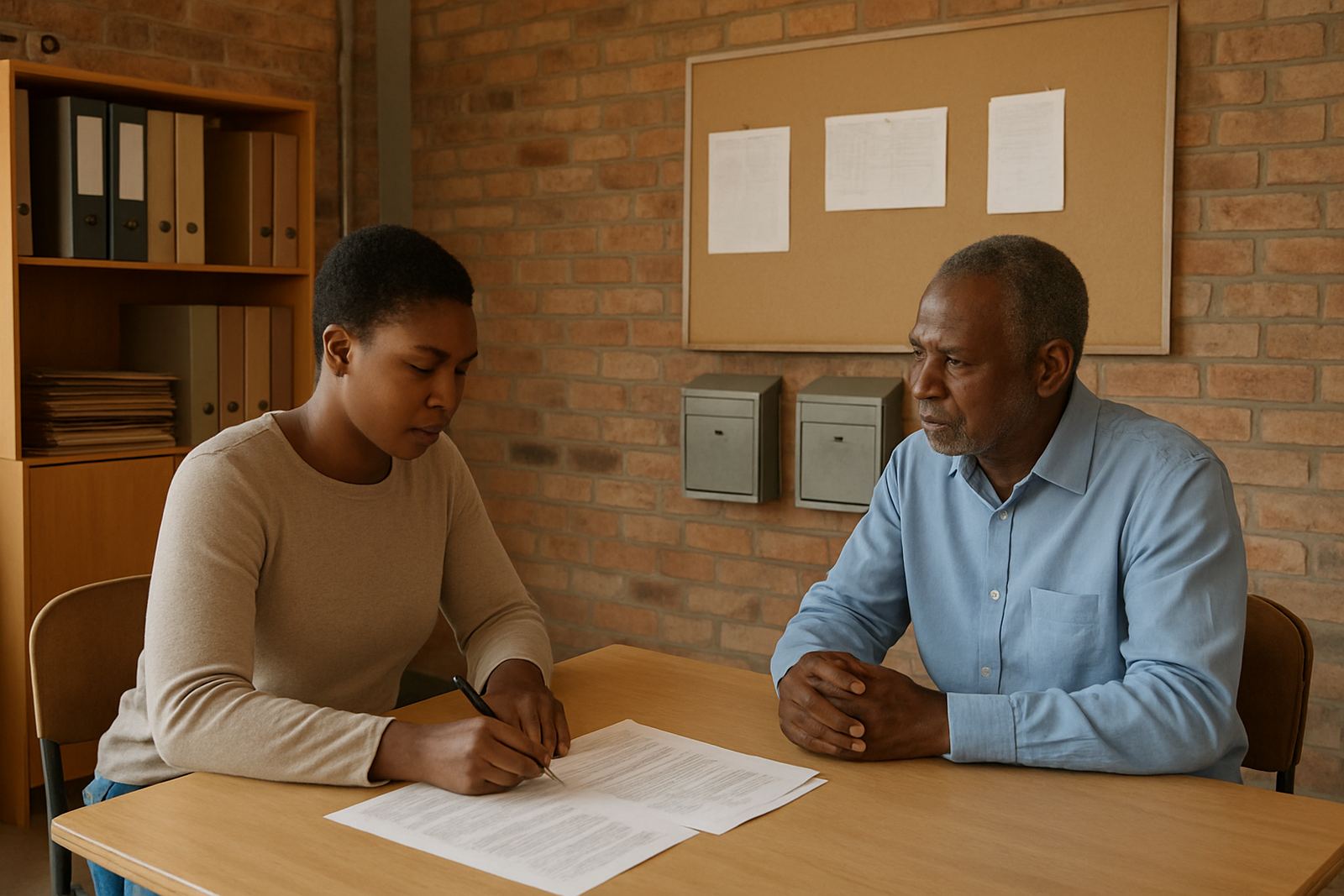
The brief from a busy Athlone volunteer team
The client was a community food relief group based in Athlone, serving households across Cape Town and surrounding areas. Their volunteers were doing good work, but the admin side was becoming messy. Shift notes lived in different places, donor enquiries were being replied to by several people at once, and the team could not easily see who was available for packing days, deliveries or collection runs.
They asked for a simple setup that would help them keep the work moving without pushing the budget too far. The main goal was to create one shared system for message, calendars and document access, with enough structure for a small team and enough flexibility for volunteers who worked irregular hours. They also wanted something that could keep running during power cuts, which is a real issue in many parts of Cape Town.
- Client type: food support group
- Town: Athlone, Cape Town
- Need: shared communication and volunteer coordination
- Constraint: limited budget and irregular volunteer availability
What was getting in the way
Before the change, the group was relying on a mix of personal message accounts, message threads and paper notes. That meant a volunteer could miss a change to a distribution time, or a donor request could sit unanswered if the one person who knew about it was not available. There was also no clean way to share rosters, packing lists or delivery notes without sending the same files around again and again.
Because the team worked with volunteers from different parts of the city, they needed access that was straightforward on a phone and on a basic laptop. Some team members were in Athlone, others in Bellville, Mitchells Plain or the city bowl, so the system had to work well across mobile data and patchy internet. They also wanted admin control to be clear, so only the right people could change calendars, move files or add new users.
- Multiple people replying to the same donor message
- Volunteer shifts changed without one central view
- Files and contact details were stored in different places
- Limited time for training, so the setup had to be simple
The setup we put in place
We linked the organisation’s domain and created a set of shared mailboxes for the main admin and coordination functions. That gave the team a proper structure for donor replies, volunteer messages and operational admin. We also set up shared calendars for distribution days, collection schedules and internal planning meetings, so everyone could see the same timetable.
Document collaboration was added for rosters, donor lists, stock counts and simple internal notes. We created the document space, set permissions and moved existing contact details across. To make the handover easier, we added mobile device setup for the key users and gave the admin team a clear process for adding or removing access when volunteers changed.
- Domain linking for the organisation’s message identity
- Mailbox setup for admin, volunteers and donor reply work
- Calendar setup for shifts, meetings and distribution days
- Document space setup for rosters and working files
How the rollout worked in three weeks
The project ran over three weeks. In week one, we handled the planning, confirmed the user list and mapped out which mailboxes and calendars the team actually needed. We also reviewed security settings and agreed on a practical handover process, because a small non-profit cannot afford admin confusion when people come and go.
In week two, we completed the mailbox setup, contact imports and calendar build. We then moved the existing material into the shared environment and tested access on a few phones and laptops. In week three, we did team training, go live support and a final admin handover. The last stage included answering the practical questions that always come up, like how to recover a deleted message or update a calendar entry when a volunteer is running late.
We kept the process calm and direct. The team did not need a long technical project plan, they needed something that would work on the day and still be understandable next month.
The results for donors and volunteers
Once the new setup was in place, the group could see volunteer availability at a glance and plan packing and delivery days without sending repeated reminder messages. Donor replies were easier to manage too, because messages landed in the right place and the team could track who had answered what. That cut down on duplication and helped them respond faster.
The document space also made a big difference. Instead of keeping the same rosters and lists in several versions, the team used one shared set of working files. That meant fewer mistakes, less back and forth, and less time wasted searching through old attachments. For a group doing food support work on a tight budget, those small time savings matter.
- Volunteer scheduling became visible in one shared calendar
- Donor responses were handled more consistently
- Roster and contact updates were easier to keep current
- The admin load was lower for the core team
How we would handle a similar NPO setup next time
We would use the same approach again for a food relief group, shelter, after-school programme or local outreach team. Start with the admin basics, keep the number of mailboxes sensible, and make the calendar structure match the real work rather than forcing people into a complicated system. That keeps adoption higher and the training shorter, which matters when the team is already stretched.
For organisations working in Cape Town, Johannesburg, Durban, Pretoria or Bloemfontein, we would also keep mobile access front and centre. Many volunteer teams rely on phones more than computers, and during load-shedding or travel between sites, a clear mobile setup can make the difference between a missed message and a timely reply. The aim is always the same: keep the admin simple enough that the people doing the real work can get on with it.
- Keep the mailbox structure lean
- Build calendars around actual shift patterns
- Train one or two admin leads properly
- Review security and access every time the team changes
Key facts
| Project location | Athlone, Cape Town |
|---|---|
| Client type | Food support group |
| Timeline | 3 weeks |
| Core services | Domain Linking, Mailbox Setup, Calendar Setup, Document Space Setup |
| Extra services | Mail Migration, Contact Imports, Mobile Device Setup, Admin Handover, Team Training |
| Support areas | Observatory Support, Cape Town Support, Johannesburg Support, Durban Support, Pretoria Support, Bloemfontein Support |