











Pick the best setup route for your organisation
Every organisation starts in a different place. Some need a fresh domain-linked mailbox structure for a small office in Observatory, while others are moving several branch teams in Cape Town, Johannesburg, Durban, Pretoria or Bloemfontein onto a shared system with calendars and document access.
The right setup depends on how many users you have, whether staff use phones or laptops, and how much old mail needs to be brought across. We look at your daily routine, who needs admin rights, and how much handover your team can manage in one go.
- New setup for a first-time rollout
- Migration from an old mail system
- Support for mixed office and remote staff
- Calendar and document access for group work
Mailbox setup and domain linking
We link your organisation's domain to the mail service and set up each mailbox with the right name, access and basic structure. That includes creating shared addresses where needed, setting display names, and making sure staff can send and receive from the correct account on day one.
For non-profits this is often about keeping things simple for donors, suppliers and volunteers. A clean mailbox setup helps with record keeping and avoids the confusion that comes from using personal accounts for official work. It also makes it easier to move staff on and off the system without drama.
- Domain linking and DNS guidance
- Mailbox creation for individuals and shared roles
- Default folders and sending rules
- Basic access checks before go live
Calendar and document space setup
Shared calendars and document areas are useful where more than one person needs to see meetings, deadlines or files. We set these up so your team can coordinate events, board meetings, volunteer rosters and project documents without sending the same file around ten times.
This matters most when staff are spread across offices or working from home. A properly arranged shared calendar stops booking clashes and document space setup gives teams one place for policies, minutes and working files. During load-shedding or weak connectivity, it helps if the most important information is easy to find once staff are back online.
- Shared calendars for teams and committees
- Document areas for policies, templates and reports
- Access levels for managers, staff and volunteers
- Folder structure advice for day to day use
Mail migration and contact imports
If your organisation already has mail elsewhere, we move messages, folders and contacts across with as little interruption as possible. That work is planned carefully so people do not lose important correspondence from funders, clinics, schools or local partners. A bit of prep goes a long way here, especially if old mailboxes are messy or full of duplicates.
We also import contacts so staff do not have to rebuild address books by hand. This is especially useful when there are many names to carry over, or when branch teams need a shared contact list that stays consistent.
- Message and folder migration planning
- Contact import and duplicate checks
- Cutover timing to suit your office hours
- Post-migration checks after go live
Device setup, admin handover and security review
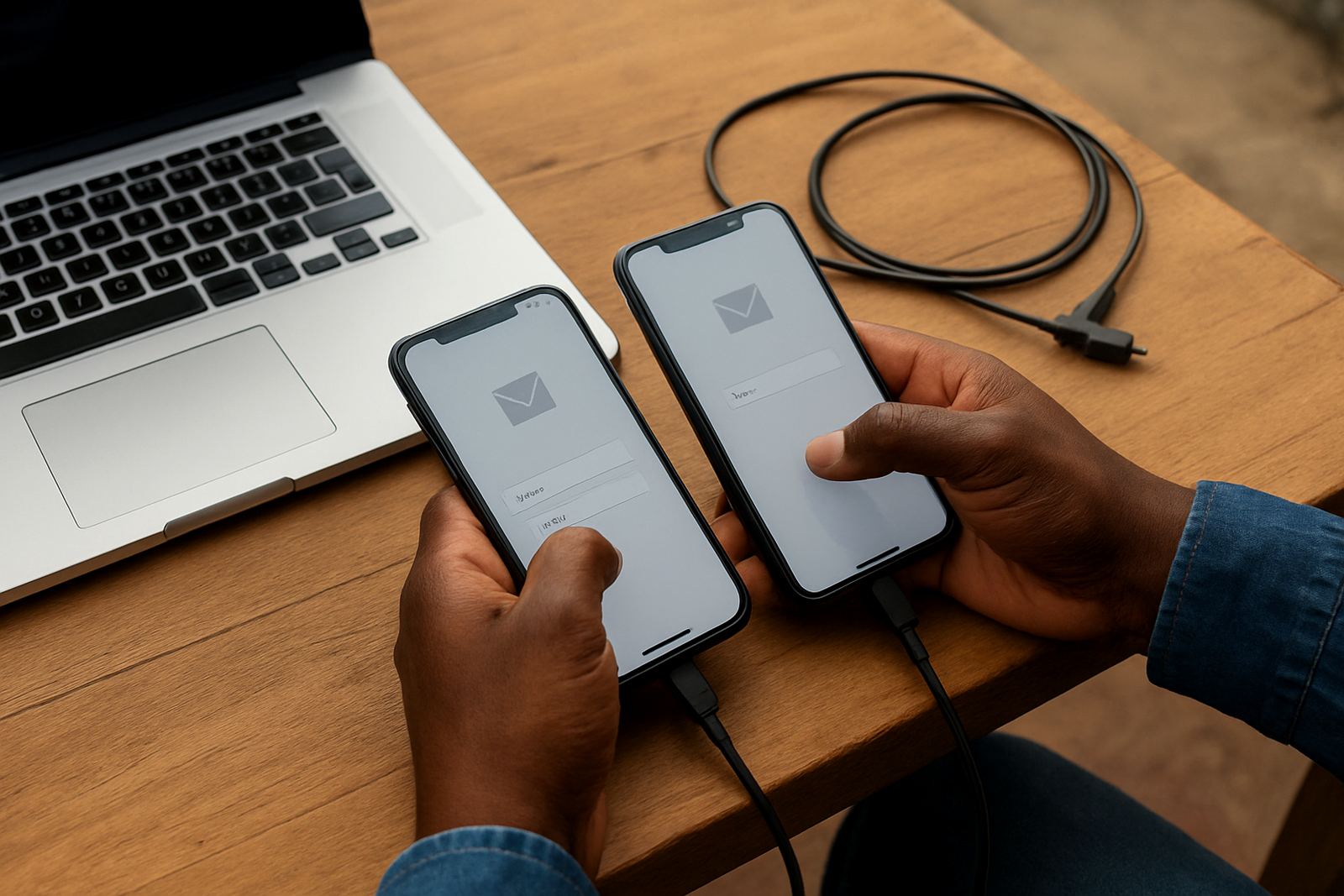
Once the service is running, users still need help getting connected on their phones, tablets and laptops. We assist with mobile device setup, account sign-in and the basics of syncing mail and calendars across the devices your team already uses.
We also prepare an admin handover so your internal staff know who can change passwords, add users or update settings. Where needed, we do a security review to check account recovery, access levels and basic protection practices. This is important for non-profits handling donor information, staff records or sensitive case work.
- Mobile and benchtop device setup
- Admin handover with clear responsibilities
- Security review for access and recovery settings
- Training for the people who will manage the system
Ongoing help after go live
Support does not end once everyone has logged in. Staff often need help with new starters, password resets, calendar sharing or a small permission change that needs sorting quickly. We provide ongoing admin help so your team is not left guessing when something changes.
Our support is practical and direct. You can use it for questions about daily use, small configuration changes, or a fresh round of training when a new coordinator joins. For organisations in coastal areas such as Cape Town or Durban, that extra backup can be helpful when internet problems or power cuts throw the routine off abit.