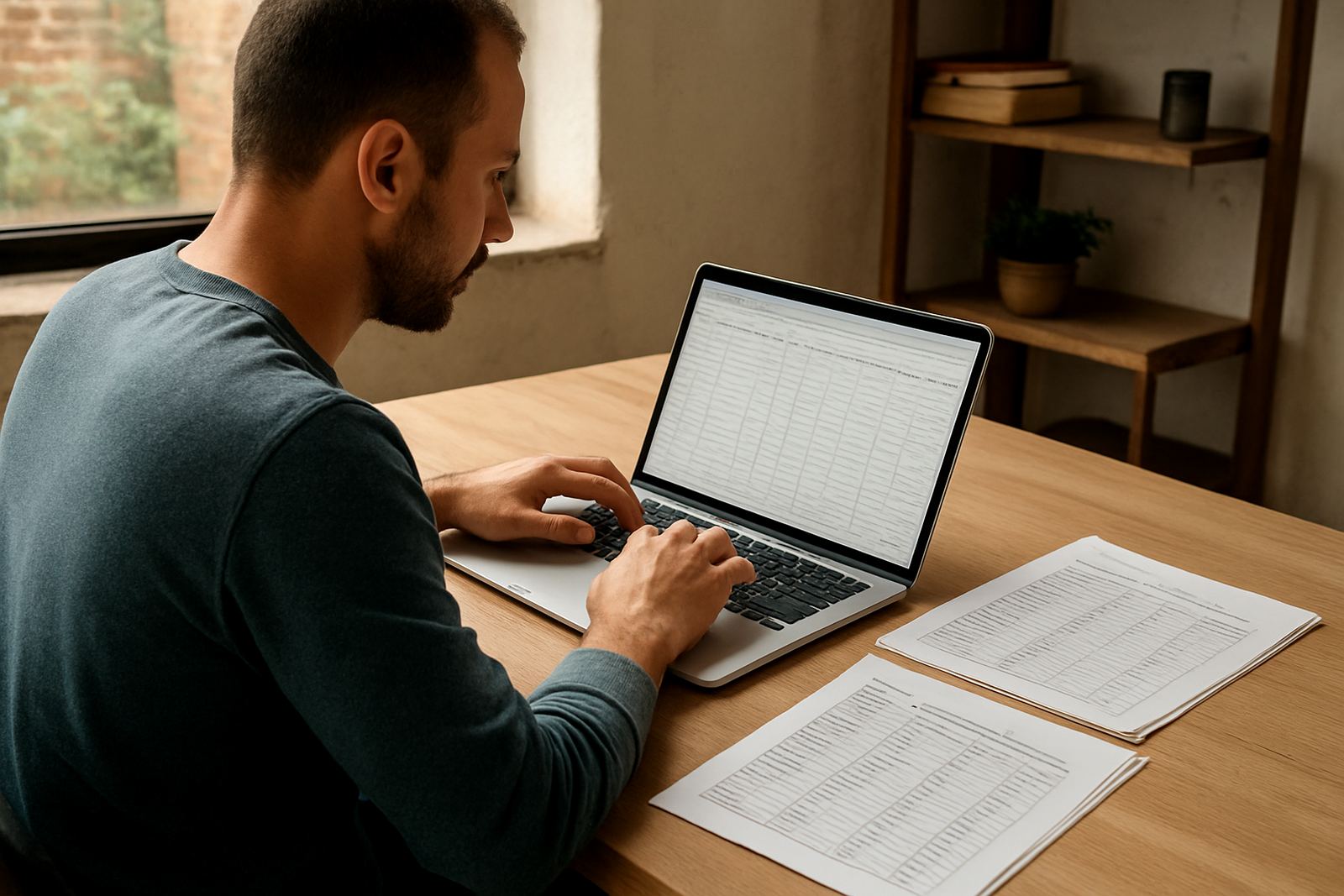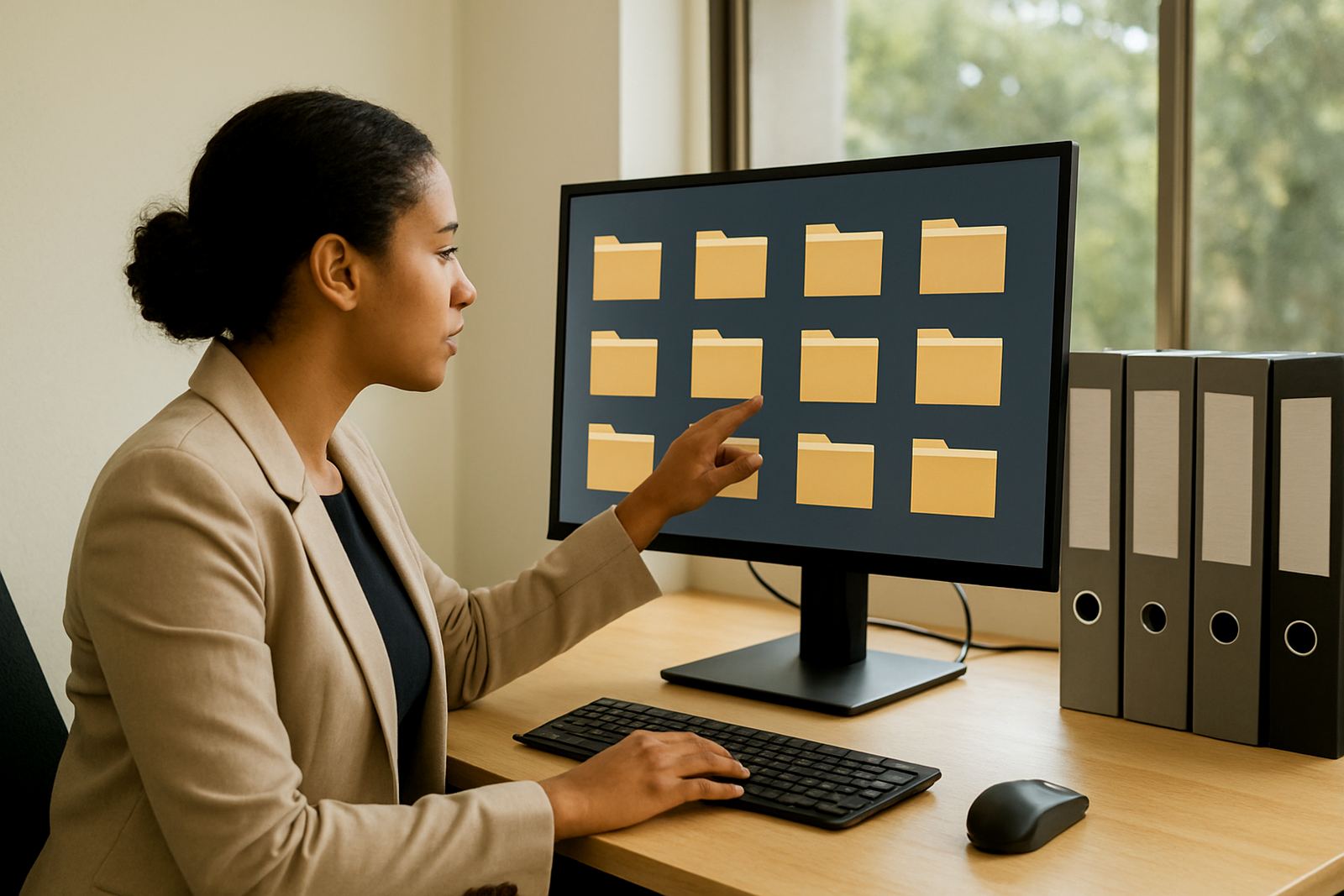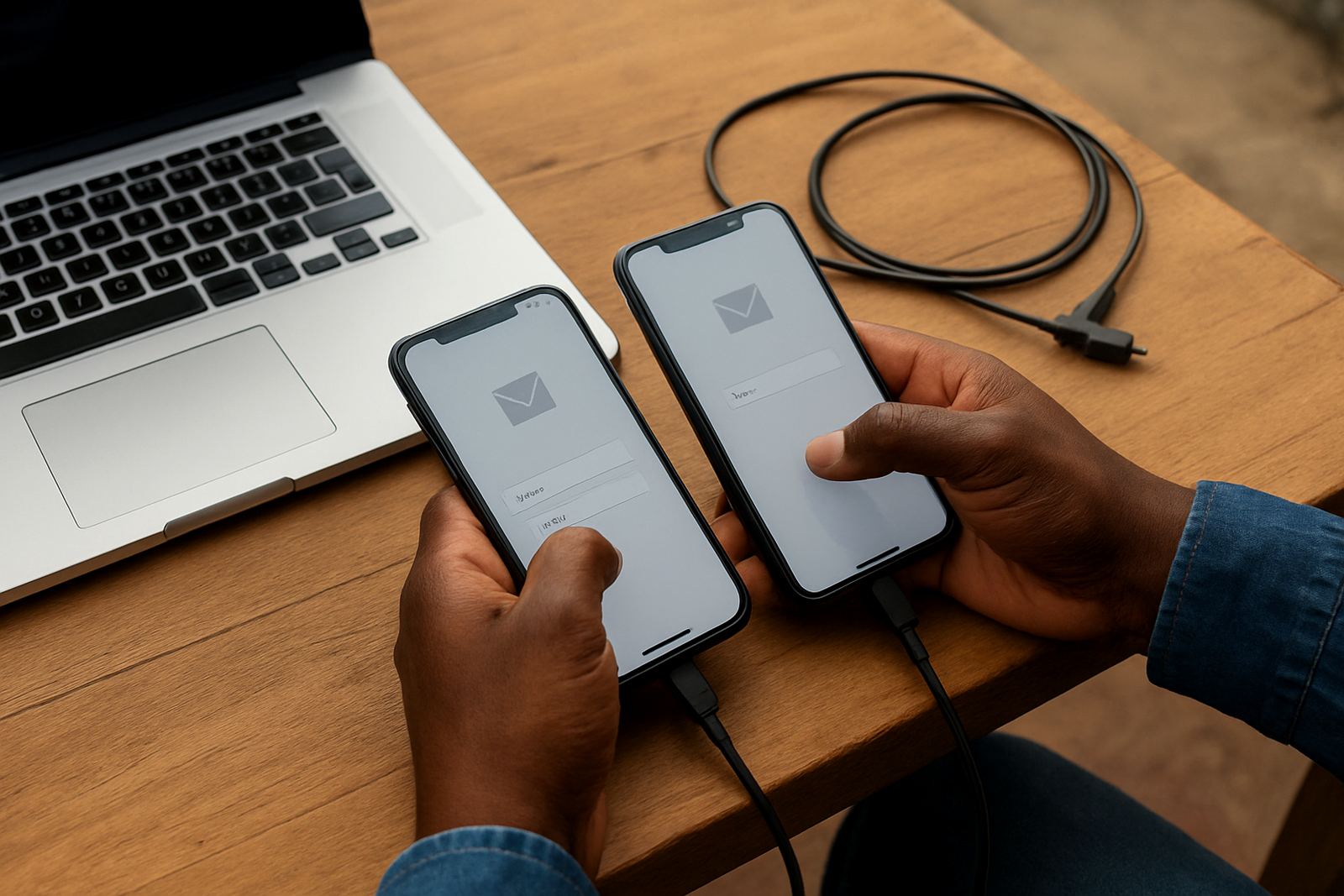
What Mobile Device Setup Covers
Mobile Device Setup is the step where your organisation message, shared calendars and contact lists are added to staff phones and tablets in a proper way, with the right permissions in place. It is useful for teams working across Cape Town, Johannesburg, Durban, Pretoria and Bloemfontein, especially where staff are out on site, travelling between offices or working through load-shedding windows.
We prepare each device for daily use so users can send and receive mail, book meetings, view shared calendars and find organisation contacts without having to ask for help every time. If your team handles community visits, donations, training days or board meetings, this keeps communication practical and organised.
- Message account setup for each user or shared role account
- Calendar sync for team and management schedules
- Contacts sync for organisation and approved shared contacts
- Basic security settings, including passcode guidance and screen lock checks
- Account testing on mobile data, Wi-Fi and low signal conditions
Devices and Settings We Support
We work with common mobile devices used in South African workplaces, including newer and older models that are still in good condition. Where possible, we set up mail, calendars and contacts through secure sync methods so users can keep working whether they are in the office or on the road. If a device is too old to support current security requirements, we will say so upfront instead of wasting your time.
Settings are chosen to suit your organisation's use. For example, a field worker may need full calendar access and quick contact search, while an accounts user may only need mail and calendar alerts. We also check storage space, notification behaviour and battery use so the setup does not become a headache later.
- Smartphones and tablets with current operating system support
- Mail app configuration for secure sending and receiving
- Shared calendar access for approved staff
- Contact sync for team directories and important external contacts
- Push notifications, sync frequency and offline access settings
How We Set It Up From Start to Finish
We keep the process straightforward. First, we confirm who needs access, what each person should see, and whether the device will be used for full-time work or just occasional check-ins. Then we prepare the account details and confirm the device type, operating system version and available storage. Once that is in order, we move ahead with the setup.
After the connection is made, we test sending and receiving mail, opening shared calendars and syncing contacts. We also check that the device can reconnect after a restart or network change, because that is where many small issues show up. If staff need help with first-use habits, we show them how to switch between inboxes, update calendar views and avoid accidental deletions.
- Step 1: Confirm users, permissions and device list
- Step 2: Review device compatibility and update status
- Step 3: Configure accounts, sync and security settings
- Step 4: Test mail, calendar and contacts on the device
- Step 5: Hand over with short user guidance and support notes
Turnaround Times and Rollout Planning
For a single device, setup can often be completed the same day once access details and approvals are ready. For small teams, we usually plan the rollout over one to three working days depending on how many devices are involved and whether users are in one place or spread across branches. If your staff are based in Observatory, Bellville, Stellenbosch or other nearby areas, we can often move faster because collection and handover are simpler.
For larger non-profit teams, we stagger the work so the main office does not lose time while everyone is waiting on the same step. That matters when staff are handling donor queries, transport schedules or public meetings and cannot afford long delays. If there is a deadline for a training session, audit or campaign launch, tell us early and we will plan around it.
Pricing Approach for Non-Profit Teams
Our pricing is kept practical for non-profit budgets. We normally quote according to the number of devices, the amount of setup needed per user, and whether the work includes migration from an older device or from another mail system. Simple setups are priced lower, while mixed device environments, large contact imports or multiple calendar groups may need a wider scope.
We do not push unnecessary extras. If your organisation only needs mail on staff phones and one shared calendar, we quote for that. If you need mobile access for managers, support staff and volunteers across several offices, we will price the rollout clearly so you can budget properly in Rand before the work starts.
- Single device setup or small batch rollout
- New account connection or existing account migration
- Basic user support included during handover
- Optional follow-up for staff who need extra help
Maintenance and Ongoing Support Intervals
Mobile devices need occasional attention, especially when staff replace handsets, update software or change passwords. We recommend a light maintenance review every three to six months, and sooner if your team changes roles often or uses shared calendars heavily. That check helps keep sync issues, duplicate contacts and notification problems under control.
In organisations with high staff movement or volunteer turnover, it is also worth doing a short review after any new intake. We can confirm new device access, remove old accounts and make sure the right people still see the right calendars. It saves time later and avoids confusion when someone leaves and their phone is still connected.
- Periodic sync checks and account refresh
- Review of old devices, removed users and duplicate contacts
- Password change support and re-authentication help
- Quick checks after operating system updates or handset replacement
Why This Matters for Day-to-Day Work
For a non-profit, mobile access is not just a convenience. It helps staff reply to urgent mail, confirm visits, check venue changes and keep meetings on track when they are away from a laptop. In places where power cuts, traffic and travel time get in the way, having a properly set-up phone or tablet can make the difference between a missed message and a timely response.
We serve organisations across South Africa from our Observatory, Cape Town base, with support for teams in Cape Town, Johannesburg, Durban, Pretoria and Bloemfontein. Clients reach us through the enquiry form on our contact page, and we guide each setup with the same careful approach whether it is for one manager or a whole staff group.
Key facts
| Service type | Mobile connection setup for organisation message, calendars and contacts |
|---|---|
| Typical turnaround | Same day for one device, 1 to 3 working days for small team rollouts |
| Supported use | Mail, shared calendars, contacts, notifications and sync checks |
| Device scope | Smartphones and tablets with current operating system support |
| Maintenance interval | Every 3 to 6 months, or after staff changes and device replacement |
| Pricing basis | Quoted by device count, setup complexity and any migration work |