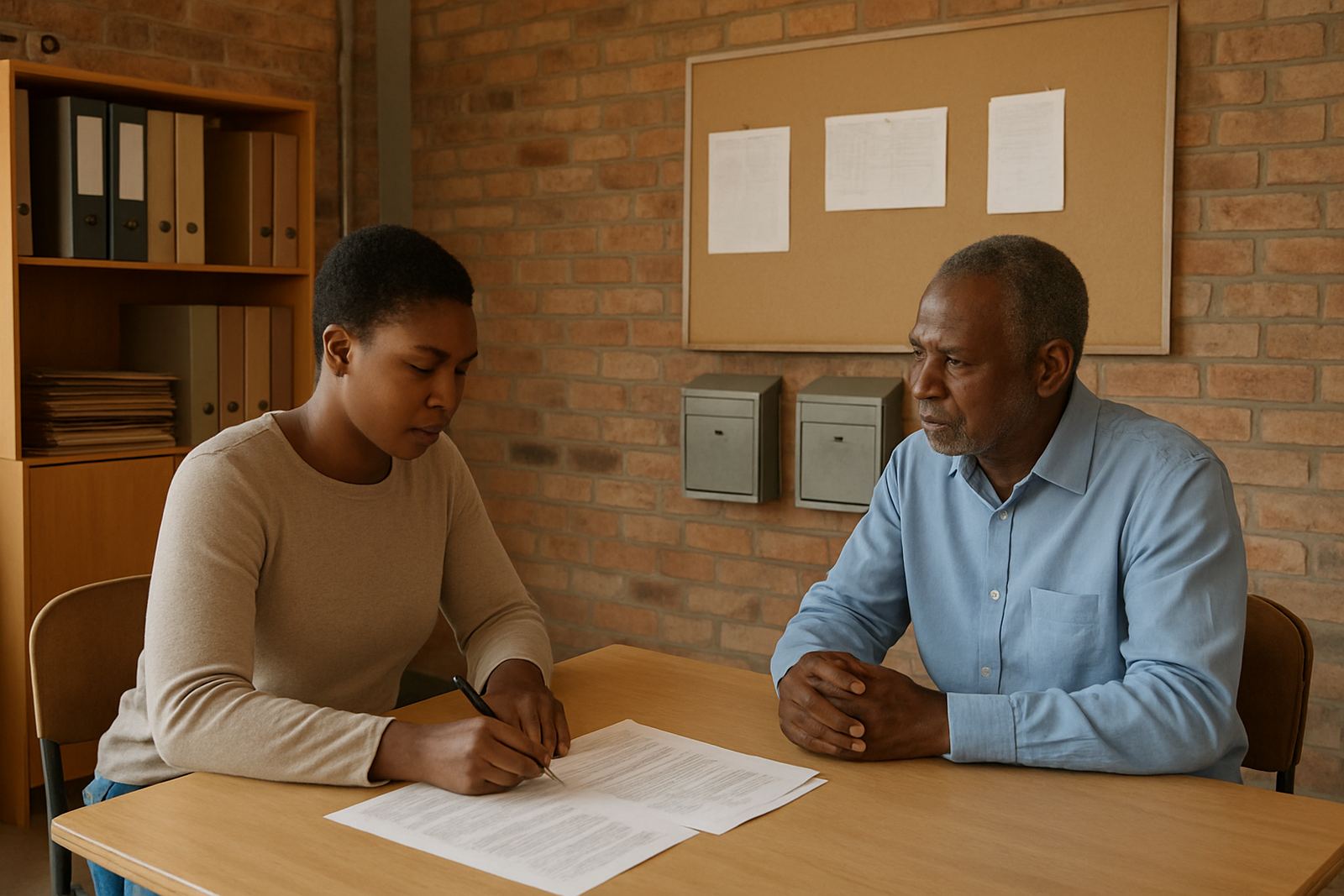
What the foundation needed in Soweto
The brief came from a community foundation working in Soweto with a small admin team, trustees and programme leads spread across different sites. They needed professional email addresses for donor communication, a shared calendar for meetings and deadlines, and a central document space for policies, funding reports and committee packs. Their old setup had a mix of personal mailboxes and free accounts, which made handovers messy and made it hard to keep track of approvals.
Budget mattered, but so did reliability. The team could not afford a complicated system that would eat into grant money or require constant IT help. They wanted something straightforward that the office manager could run, with clear access for staff and committee members, and a setup that would still work properly during load-shedding and when people were working from home or from partner sites.
We started by mapping who needed access to what. That included donor-facing addresses, internal mailboxes, calendar sharing between the programme team and management, and separate document areas for governance, fundraising and operations. The structure had to be simple enough for non-technical users but tight enough to keep sensitive files away from general access.
Constraints we planned around
Soweto offices do not always have stable connectivity all day, and this client had the usual mix of limited staff time, shared devices and intermittent power interruptions. That meant the setup had to be light on admin and easy to use on phones as well as on laptops. We also had to keep the migration clean because the team had years of contact details and old messages that still mattered.
Another constraint was governance. The foundation needed committee access without giving everyone full control over everything. Some people only needed to view shared documents, while others had to approve changes or manage calendars. We also had to make sure the donor-facing names were consistent across mailboxes so incoming messages would go to the right people, even when staff were away.
- Location: Soweto, Gauteng
- User group: office staff, trustees and programme leads
- Use case: donor communication, committee coordination and document control
- Main risks: version confusion, inbox access gaps and poor handover when staff changed
- Operating reality: mobile-first usage, load-shedding and shared admin duties
How we set up the mail and collaboration space
We linked the organisation's domain, created the new mailboxes and set up the shared calendar structure. The donor-facing addresses were arranged so messages could land in the right inboxes without needing constant forwarding. We also created shared committee calendars for board meetings, report deadlines and programme visits, which helped the team stop relying on handwritten notes and scattered reminders.
For documents, we set up a central space with folders for governance, donor reporting, HR, finance and programme files. Access was assigned by role, not by guesswork. That meant the finance lead could see finance material, the chairperson could access board papers, and the wider team could work from the same source without overwriting each other's documents. We also imported contacts from the existing mail system and cleaned up duplicates where needed.
Device setup was included for the phones and laptops used by the team. We configured access on the main devices, checked calendar syncing and made sure mailbox logins were working before handover. The goal was to make it easy for staff to open the same inbox, calendar or file from the office, from home, or on the road between meetings.
- Domain linking for the foundation's official addresses
- Mailbox setup for donor and internal communication
- Calendar setup for committees, meetings and deadlines
- Document space setup for reports, governance and shared working files
- Contact imports from the previous system
- Mobile device setup for staff using phones as primary access
Timeline from first meeting to go-live
The project ran over three weeks from the first planning call to full handover. Week one was discovery and structure, where we mapped users, mailbox names, calendar needs and file categories. Week two covered the migration itself, including mailbox moves, contact imports and the creation of shared areas. Week three was testing, training and go live support.
We kept the timing tight because the foundation had donor deadlines and committee meetings already on the calendar. The handover had to happen without disrupting correspondence. To avoid confusion, we staged the migration in sections and kept a clear cutover plan so the team knew when to stop using the old accounts and start using the new ones. That reduced errors and made the transition less stressful for everyone involved.
At the end of the third week, the office manager had a clear admin process, the team could book meetings in one place, and the documents were organised in a way that made sense for everyday use. The system was ready before the next reporting cycle, which was the main target from the start.
Results the foundation saw straight away
The biggest change was order. Donor mail no longer landed in a mix of personal accounts, so responses were easier to track and handovers became cleaner. Committee members could see the same calendar without phoning around for dates, and staff could work from shared documents without wondering which file was the latest version.
The foundation also gained a better sense of control over access. Instead of one person holding everything together informally, responsibilities were split properly. That matters for a non-profit because staff changes, leave and volunteer turnover are part of normal operations. With the new structure in place, the organisation had fewer delays around approvals and less time spent searching for attachments or chasing updates.
We also saw an improvement in confidence. Once the team understood where to file documents, how to share calendars and how to use the new mailboxes, they stopped treating the system like a special project and started using it as normal office tools. That is usually the point where the value shows up, because the admin burden drops and people can focus on the work in the community.
What we would repeat for another Soweto non-profit
If we did this again for another foundation in Soweto or anywhere else in Gauteng, we would follow the same pattern: keep the structure simple, separate roles clearly and train the admin lead early. A non-profit does not need a complicated setup. It needs something that staff can use every day without calling for help each time a meeting changes or a report needs updating.
We would also keep the migration staged, with a proper contact clean-up and a short training session before go live. That avoids clutter later on and helps the team settle into the new system faster. For organisations that rely on trustees, volunteers and outside partners, that kind of planning makes a practical difference.
- Keep mailbox naming consistent from the start
- Use shared calendars for governance and programme work
- Separate sensitive folders from general team access
- Train the office lead before the final cutover
- Allow for load-shedding and mobile access in the rollout plan
For this project, the setup did exactly what it needed to do: make communication clearer, reduce admin strain and give the foundation a proper working base that fit its budget.
Key facts
| Client type | Community foundation |
|---|---|
| Town | Soweto, Gauteng |
| Project length | 3 weeks |
| Core services | Domain linking, mailbox setup, calendar setup, document space setup, mail migration, contact imports, mobile device setup |
| Team involved | Managing Director, Operations Manager, Client Success Lead, Support Engineer, Migration Specialist, Training Coordinator |
| Outcome | Donor-facing mail, shared committee calendars and controlled document collaboration with cleaner handover and less admin |