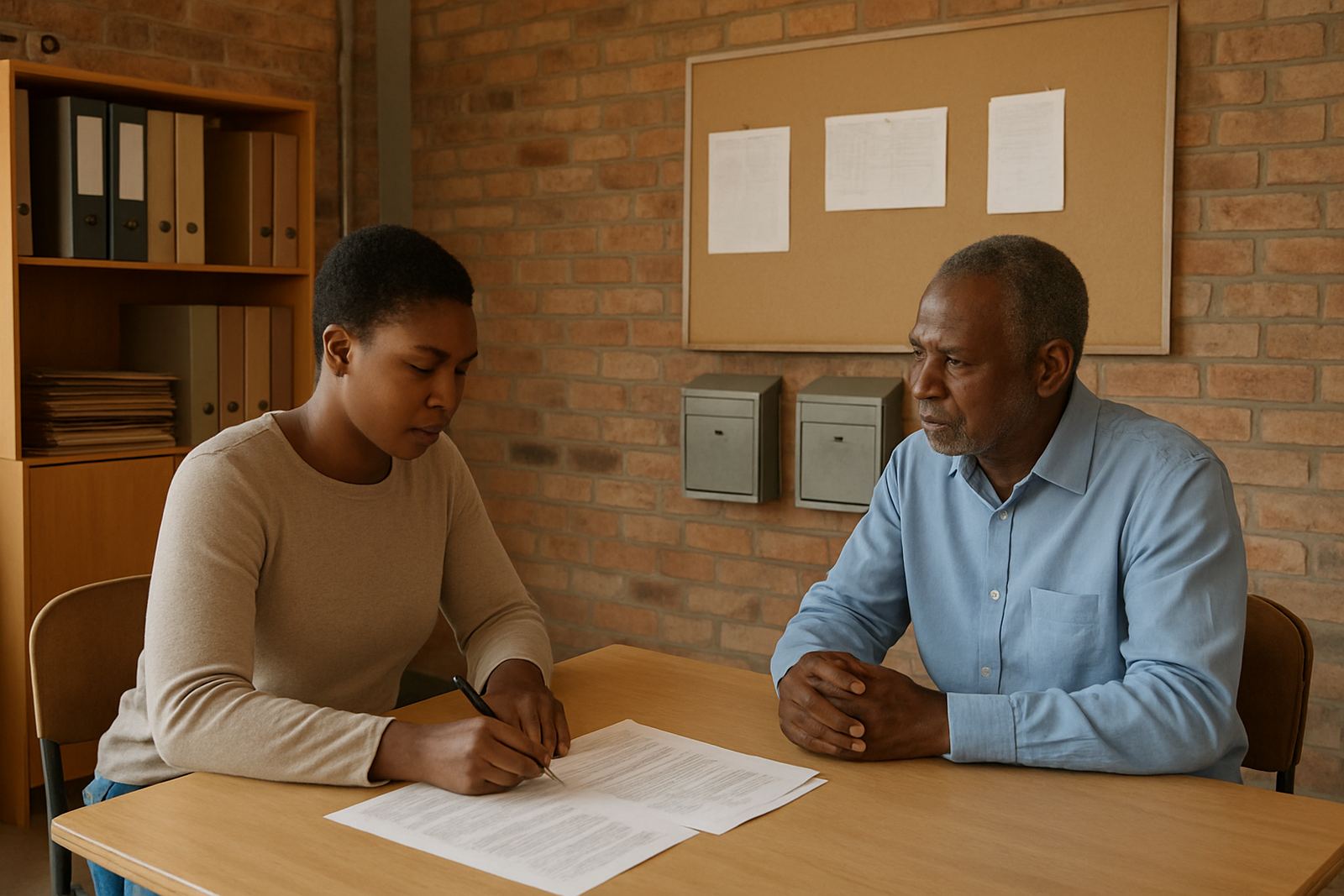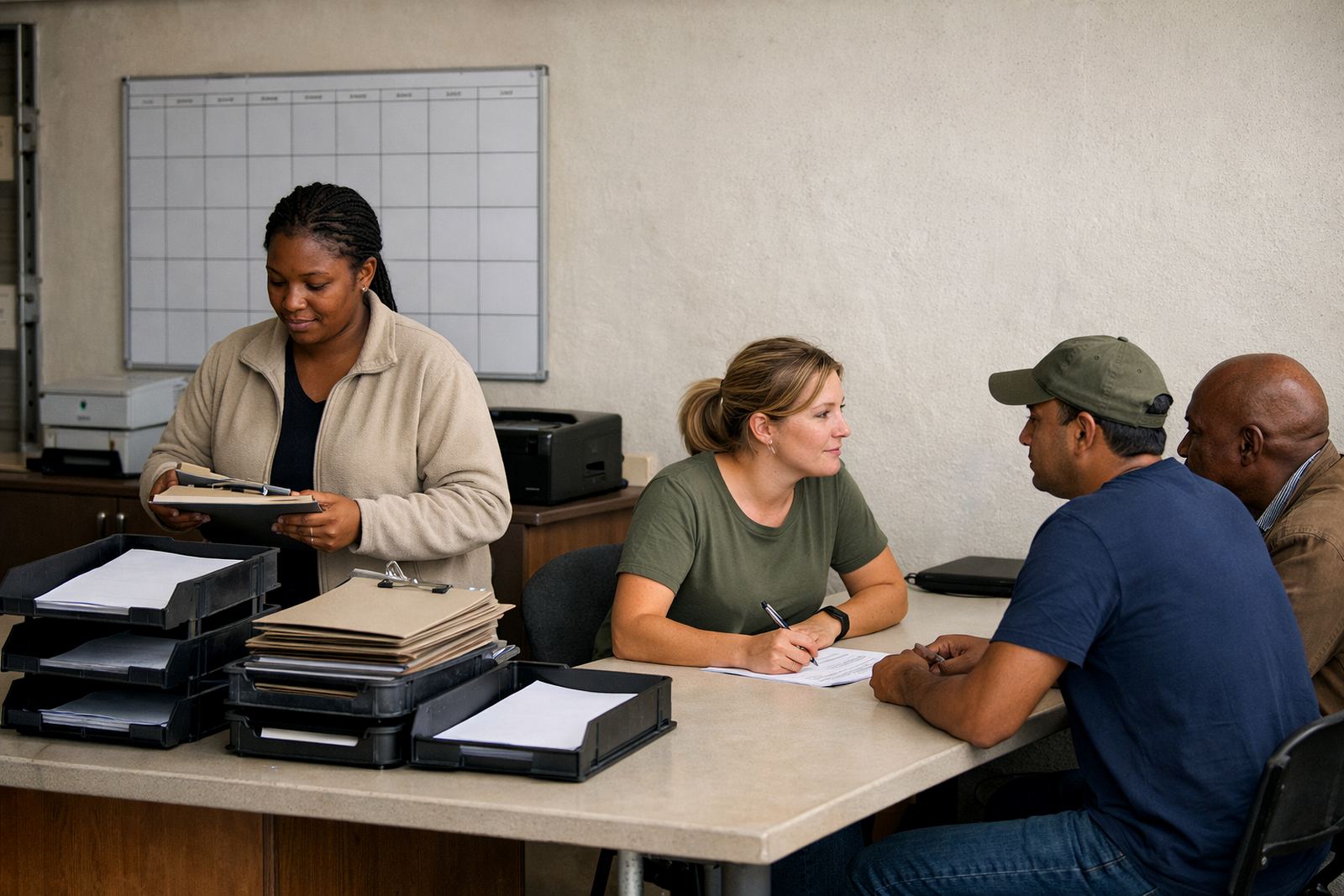
The brief from a Bloemfontein membership office
The organisation came to us with a practical problem. Their membership work was growing, but renewals, notices, RSVP lists and event admin were still being handled through personal accounts and forwarded messages. That caused missed follow ups, confusion about who had replied, and duplicate work when staff changed shifts or were away for meetings in town.
The brief was to introduce role mailboxes for renewals, notices and events, then link everything to a shared calendar and document area. The team wanted something affordable, easy to learn, and suitable for people working from Bloemfontein, Johannesburg or home without needing a technical background. They also needed a setup that would keep working cleanly when the admin load increased before annual meetings, and during periods when power cuts slowed everyone down.
What we had to work within
The main constraint was continuity. The organisation could not afford downtime while the team was moving away from personal mail use, and they needed the handover to happen in stages. Some staff were used to checking mail on phones, while others worked on shared office computers, so mobile setup and clear sign-in access were important. They also wanted to keep the process simple for committee members who only needed to receive notices and calendar invites.
Another limit was budget. As a member-based body, every Rand had to be justified. We kept the structure lean, used role-based access instead of unnecessary extras, and made sure the team would be able to manage the new system after go live without paying for outside help every week. The client also wanted a clear admin trail for notices and event changes, which meant we had to think carefully about folders, permissions and shared ownership.
- Location: Bloemfontein, with remote access for staff in other SA cities
- Core use: renewals, member notices, event planning and admin handover
- User setup: staff desktops, laptops and mobile devices
- Priority: low admin overhead and easy handover between roles
Role mailboxes and shared tools we supplied
We supplied mailbox setup for the main functions the team needed: renewals, notices and event administration. Each role mailbox was configured so that messages could be seen by the right people without relying on one staff member’s personal account. This helped the office keep replies organised and made it easier to cover leave periods or staff changes.
We also set up calendar sharing for internal deadlines, event dates and meeting reminders. Shared document space was arranged for membership lists, notice templates, event checklists and supporting files. Contact imports were handled so the team could move existing records into the new system with less manual typing, which saved a lot of time. We then linked the organisation’s domain to the mail service and checked that the sign-in and sending details were working across the team. A few records needed tidying up, but we sorted that during the migration window.
- Domain linking for the organisation's address structure
- Mailbox setup for renewals, notices and event admin
- Calendar setup for deadlines and committee dates
- Document space setup for shared files and templates
- Contact imports to reduce manual data entry
How the migration was handled over three weeks
The work ran over three weeks. In week one we reviewed the existing setup, identified who needed access to each mailbox and confirmed which folders, contacts and calendars had to move. Week two covered the migration itself, including mailbox creation, contact imports and the transfer of key documents. During that stage we also checked mobile device access, because several staff members relied on phones to manage messages while away from a desk.
Week three focused on go live support, admin handover and training. We worked through sending from the role accounts, using shared calendars, managing folder rules and keeping documents in the correct space. The team asked practical questions about everyday use, which was expected. Once those were answered the transition settled in quickly and the admin load became easier to track. We made sure the handover notes were straightforward so the office could manage the setup without a technical person sitting next to them all the time.
Training for staff and committee handover
The organisation needed more than a technical move. They needed people to feel comfortable using the new system. We ran team training for the admin staff and those responsible for membership communications, then followed that with a short admin handover session so the office knew how to add users, manage calendars and keep documents in order.
Training covered the day to day work that matters in a membership office: sorting notices, keeping event updates in one place, checking whether a renewal had been answered, and making sure the right person could see the right mailbox. We also covered security review points, including shared access, password care and what to do if a phone was lost or a staff member left. That part matters more than people expect, especially where several people handle the same inbox. It keeps things tidy and prevents old access hanging around.
- Team training for office staff and membership coordinators
- Admin handover for mailbox and calendar control
- Security review for shared access and device use
- Ongoing admin help available after go live
What changed after go live
After go live, the biggest change was clarity. Renewals no longer disappeared into personal mailboxes, event notices were easier to track, and the team could see upcoming dates in one shared place. That reduced duplication and cut down the number of times someone had to ask, “who replied to this?” The office also found it easier to cover work during leave, because the role mailboxes made responsibilities visible.
The shared document area helped with consistency too. Notice templates, attendance lists and event files were stored together instead of being copied around between laptops and phones. For a membership body, that sort of structure is not flashy, but it saves real time every month. It also helps when the office has to act before a deadline or after a committee decision. If we had to do this one again, we would keep the same phased approach and spend just as much time on training as on the migration itself.
Why this setup suits membership bodies
This project worked because it matched the way a membership organisation actually operates. There are recurring deadlines, more than one person handling the same enquiries, and a constant need for documents to be current. A shared mail and collaboration setup is a better fit than scattered personal accounts, especially when the office must keep service going through load-shedding, leave cycles and event season pressure.
For groups based in Bloemfontein and serving members across South Africa, a well planned setup gives structure without adding admin strain. Our recommendation would be to keep role accounts for key functions, review access every few months, and train new staff as part of their first week. That keeps the system useful long after the first migration has been completed.
Key facts
| Project type | Membership body message and collaboration setup |
|---|---|
| Town | Bloemfontein |
| Timeline | 3 weeks |
| Core services | Domain Linking, Mailbox Setup, Calendar Setup, Document Space Setup, Mail Migration, Contact Imports, Mobile Device Setup, Admin Handover, Security Review, Team Training, Go Live Support, Ongoing Admin Help |
| Primary users | Admin staff, membership coordinators and committee contacts |
| Key outcome | Role mailboxes for renewals, notices and event administration |