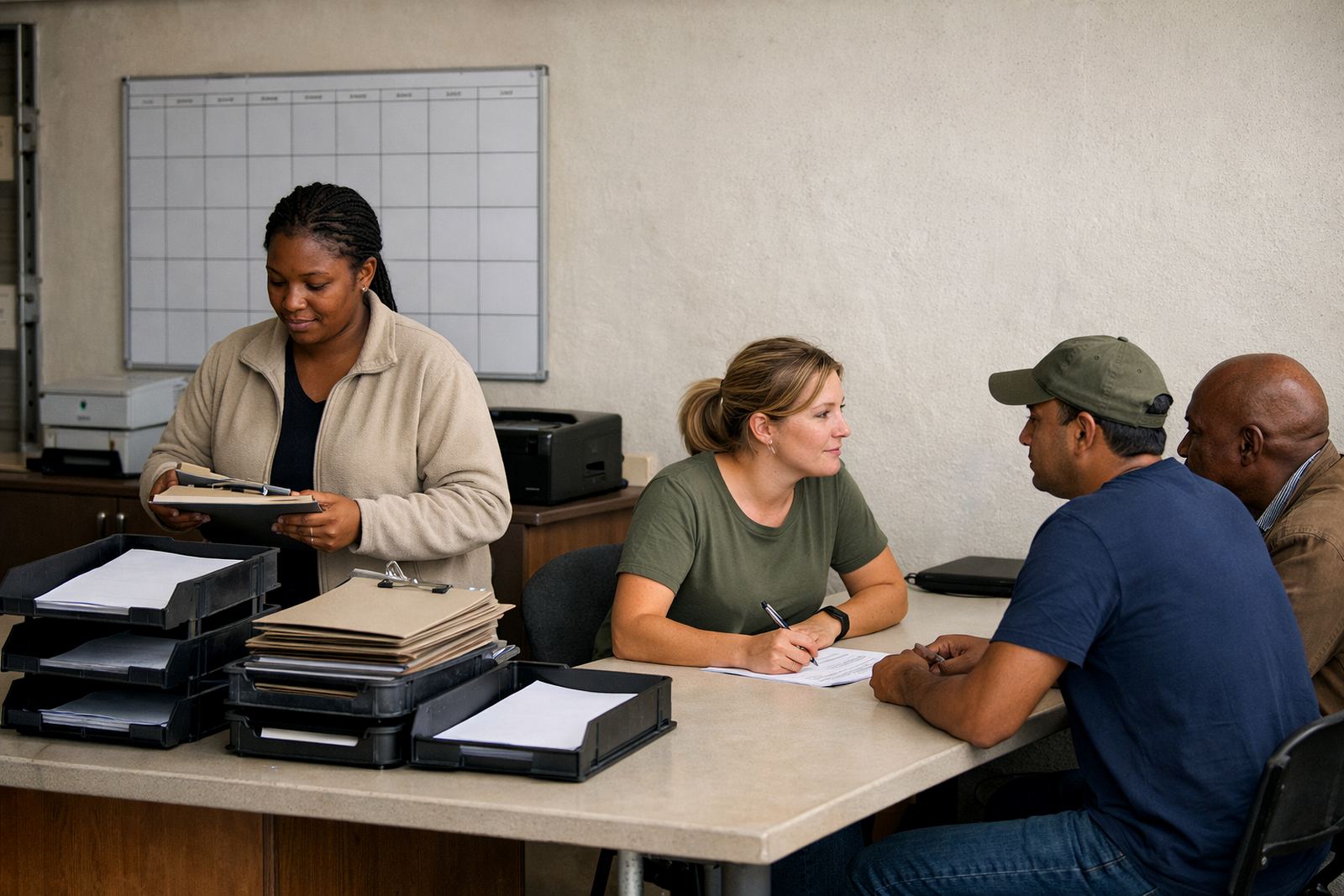
What the trust needed in Stellenbosch
The trust was managing trustees, programme staff, and learner support from different inboxes that had built up over years. Some accounts were still tied to old passwords and older devices, while shared documents lived in separate places and messages were being missed during busy reporting periods.
The brief was practical: migrate the mail, keep the address structure intact, and give the team a better way to share governance documents and support files. They also wanted a system that would be easy to maintain, because staff changes happen and nobody wanted to start from scratch each time a role changed.
- Client type: education trust based in Stellenbosch
- Work needed for governance, admin, and learner support teams
- Legacy mail migration with shared folder access
- Calendar sharing and document collaboration for internal coordination
The main constraints we worked around
The biggest constraint was continuity. Trustees still needed access to current correspondence, and the learner support team could not afford delays while term schedules, referrals, and meeting notes were being shifted across. We planned the cutover so the existing mail could stay live right up to the handover point, then moved accounts in stages.
There was also the usual South African reality to deal with. Some staff were in and out of office during load-shedding windows, and a few were working from home part of the week, so mobile setup mattered. We had to keep the process simple enough that users on older phones and laptops could still sign in, sync, and find the right shared folder first time.
- Staged migration instead of a single mass switch
- Mobile access tested on mixed devices
- Shared folders arranged by function, not by individual user
- Permissions set for trustees, admin staff, and support staff separately
What we supplied and set up
We linked the organisation’s domain, created mailboxes for each role, and built a shared structure for governance and learner support work. The folder layout was designed to make sense to a small team, with clear names for board papers, programme notes, correspondence, and records that needed to be kept for audit purposes.
We also set up calendars so meeting dates, deadlines, and review sessions could be seen across the relevant teams. Document space was configured for shared files, and we imported contacts where it made sense to keep the address book clean. The admin handover included simple rules for who can create, edit, and archive items, which saved a lot of back and forth later.
- Domain linking and mailbox setup
- Mail migration from the old system
- Calendar setup for trustees and staff
- Document space setup with folder sharing
- Contact imports and mobile device setup
- Admin handover with security review
The migration timeline and handover
The project ran over three weeks. Week one was discovery and planning, with account lists checked, permissions mapped, and the migration order confirmed. Week two covered the mailbox move, folder structure, and calendar setup. Week three was training, final checks, and go live support while the team settled into the new routine.
Because the trust relied on a small number of key staff for approvals and learner communication, we kept the handover tight. Support calls were kept short and practical, with enough detail to get people moving confidently but not so much that they were overloaded. A small typo in a folder name was caught during review and corrected before it could cause confusion, which is exactly the sort of thing that saves time later.
- Week 1: audit, planning, permission mapping
- Week 2: mail migration and setup
- Week 3: training, testing, go live support
Results for the governance and support teams
The trust now works from a cleaner mailbox structure, with shared folders that reduce duplicate filing and missed replies. Trustees can find board papers faster, and the learner support team can keep referral notes and follow-up files in one place instead of hunting through several inboxes.
Calendar sharing made it easier to track meetings and deadlines across roles, especially when staff are travelling between sites or working remotely. The organisation also has a clearer admin process now, so changes to staff, devices, or passwords do not turn into a long disruption. In practice, that means less time spent fixing access issues and more time spent on the actual work of the trust.
- Fewer missed messages and less duplication
- Clearer access for trustees and staff
- Better visibility on meetings and deadlines
- Cleaner support for changing roles and new users
What we would do again for a similar trust
We would use the same staged approach again, especially for a non-profit with mixed device use and people working between office and home. It keeps risk down and gives each group time to adjust before the next step goes live.
We would also keep the folder structure simple from the start, with only the permissions the team actually needs. Too many layers slow people down, and for a trust that has to balance admin, governance, and learner support, simple usually works best. Training should always happen before the final cutover, not after, so users are ready when the new system becomes the normal way of working.
- Staged migration for lower risk
- Simple folder structure with role-based access
- Training before go live, not after
- Practical handover for future admin changes
Key facts
| Project location | Stellenbosch, Western Cape |
|---|---|
| Client type | Education trust |
| Migration timeline | 3 weeks |
| Core services | Mail Migration, Mailbox Setup, Calendar Setup, Document Space Setup |
| Support scope | Domain Linking, Contact Imports, Mobile Device Setup, Admin Handover, Security Review |
| Coverage | Support for teams in Cape Town, Johannesburg, Durban, Pretoria and Bloemfontein |