What the organisation needed in Centurion
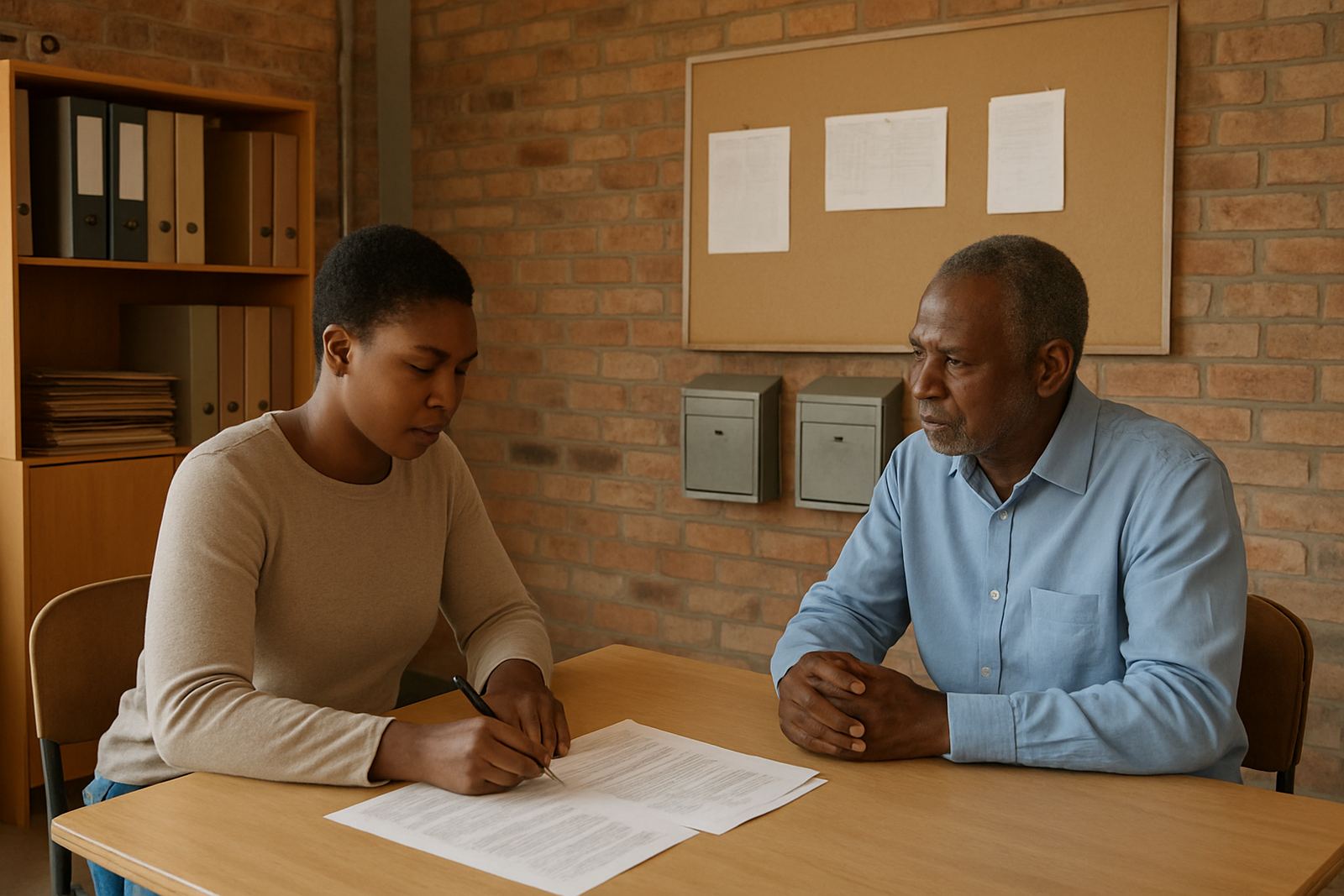
The client was a disability support organisation based in Centurion, serving families, caregivers and programme teams across Gauteng. Their day to day work depended on shared schedules and access to the latest forms and notes, but their old setup made that hard. Messages were sitting in individual mailboxes, calendars were not visible to everyone, and important documents were being passed around by attachment.
The brief was practical. They needed a low-cost service that would suit a non-profit, give staff proper organisation email addresses, and allow the admin team to keep track of facilitator bookings, family meetings and follow-up tasks. They also needed something that could be managed locally, with support people who understood school terms, therapy schedules, municipal hours and the reality of load-shedding when the team was trying to work in the afternoon.
The constraints we had to work within
Budget was the first constraint. The organisation had to keep monthly costs predictable, so we designed the setup around only the functions they would use every week. There was no room for extra licences or complicated add-ons that would sit unused. The other constraint was staff confidence. Some team members were comfortable on mobile phones, while others preferred simple web access and basic training before going live.
We also had to work around existing data that was spread across old mailboxes and shared files. Some contacts were in personal phones, some in spreadsheets and a few calendars were maintained manually. That meant the migration needed structure, careful checking and a clean handover. We kept the plan tight, with clear steps and one point of contact for each phase so nothing got lost between admin, management and the facilitators.
What we supplied and set up
We supplied a full message and collaboration setup for the organisation, with custom email addresses, shared calendars and document space for internal use. The work included domain linking, mailbox setup, calendar setup and document space setup, then mail migration and contact imports once the structure was ready. Mobile device setup was included as well, so staff could keep working on the move and during outreach sessions.
We also handled admin handover, a security review and team training. That covered password control, shared access rules, folder structure, calendar permissions and how to keep family information properly managed. For the first few weeks after go live, we stayed on for support so the admin team had help while they adjusted their routines. It was a straightforward rollout, but the detail mattered. One missing permission can slow a whole office down.
- Custom organisation email addresses for admin, facilitators and management
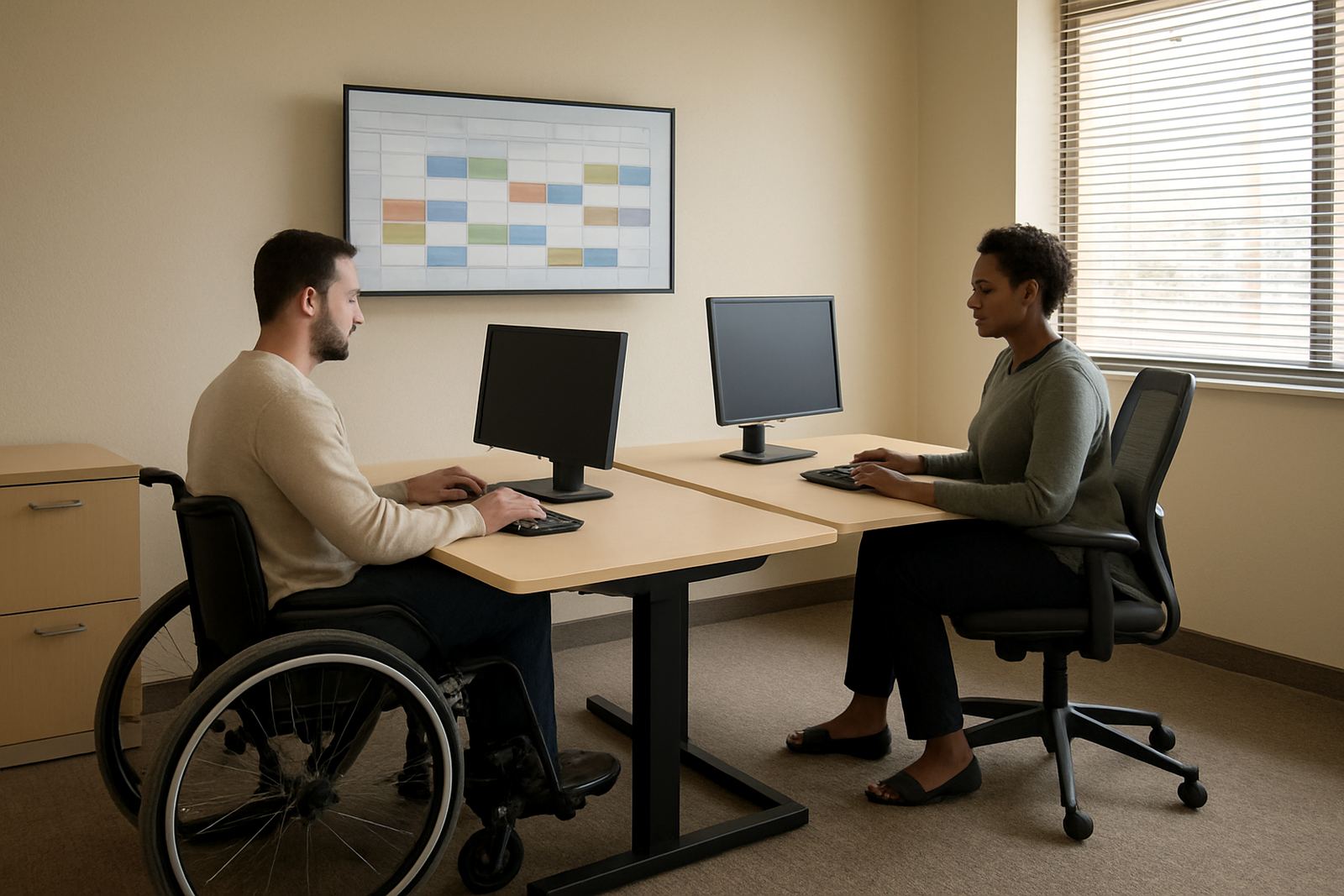
- Shared calendars for meetings, outreach visits and venue bookings
- Document collaboration space for forms, letters and internal records
- Migration of old mail and contacts into the new setup
- Mobile access for phones and tablets used in the field
How the rollout ran over four weeks
The project ran over four weeks from planning to go live. In week one we mapped the users, message names, calendar needs and document structure. Week two focused on setup and security checks. Week three covered migration, contact imports and testing on phones and laptops. Week four was the training and live switch, with support on hand for any questions that came up during the first working days.
The timetable suited the organisation because it avoided a long disruption. Staff could keep answering clients while the new system was prepared in the background. We scheduled the handover around their busiest meeting times and kept the process simple enough for non technical users. That mattered, because in a service environment the team cannot afford downtime just to sort out mail.
The results after go live
Once the system was live, the admin team had one place to see messages, shared dates and working documents. Facilitators could check bookings and updates without phoning back and forth, and family communication became more consistent. The organisation also gained better control over who could access what, which reduced confusion around older files and duplicate copies.
There was a clear day to day benefit. Staff spent less time searching for the latest version of a document and more time helping families. The team could see when meetings were booked, who was responsible for a follow up and what documents still needed attention. For a support organisation, that kind of order is not a luxury, it is part of good service. The manager told us the office felt calmer within the first two weeks.
- Fewer missed messages between admin and facilitators
- Clearer meeting scheduling for families and programme teams
- Less duplication of documents and contact records
- Better mobile access during visits and off site work
Why this approach works for non-profits
Non-profit organisations need reliable communication without paying for features they will never use. This project showed that a focused setup can make a real difference when the team is spread across several roles and working conditions. The system had to work for office staff in Centurion, support users in Johannesburg and Pretoria, and people checking messages after hours in Durban or Bloemfontein too.
If we were asked to do it again, we would use the same approach: keep the scope tight, map the real workflow first, then train people before the switch. We would also keep the security review in the early stages, not at the end, because that saves time later. For a non-profit, the right setup should be easy to maintain, affordable month by month and stable enough for regular use even when the power is off and back on again.
Key facts
| Client type | Inclusive disability support organisation |
|---|---|
| Town | Centurion |
| Project duration | 4 weeks |
| Core services | Domain Linking, Mailbox Setup, Calendar Setup, Document Space Setup, Mail Migration, Contact Imports, Mobile Device Setup, Admin Handover, Security Review, Team Training, Go Live Support, Ongoing Admin Help |
| Team involved | Thandeka Maseko, Willem van Rensburg, Mpolokeng Tau, Amogelang Mkhwanazi, Muneeb Jacobs, Onalenna Ramaboa |
| Service area | Centurion with support for teams across Gauteng and major South African cities |