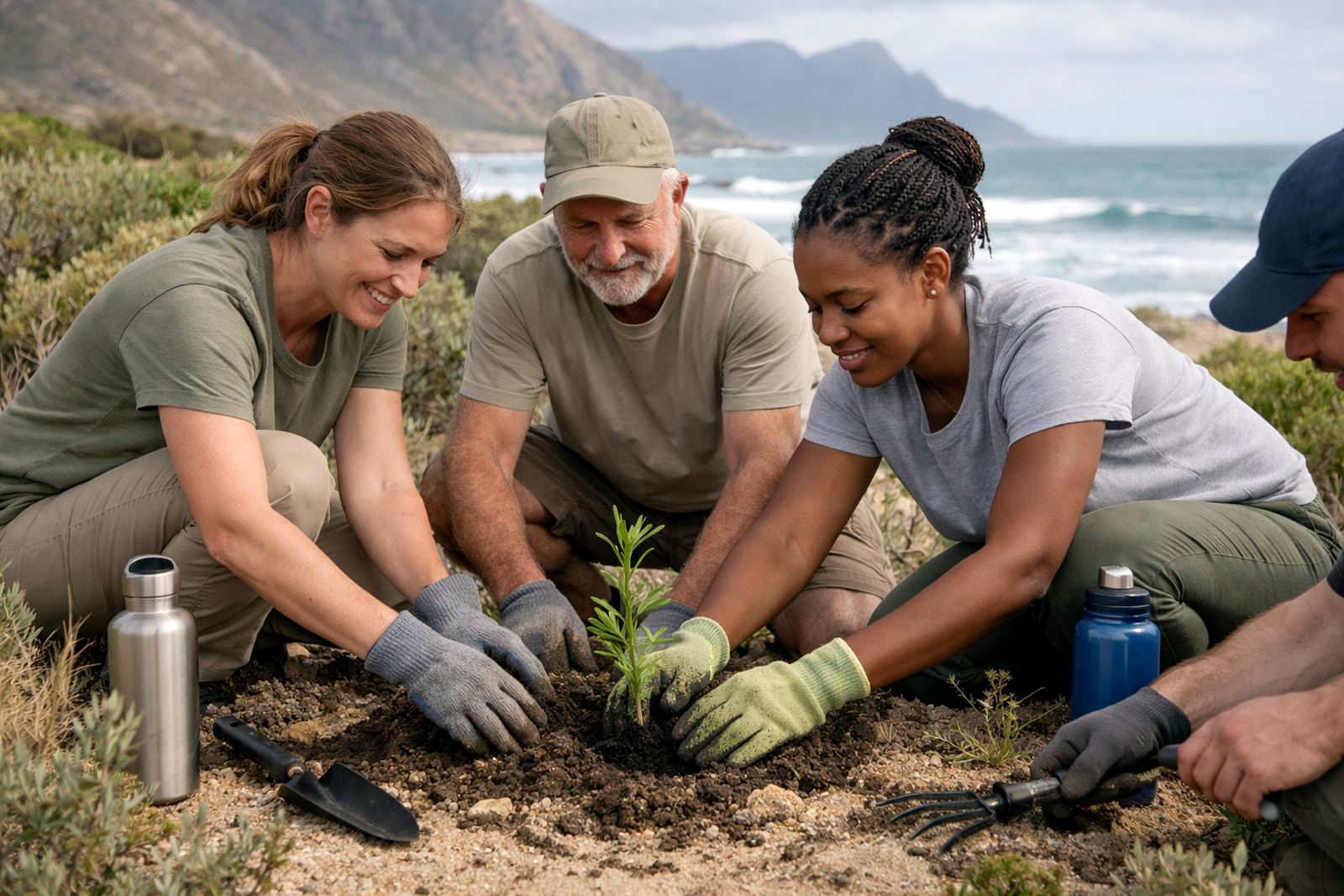
What the George team needed from the start
The client was a conservation and environmental advocacy team based in George, serving project work across the Garden Route and wider Western Cape. Their small staff group had outgrown ad hoc sending and scattered file sharing, especially when several people had to work on the same outreach plan or grant document at once.
The brief was straightforward: keep email addresses professional, make calendars visible to the right people, and give the team a shared document space that could be used without complicated training. They also wanted something that would suit a non-profit budget and still hold up when people were travelling between the office, field sites and meetings with municipal stakeholders.
- Town base: George, Western Cape
- Client type: Conservation and environmental non-profit team
- Main need: shared planning for campaigns, meetings and documents
- Priority: low admin and controlled access for different staff roles
Constraints we had to plan around
Like many non-profits, the team had limited internal admin time and a mixed level of comfort with message tools. Some staff were often away from the office, so mobile access mattered. There was also a need to avoid confusion when several people handled the same campaign work, especially around version control and meeting scheduling. load-shedding and intermittent connectivity in some areas meant the setup had to be light, simple and reliable.
We also had to keep the structure tidy for security and handover purposes. The organisation needed separate access for management, project staff and support users, with enough control to prevent accidental changes in shared folders or calendars. That meant clear mailbox naming, sensible calendar permissions and document folders arranged by function rather than by person.
- Access from phones and laptops
- Simple permissions for shared calendars and folders
- Practical setup for staff working from different locations
- Low admin burden after go live
What we supplied and set up
We provided domain linking, mailbox setup, calendar setup and document space setup for the team. Each staff member was given a proper organisation email address, with shared calendars for campaign planning, internal meetings and project deadlines. The document workspace was structured so the team could store campaign drafts, reports, donor material and meeting notes in one place.
We also handled mail migration, contact imports and mobile device setup so existing communication could move across with as little interruption as possible. Where needed, we completed an admin handover and security review, then followed with team training and go live support. The result was a setup that the team could use daily without asking for help every time a shared file moved or a meeting changed.
- Mailbox setup for staff and role based accounts
- Shared calendars for campaigns, field visits and internal planning
- Document collaboration space for reports, drafts and supporting files
- Mail migration and contact imports from the old system
Project timeline and implementation pace
The rollout took 3 weeks from first planning to full handover. In week one we mapped the user list, message naming pattern and the calendar structure. Week two covered the migration, contact imports and document workspace creation. In week three we completed mobile setup, training and the final security check.
Because the team could not afford long downtime, we staged the switch over in a way that kept the office running while accounts were moved across. Most users were working in the new environment very quickly and by the end of the third week the admin load had dropped enough for staff to focus on programme work instead of chasing attachments.
- Week 1: planning and account structure
- Week 2: migration and shared workspace setup
- Week 3: training, mobile setup and go live support
- Downtime kept to a minimum through staged cutover
What changed after the switch
The biggest change was that campaign planning became visible to the whole team. Instead of relying on separate messages and repeated follow ups, staff could see deadlines, meetings and document updates in one place. That made it easier to coordinate outreach, meeting prep and reporting without double booking or sending out old versions of the same file.
For a conservation team, that kind of order matters. A field visit, a stakeholder meeting and a funding deadline can all land in the same week. With shared calendars and central document space, the team could keep track of who was doing what and when, which reduced missed tasks and cut down on admin noise. It also made remote working simpler for staff who were out on site.
- Clearer campaign planning across the team
- Less message back and forth for shared tasks
- Better control over document versions
- Improved visibility for field and office staff
How we would handle a similar NPO setup next time
For another conservation or advocacy team, we would take the same approach: keep the structure plain, train early and avoid over complicating the permission layers. A non-profit team usually needs something practical first, not a long list of features. That means getting the mailbox structure right, setting shared calendars from the start and making sure document folders match how the team actually works.
We would also repeat the mobile setup and admin handover because those two steps save time later. When staff can access calendars and files on their phones, they keep momentum during travel and site visits. And when the internal admin owner knows how to add users, move files and adjust access, the system stays orderly long after go live.
- Keep the folder structure simple and role based
- Train the team before the switch, not after
- Set mobile access up for field work from day one
- Hand over admin control with clear notes
Key facts
| Client type | Conservation and environmental non-profit team |
|---|---|
| Town | George, Western Cape |
| Timeline | 3 weeks |
| Main services | Domain Linking, Mailbox Setup, Calendar Setup, Document Space Setup |
| Migration work | Mail Migration, Contact Imports, Mobile Device Setup |
| Support included | Admin Handover, Security Review, Team Training, Go Live Support |