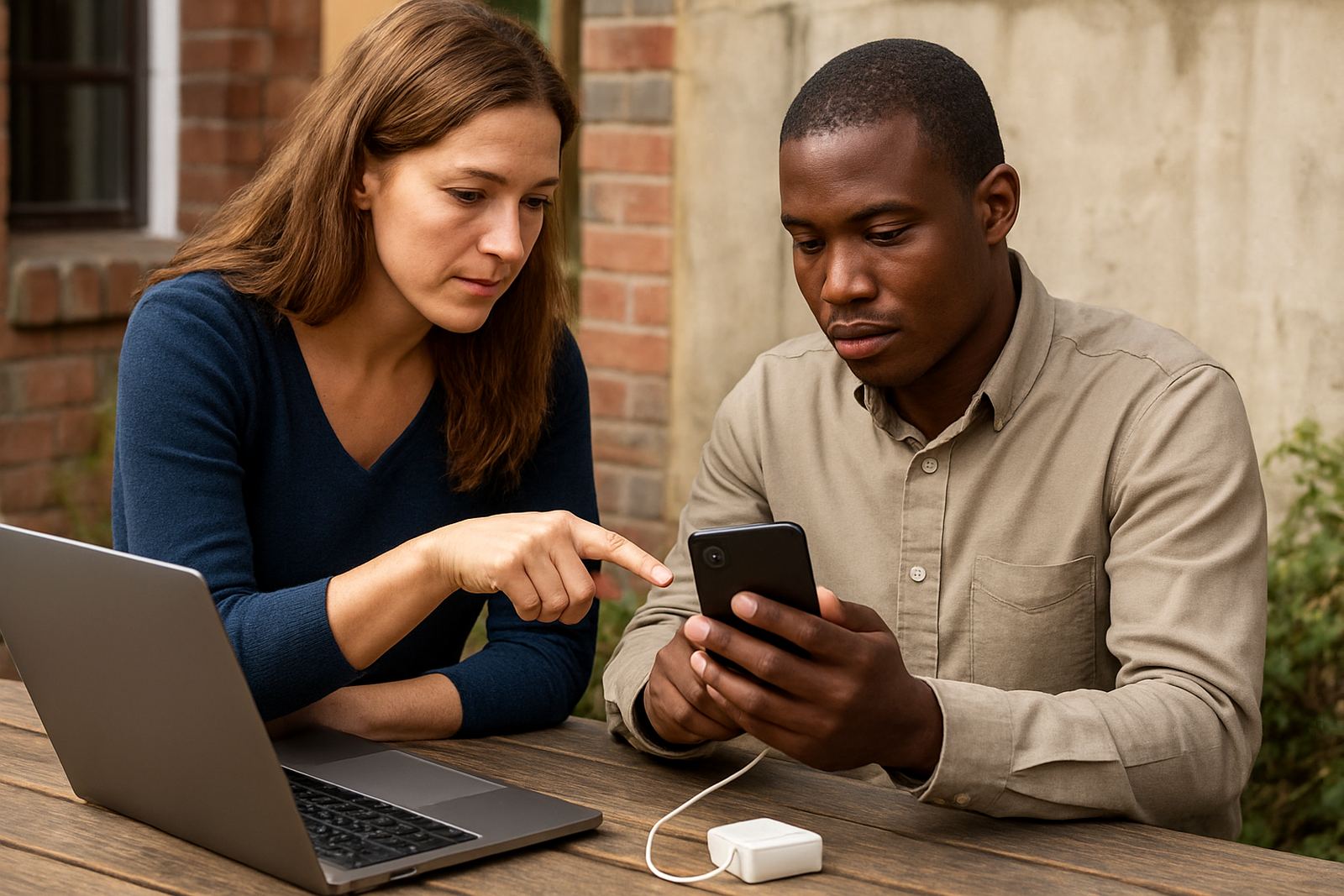
What the Mobile Sync Pack covers
This add-on is for organisations that want staff to read mail, send replies, view shared calendars and keep contacts in step on mobile devices. It is useful for coordinators, field teams, managers and volunteers who cannot sit at a computer all day, especially when there is load shedding or staff are moving between offices in Cape Town, Johannesburg, Durban, Pretoria or Bloemfontein.
The pack is set up around your organisation's mailbox and calendar structure. That means staff can use the same work account on a phone or tablet, rather than juggling personal accounts and missing meeting invites. It also keeps important updates in one place, which is handy when teams are working from several branches or from home.
- Syncs mail, calendars and contacts to mobile devices
- Works with shared calendars where access has been approved
- Supports staff who need quick access during travel or outreach work
- Reduces missed messages when people are away from their computers
Size options and device coverage
The Mobile Sync Pack is typically supplied according to the number of users or devices that need setup. A small office may only need a few phones connected, while a larger team might need every staff member set up across two devices each. We match the pack to the actual number of mailboxes and calendars that must be active, so you only pay for what is needed.
Common setup sizes include starter, team and multi branch support. A starter setup suits a small office with basic mail and one shared calendar. Team setup is better for groups that need several calendars, mobile contact sync and regular admin changes. Multi branch support is suited to organisations with staff in different towns, where consistent settings and training matter. There is no gas requirement, and no special power install needed beyond normal charging for the phone or tablet. A stable internet connection or mobile data is enough.
- Starter: 3 to 5 devices
- Team: 6 to 20 devices
- Multi branch: 21 devices and up
- Compatible with modern Android and iPhone devices
Where it suits best
This product suits non-profits that need staff to stay reachable in the field, at clinics, at schools or while travelling between donor meetings. It is also useful where one person handles several duties and must see mail and calendars quickly without logging into a shared computer. In coastal areas such as Cape Town and Durban, it helps staff stay connected during wet weather and power interruptions, while inland teams in Pretoria and Bloemfontein benefit from having schedules available on the move.
It works well for organisations that already use shared mailboxes, central calendars or document collaboration, and want the mobile side to be set up properly. If your team uses the same phone for work and personal use, the sync settings can be kept neat so that work accounts are easier to manage and easier to hand over when someone leaves. That saves admin time and reduces mistakes, which is often where small budgets get stretched.
- Field teams and outreach staff
- Office managers and directors
- Volunteer coordinators and project leads
- Branches that need the same calendar view across sites
Installation and what your team needs
Setup usually starts with checking the mailbox details, calendar sharing permissions and the type of device being used. We then configure the account on each phone or tablet, test mail delivery, confirm calendar syncing and check whether contact sync is required. If the organisation is moving from another mail service, we can also help with the migration side so the team does not lose old folders, contacts or appointments. The process is straightforward, but it does need careful attention to make sure each user's access is correct.
For the best result, each device should have a current operating system, enough storage for mail, and a charged battery during setup. A strong Wi-Fi connection is best for the first sync, though mobile data can also be used. There is no gas or special equipment requirement. If a branch has weak signal inside thick concrete walls or a basement office, it may help to do the first sync near a window or on a better network. That small step can save time and frustration.
- Stable internet or mobile data for initial setup
- Updated phone or tablet software
- Access to the user's work login details
- Permission for calendars and contacts where needed
Care, servicing and ongoing admin
The Mobile Sync Pack is not a once-off connection and forget item. Phones change, passwords are reset, staff join and leave, and devices sometimes stop syncing after an update. Regular care keeps the setup working as expected. We recommend checking device access after staff changes, confirming that calendar shares still apply to the right people, and reviewing sync settings after any new phone is issued.
Our support can help with routine maintenance, small fixes and re-setup when a device is replaced. If a staff member loses a phone, the account can be secured and the device access removed. If a team member uses a new tablet or switches from Android to iPhone, we can guide the handover. This kind of admin is simple enough when done early, but it can become messy if left too long and then several things break at once.
- Check device access after staff changes
- Review sync after software updates
- Remove access promptly when a device is lost or stolen
- Reconfirm shared calendar permissions every few months
What to check before you order
Before placing the order, confirm how many users need mobile access, which calendars must sync, and whether contacts should be included. It also helps to know if staff will use one device or two, because that affects the setup plan. If your team uses shared inboxes or role based accounts, make sure those are listed clearly so the mobile settings match the way the office actually works.
It is also worth checking device age, available storage and whether anyone needs training. Some staff are comfortable setting up mail on their own, while others need step by step help the first time. If there are branch admins in places like Bellville or Stellenbosch, tell us who will handle day to day changes. That makes admin handover smoother and keeps the support load manageable.
- Number of users and devices
- Mailboxes, calendars and contacts to be synced
- Device type and operating system
- Who will manage changes after go live
Key facts
| Product type | Mobile mail and calendar sync add-on for non-profit organisations |
|---|---|
| Best for | Staff who need work mail, shared calendars and contacts on the move |
| Device support | Modern Android phones, iPhones and tablets |
| Setup requirements | Work login details, internet or mobile data, and a charged device |
| Typical package sizes | 3 to 5 devices, 6 to 20 devices, 21 devices and up |
| Support included | Setup, testing, admin handover, training and ongoing help |