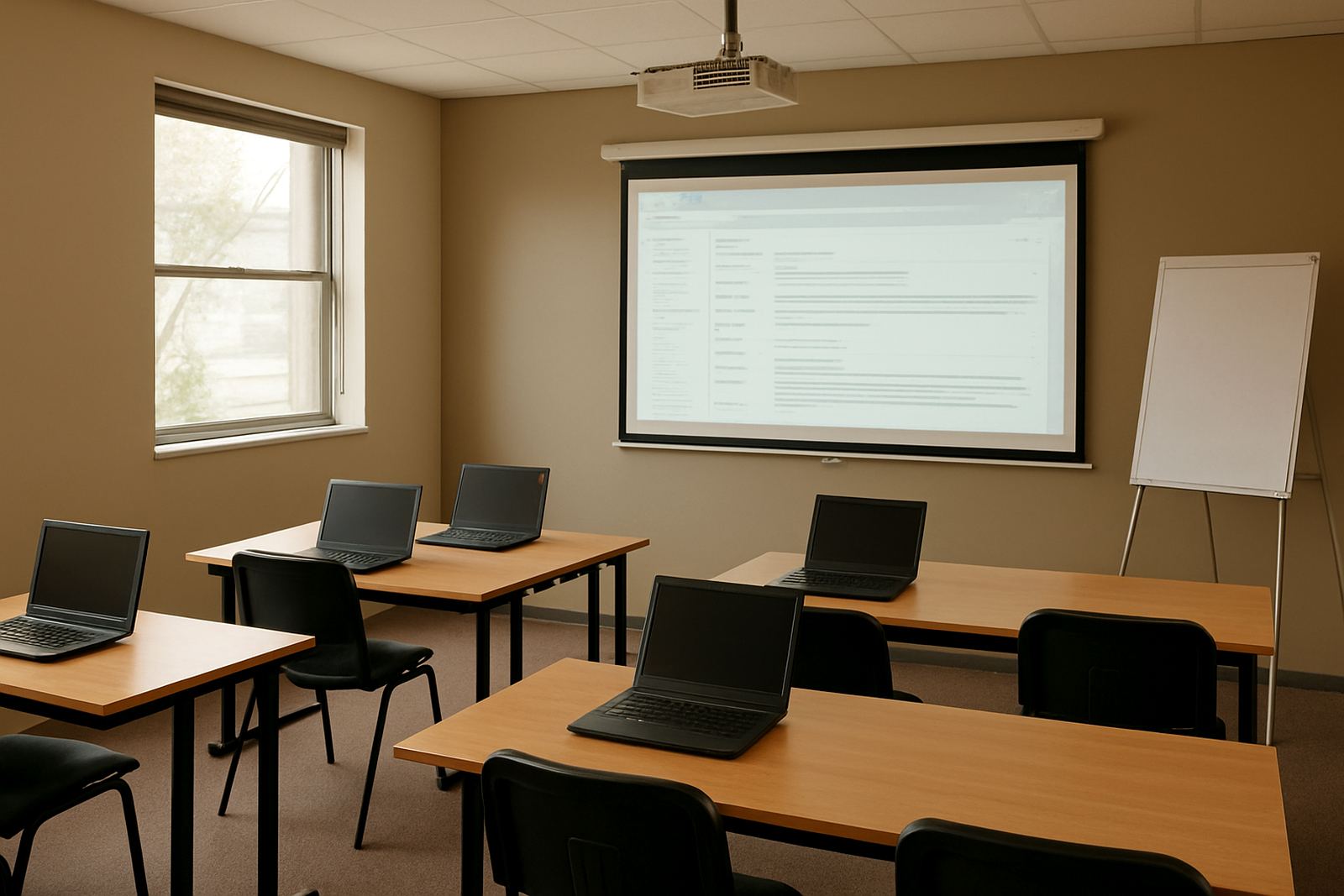
Built for training programmes that run on tight budgets
Training Centre Mail is suited to non-profit education teams, learnership providers, community colleges and skills programmes that need clear communication without a heavy admin load. It gives each person a proper mailbox, shared calendars for sessions and deadlines, plus document areas for policies, attendance sheets and course files. The setup is simple enough for small teams, yet organised enough for centres running multiple classes at once.
For most organisations, the main need is not more software. It is less confusion. When trainers, office staff and volunteers can see the same calendar and work from the same document space, fewer messages get lost and fewer dates get missed.
Mailbox, calendar and document options that fit the team
You can choose a small starting setup for a single branch or a wider arrangement for several centres across South Africa. We can link your own domain, create staff mailboxes, set up shared calendars and prepare document space for internal use. If your team moves between classrooms and offices, mobile setup helps staff stay connected on the road or between sites.
- Custom email addresses for instructors, admin and management
- Shared calendars for classes, assessments and venue bookings
- Document space for handbooks, learner forms and internal records
- Contact imports for existing staff and partner lists
- Admin handover so one person is not carrying all the settings
For groups working in Cape Town, Durban, Pretoria or Bloemfontein, this makes it easier to keep one standard process across different sites and avoid duplicated filing.
Where Training Centre Mail works best
This product suits training centres that need dependable communication during registration periods, exam blocks and outreach drives. It is also useful for NGO education projects, bursary teams and workplace learning offices that deal with many external contacts. Because the service is managed with South African non-profits in mind, it works well for organisations that want practical admin support rather than a complicated setup.
If your site is in a building with shared internet or mixed user levels, the structure can be kept fairly tight. Access can be arranged by role, so a facilitator sees what they need for teaching while admin staff handle filing and calendar control. That keeps things orderly, especialy where several people share the same programme name.
- Training centres with 3 to 30 staff members
- Multi-branch programmes needing one message standard
- Schools of skills, youth training and outreach projects
- Teams that need clear control over calendars and documents
Installation, power and day-to-day use
There is no heavy on-site equipment needed for message and collaboration hosting, but the team should have stable internet access and basic devices for daily use. In places with load-shedding, staff will need a charged laptop or phone and a backup internet option where possible. If your office is in Cape Town’s coastal air or a humid Durban area, keep devices dry and well maintained, since moisture can affect old routers and charged batteries over time.
Setup is normally done through the organisation’s existing domain and user list. If your team is moving from a different service, migration can be planned so mail, calendars and contacts are brought across in a controlled way. That helps avoid disruption during registration weeks or term starts, when timing matters most.
- Internet connection and a working domain name
- Staff devices for mail and calendar access
- Basic backup power where load-shedding affects operations
- Clear list of users, aliases and shared mailboxes
Care, servicing and admin support
Once the account structure is in place, regular care is mostly about keeping users up to date, checking access rights and making sure calendars stay accurate. If a facilitator leaves or a new coordinator joins, the admin records should be updated quickly. That prevents old logins from hanging around and keeps learner records safer.
We also help with ongoing admin support, security review and training where needed. A short refresher for staff can save a lot of time later, especially if a centre has volunteers or part-time staff who only use the system during busy programme periods.
- User changes and mailbox updates
- Calendar sharing checks before each intake
- Document folder reviews for permissions and order
- Training sessions for new staff and coordinators
What to review before you choose Board Mail
Before setting up Training Centre Mail, decide how many users need individual mailboxes and who only needs shared access. It also helps to list the calendars you want, such as classes, interviews, outreach visits or assessment dates. If you already have an existing message system, we can look at the migration steps first so the move is clean and manageable.
Ask for the following details when ordering: your domain name, the number of staff users, whether you need contact imports, and which branches must be included. If you have offices in Observatory, Bellville or Stellenbosch as well as other centres, mention the branch names clearly so the structure matches your real team layout.
- Number of users and shared mailboxes required
- Need for calendar sharing across branches
- Document storage and permission levels
- Any migration, contact import or training needs
Key facts
| Product type | Hosted message and collaboration plan for non-profit education and skills programmes |
|---|---|
| Best for | Instructor, admin and learner communication across one or more training centres |
| Core features | Custom mailboxes, shared calendars, document collaboration, contact imports |
| Setup support | Domain linking, mailbox setup, calendar setup, migration and go live support |
| Typical users | 3 to 30 staff members, with optional shared access for programme teams |
| Support coverage | Observatory, Cape Town plus Johannesburg, Durban, Pretoria, Bloemfontein, Bellville and Stellenbosch |