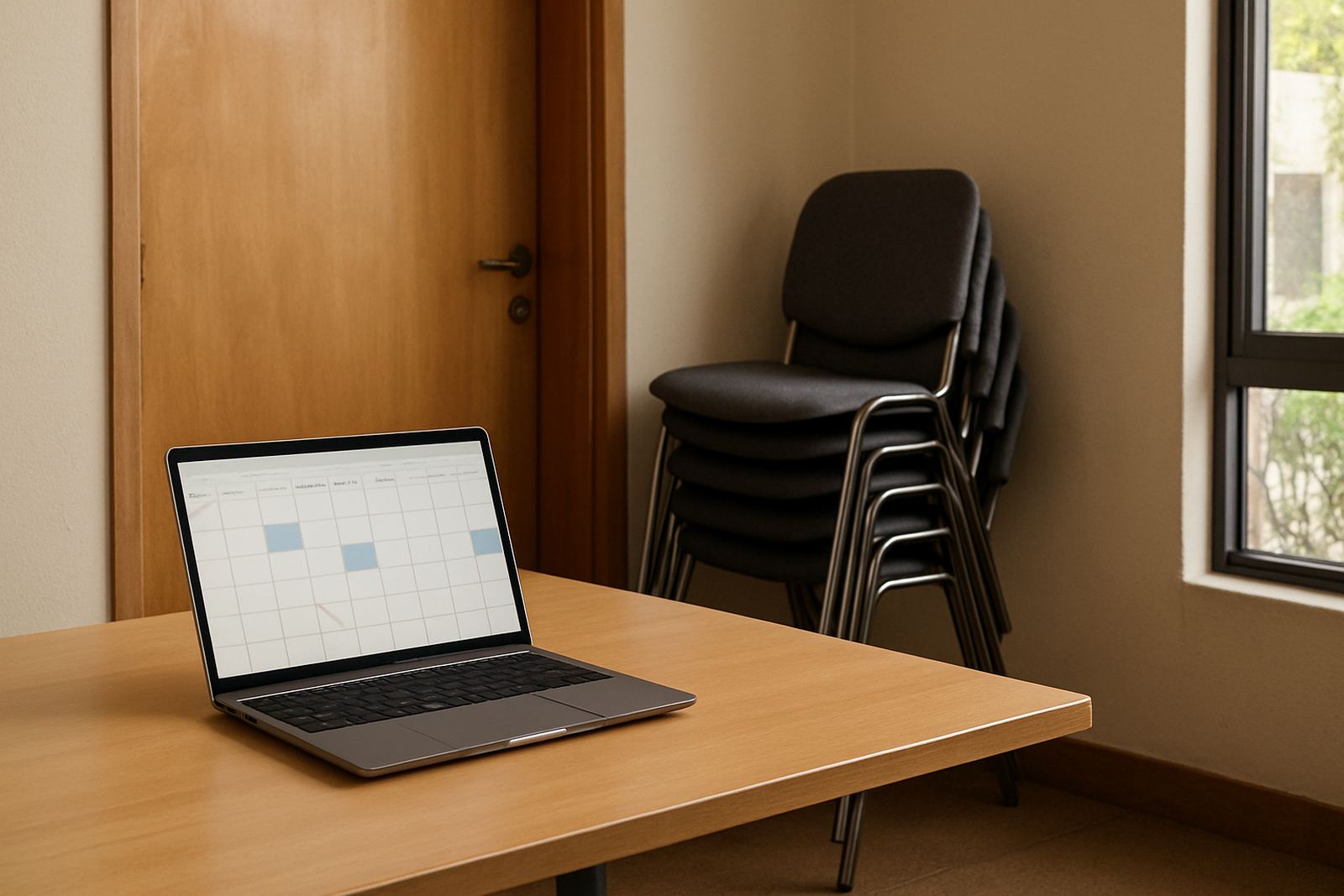
Why shared rooms need one clear booking system
Many non-profit offices run with limited rooms and a lot of moving parts. A counselling room may be needed for a donor call in the morning, a workshop after lunch and a board meeting by 4pm. If bookings sit in separate notebooks, WhatsApp messages or a paper sheet on the wall, double bookings happen quickly and people lose time sorting it out.
A shared calendar gives everyone one place to check before they book. It is especially useful in centres with a reception team, field staff and volunteers coming and going. In Cape Town, Johannesburg or Durban, that can mean less back-and-forth and fewer interruptions at the door when a room has already been promised to someone else.
What a room calendar should show at a glance
A useful room booking calendar is not complicated. It should tell staff the room name, the time slot, the person responsible and any notes that matter, such as whether chairs need to be moved or a projector is required. If the calendar is too bare, people still need to phone around for details and the system loses its value.
- Room name and location, for example boardroom, training room or counselling room
- Date, start time and end time
- Booking owner or department
- Notes for setup, access or equipment needs
- Recurring bookings for weekly meetings or training sessions
For organisations with more than one site, it also helps to colour code rooms by branch or building. A team in Pretoria should be able to tell at a glance whether a room is at their office or in another city, without having to chase someone for clarification.
How calendars save time for small teams
Most non-profits do not have a full-time facilities coordinator. The same person who handles donor queries may also be booking spaces, welcoming visitors and updating shared files. A room calendar cuts out the small admin tasks that add up during the day. Staff can check availability themselves instead of phoning or sending messages for every booking.
That also helps during load-shedding and busy periods. If a training session needs to move because power is off, the new time can be updated once and everyone sees it. There is less risk of one person moving the meeting in their notes while the rest of the team still work from the old plan.
- Fewer double bookings and awkward cancellations
- Less time spent on manual follow-ups
- Better use of rooms that often sit empty between bookings
- Clearer handover between morning, afternoon and after-hours teams
Practical rules that keep bookings fair
The calendar works best when the organisation agrees on a few simple rules. Without them, the busiest staff tend to grab rooms first and smaller teams get pushed aside. A short booking policy keeps things fair and makes it easier to manage public-facing programmes, staff meetings and partner visits.
It helps to decide who may book rooms, how far ahead bookings can be made and who can cancel or edit a slot. Centres with outreach programmes should also set rules for recurring use, because a weekly class can block a room for months if nobody checks it properly.
- Use one standard booking process for everyone
- Set approval rules for high-demand rooms
- Limit how many slots can be held without confirmation
- Release unused bookings after a set time
- Keep a short note on each room’s capacity and equipment
For example, a community centre in Observatory may have one room used for counselling and another for training. If both are entered on the same calendar with clear permissions, the team can manage sensitive bookings without exposing private details to people who do not need them.
Local example: a busy centre with too many moving parts
Think of a non-profit office in Cape Town that runs workshops, donor meetings and admin catch-ups all in the same building. On Mondays the training room is needed for staff induction, on Tuesdays for a support group and on Thursdays for a laptop training session. If one coordinator keeps the bookings in a notebook and another uses a spreadsheet, clashes are almost guaranteed.
Once the centre moves to a shared calendar, each booking is visible to the right people. The team can add notes about whether the room needs a fan, extra extension leads or a quiet setup for video calls. That matters in older buildings and coastal areas where humidity can affect equipment and a room may need extra ventilation. The change is small, but it reduces wasted time and helps everyone plan properly.
Setting up room calendars for multiple branches
Many organisations in South Africa work across several towns, so a room booking system has to suit more than one office. A branch in Johannesburg may use different rooms from a branch in Bloemfontein, but the process should still feel familiar. When each site follows the same method, staff moving between locations do not need to learn a new routine every time.
Link room calendars to staff calendars so people can see which spaces and people are available. That reduces the chance of booking an empty room for a meeting that nobody can attend. For a growing non-profit, this kind of structure keeps admin manageable without adding extra overheads.
- Use the same room naming style at every branch
- Keep branch permissions separate where needed
- Allow managers to view all sites while local teams manage their own rooms
- Include setup notes for each location, such as access rules or parking limits
Inbox NPO Mail helps non-profit teams set up calendar sharing, room booking structure and admin handover so the system is practical from day one. With the right setup, staff spend less time sorting out clashes and more time on the work that matters.