Why small teams lose time on documents
Most confusion starts in the same place: a proposal is saved on someone’s laptop, the minutes sit in a message thread, and the latest budget is in a different folder altogether. For a small non-profit team, that means time lost chasing files instead of getting work done. It also creates problems when a manager is travelling, a volunteer is helping after hours, or load-shedding cuts the day short and everyone needs to pick up again later.
A proper shared document setup gives the team one place to store working files, one place to comment, and one clear version to approve. That matters whether your office is in Observatory, Bellville or further afield in Durban or Bloemfontein. The goal is simple: less confusion, fewer duplicate files, and a quicker path from draft to sign-off.
- Keep one master file for each proposal, report or minute book entry.
- Use named folders for each programme, funder or meeting cycle.
- Limit editing rights so the wrong person does not overwrite the final copy.
- Store shared files in a setup that still works when staff are off-site.
Set up folders around the way your team actually works
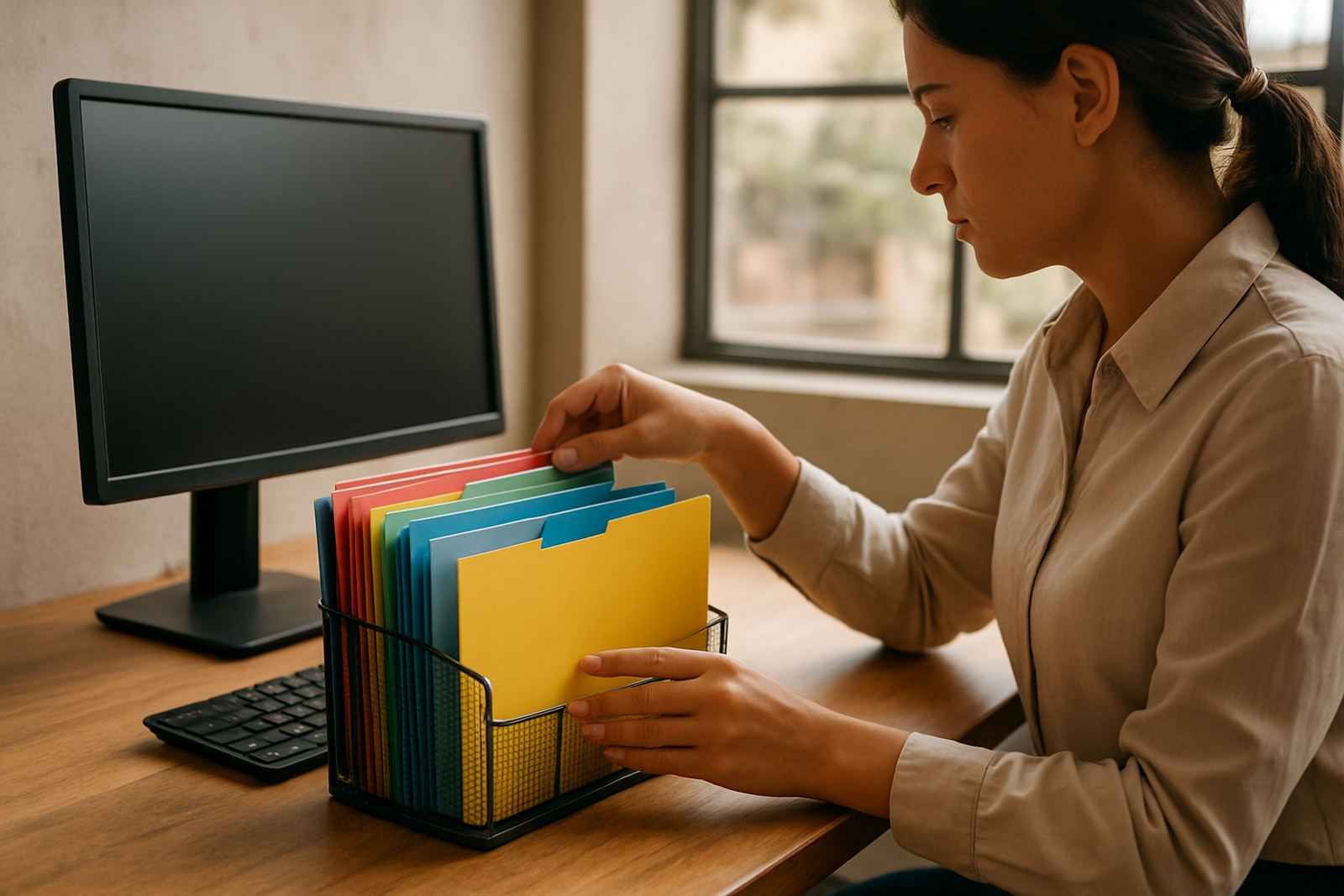
Folders should match your daily tasks, not a complicated chart nobody remembers. A small team usually needs a simple structure by project, by month, or by funder. For example, an outreach team in Cape Town might keep one folder for donor proposals, one for board reports and one for staff meeting minutes. That keeps the filing tidy and makes handover easier when someone is on leave.
Good folder names save a lot of time. Use dates, clear subject lines and short labels that everyone understands. Avoid vague names like “final”, because there will always be another final version later. If your staff use phones as much as laptops, keep the names short enough to read on a small screen.
- Use a standard naming pattern such as 2026-03 Board Minutes Draft.
- Separate active work from archived files.
- Keep templates in one folder so new documents start from the same format.
- Assign one person to tidy folders each month so old drafts do not pile up.
Use comments and track changes before anyone sends an attachment
Attachments are where mistakes creep in. One person edits a report, another edits a different copy, and by the time the chairperson opens it the figures no longer match. Shared document tools help by letting people comment inside the file instead. That way the writer sees exactly what must change, and the team can answer questions without starting another message chain.
For proposals and reports, comments are usually better than rewriting the whole document. Use comments for wording, approvals and section-specific notes. Use version history when a document needs a record of who changed what. It helps during funding audits too, especially when a board member asks why a paragraph changed after the last meeting.
- Ask reviewers to comment, not edit, unless they are responsible for the section.
- Keep one person as document owner for each file.
- Mark approved files clearly so the team knows what is ready to send.
- Use version history before making major changes, especially on budgets and reports.
Make minutes easier to share and approve
Meeting minutes are often the document people leave until the end, yet they are the record that guides the next month’s work. A good system lets the note-taker type during the meeting, save the draft, and share it with the relevant people for review. This is far better than sending around different copies through our contact form, where a correction can be missed or added twice.
Small teams should agree on a simple process. One person drafts the minutes, one person checks the action points, and the chairperson gives the final approval. If your organisation works across Cape Town, Johannesburg and Pretoria, shared access means the team can review minutes even when they are not in the same building or city.
- Use a meeting template with headings for decisions, actions and deadlines.
- List the responsible person next to every action item.
- Save approved minutes in a read-only folder.
- Keep unsigned drafts separate so no one confuses them with the final record.
Keep document access tight without slowing the team down
Non-profit organisations often need to share files across staff, volunteers and trustees, but that does not mean everyone should have the same access. Sensitive donor information, payroll details and beneficiary records need proper control. A sound setup gives people access to what they need, and nothing more. That protects the organisation and keeps mistakes to a minimum.
It also helps when staff change roles. If someone leaves, their access can be adjusted quickly and their files stay where the team can find them. In coastal areas like Cape Town and Durban, where devices can suffer from humidity and power interruptions, that central storage is useful because the work is not trapped on one machine.
- Separate general documents from confidential folders.
- Give edit rights only to the people who need them.
- Review access after staff changes or new programme launches.
- Keep an admin handover process so no passwords or permissions are lost.
A practical example from a small team in Cape Town
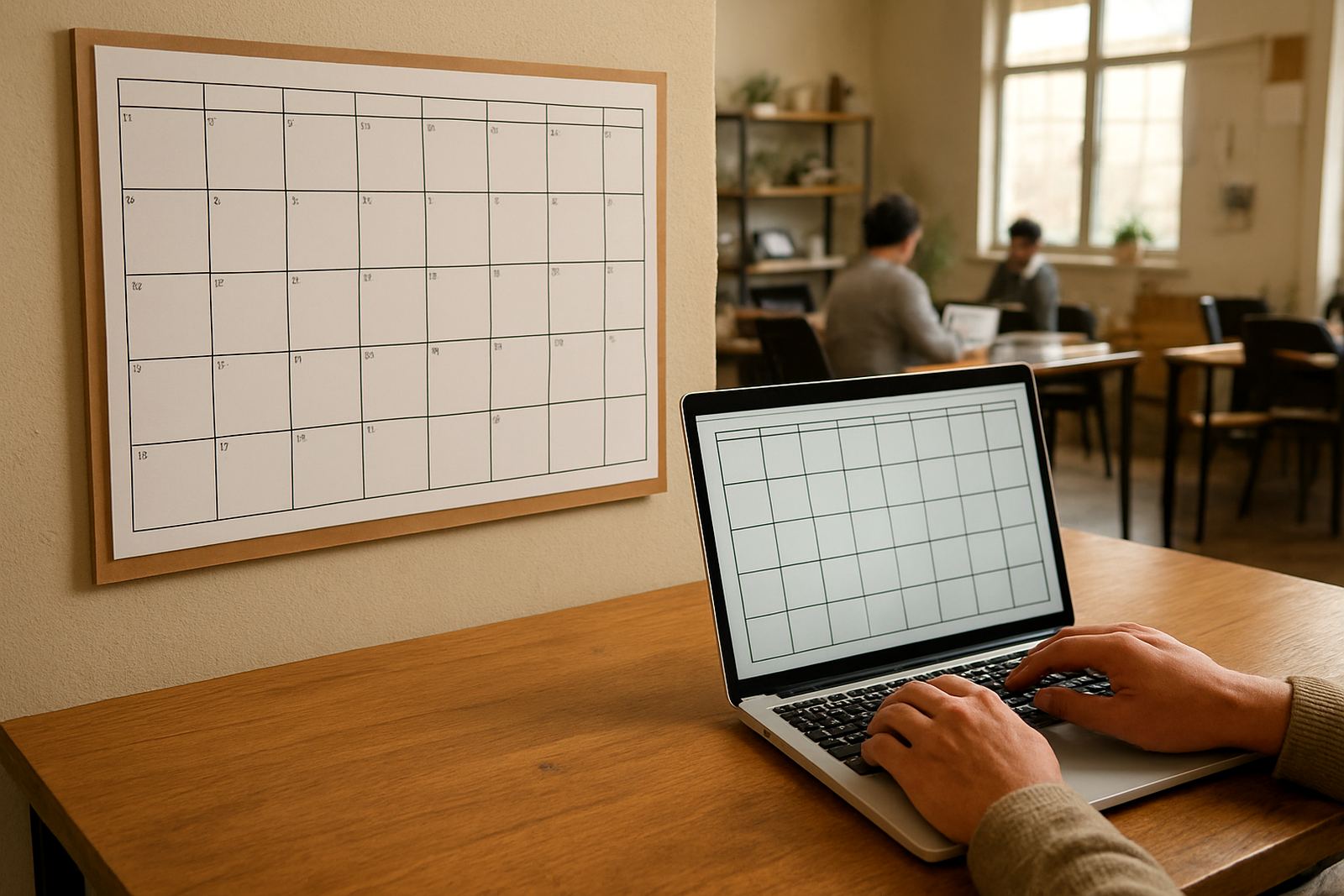
Picture a small community organisation in Observatory with three staff members, two part-time facilitators and a board spread between Cape Town and Johannesburg. Before a shared document setup, the team used message attachments for every proposal and report. The result was missed edits, old logos, and one too many versions named final 2. After setting up shared folders, calendar access for meetings and a clear document process, the team cut down the admin load and found it easier to prepare for funder deadlines.
The biggest gain was not fancy. It was consistency. The proposal writer knew where templates lived, the manager knew where to approve changes, and the board could review minutes without asking for another file. That kind of order matters when the budget is tight and the team needs to make every hour count.
- Use one shared place for templates, drafts and approved files.
- Schedule regular check-ins so documents do not sit unfinished.
- Train the team on the basics so everyone follows the same process.
- Plan for load-shedding and offline work by saving completed files regularly.
What to put in place before the next deadline
If your next board pack or donor report is coming up, start with the basics. Set up the folders, confirm who can edit, and agree on a simple rule for naming and approving files. Once that is in place, the team can work faster without losing track of important details. It is a small change, but it makes a real difference when staff are busy and the deadlines are close.
For non-profits, documents are not just admin. They are how the organisation shows progress, keeps records and gets support for the next round of work. A clear setup helps the team stay steady, even when people are working across different towns and time pressures are piling up.
- Choose the main folders before the next reporting cycle starts.
- Nominate one person to manage the structure.
- Show new staff and volunteers how the system works on day one.
- Review the setup every few months so it still fits the team.