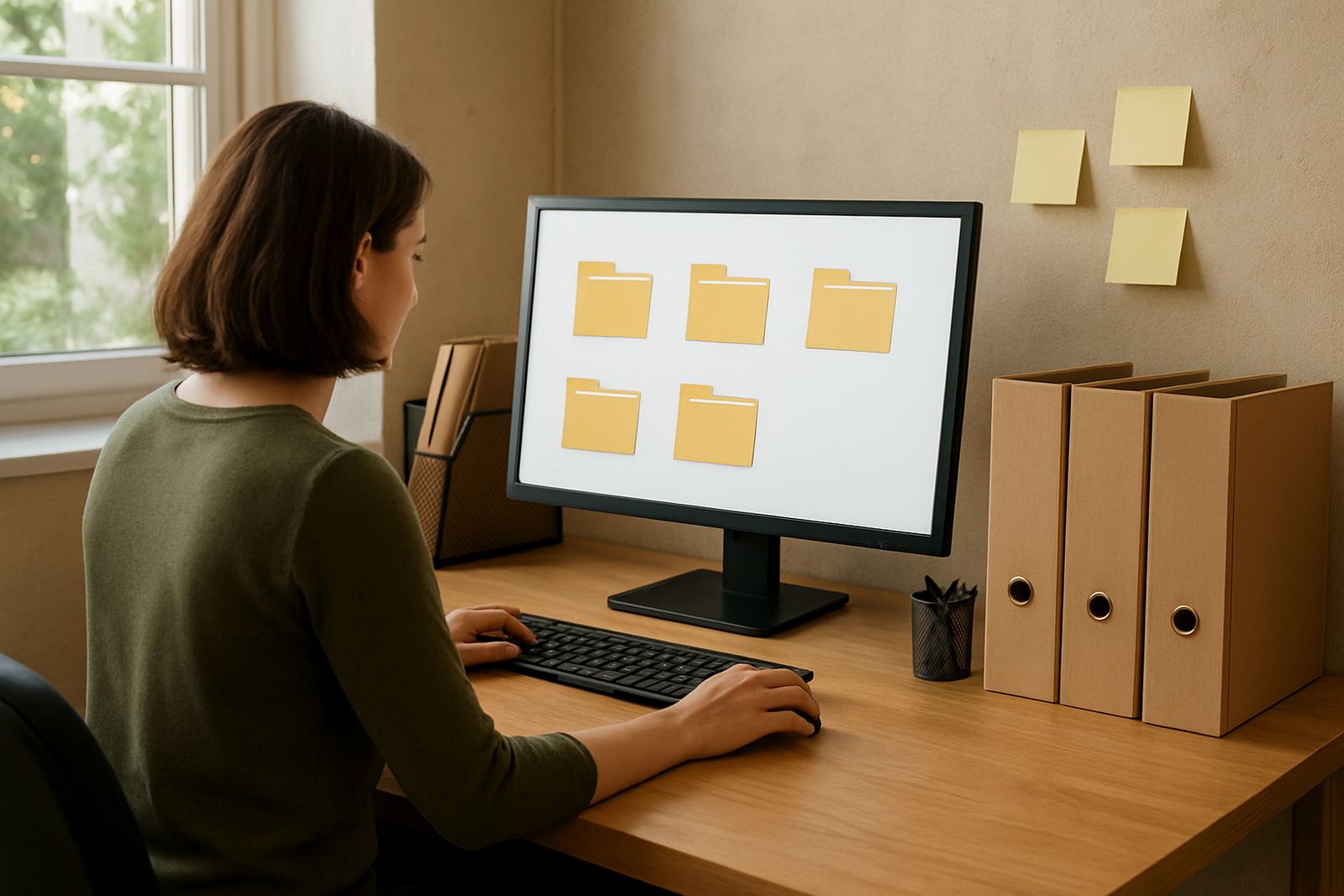
Start with one top-level structure that matches how your team works
The best folder system is the one your staff can use every day without guessing. For a non-profit in Cape Town or Johannesburg, that usually means a small number of main folders that reflect actual work, such as governance, fundraising, finance, programmes, communications, and staff admin. Keep the top level plain and consistent, then let each team build within it.
A simple structure reduces confusion when several people are uploading reports or minutes at the same time. It also helps new staff, volunteers, and trustees get moving quickly, even if they join mid-year and must catch up in a hurry. If the top level is messy, everything below it becomes messy too.
- Use 5 to 8 main folders only
- Keep names short and specific
- Avoid duplicates like new, final, final2
- Use one naming style across the whole organisation
Use year and month labels so older files do not disappear
Many non-profits lose time hunting through old meeting packs, donor letters, and programme reports because folders are arranged by memory instead of date. A better approach is to use the year first, then the month, then the document type. That makes it much easier to find the latest version, especially at audit time or during a funding application.
For example, a folder path might look like this: Finance > 2025 > March > Bank Reconciliation. Or: Programmes > Youth Project > 2024 > Quarter 4 > Attendance Register. This style works well for teams in Durban and Pretoria too, where several people may need the same document but not all at once.
If your team still prefers a paper rhythm, match the digital folder flow to it. A monthly filing habit is easier to maintain than a big clean-up every six months, and it gives everyone a clearer sense of what has been updated.
Separate working files from signed and approved records
One of the biggest file structure mistakes is mixing drafts with approved documents. A board pack, policy, or donor report can go through several versions before it is ready. If those versions sit in the same place, staff may use the wrong file by accident, which can cause confusion with funders or trustees.
Use a clear split between working files and final records. A practical method is to keep a Drafts folder inside each project area, then move the approved version into a Final or Signed folder once it has been checked. This is especially helpful when load-shedding interrupts work and someone reopens an older version by mistake, it happens often enough.
- Drafts for documents still being edited
- Review for files awaiting approval
- Final for signed-off records
- Archive for closed projects and past years
Set access rules by role, not by habit
Shared documents work best when access is tied to what people actually need to do. Not every staff member should see every folder. Finance data, HR records, and trustee papers often need tighter access than event flyers or public reports. If everyone can edit everything, accidental deletions and overwritten files become much more likely.
A sensible rule is to give edit access only to the people responsible for that folder, and view access to others who only need to read it. In a small organisation based in Observatory, one person may wear several hats, but that does not mean every folder must be open to everyone. Set this up once, then review it when staff change, a volunteer leaves, or a new project starts.
Keep a short access list for each area so the admin person knows who should have what. That makes handover easier and helps when a manager is away for a few days or the team is working from home.
Make file names useful even outside the folder
Good folder names help, but file names matter just as much. A file should still make sense if someone downloads it to their laptop or cellphone. Include the date, the document type, the project or department, and if needed the version number. That way, even if the file is sent by WhatsApp or moved during a migration, the name still tells the story.
For example, use names like 2025-04 Board Minutes Draft 2, or 2024 Donor Report Final. This is cleaner than vague names like report, minutes, or untitled. It also helps when colleagues in Bloemfontein or Stellenbosch are working with the same document from different locations.
- Use YYYY-MM for dates where possible
- Keep spaces or hyphens consistent
- Avoid special symbols that can cause trouble on phones
- Do not use terms like latest unless there is a reason
Build folders around real projects and public obligations
Non-profits have a mix of internal and external needs, so the file structure should reflect that reality. Board and governance files often need long-term storage. Programme files may need to be grouped by location, especially if work happens in Cape Town, Johannesburg, Durban, Pretoria, or Bloemfontein. Donor files may need separate areas for proposals, signed agreements, and reports.
This kind of structure helps when municipal compliance comes into play too, for example where venue letters, insurance papers, or permission records must be produced quickly. If your team runs outreach events near a school, community hall, or public space, being able to pull the right document in a few clicks is a real advantage.
Try grouping folders by what the organisation must prove, not just by what it produces. That might include governance, finance, people, projects, compliance, and communications. It is a small shift, but it makes the whole system easier to understand.
Keep the system alive with monthly checks and simple training
Even the neatest folder structure falls apart if nobody maintains it. Set aside a short monthly check to tidy loose files, archive closed work, and confirm that access still matches current roles. A 20 minute review is often enough to stop small problems from becoming big ones.
Training matters as much as structure. New staff should know where to save files, how to name them, and who may edit what. If a team in Bellville or support staff in Observatory all follow the same rules, the shared space stays usable. A clear handover note for managers also helps when someone leaves or moves into a different role.
The goal is not a perfect filing system. The goal is a system that people can use under pressure, after a power cut, before a meeting, or while preparing a report with a deadline the next morning.