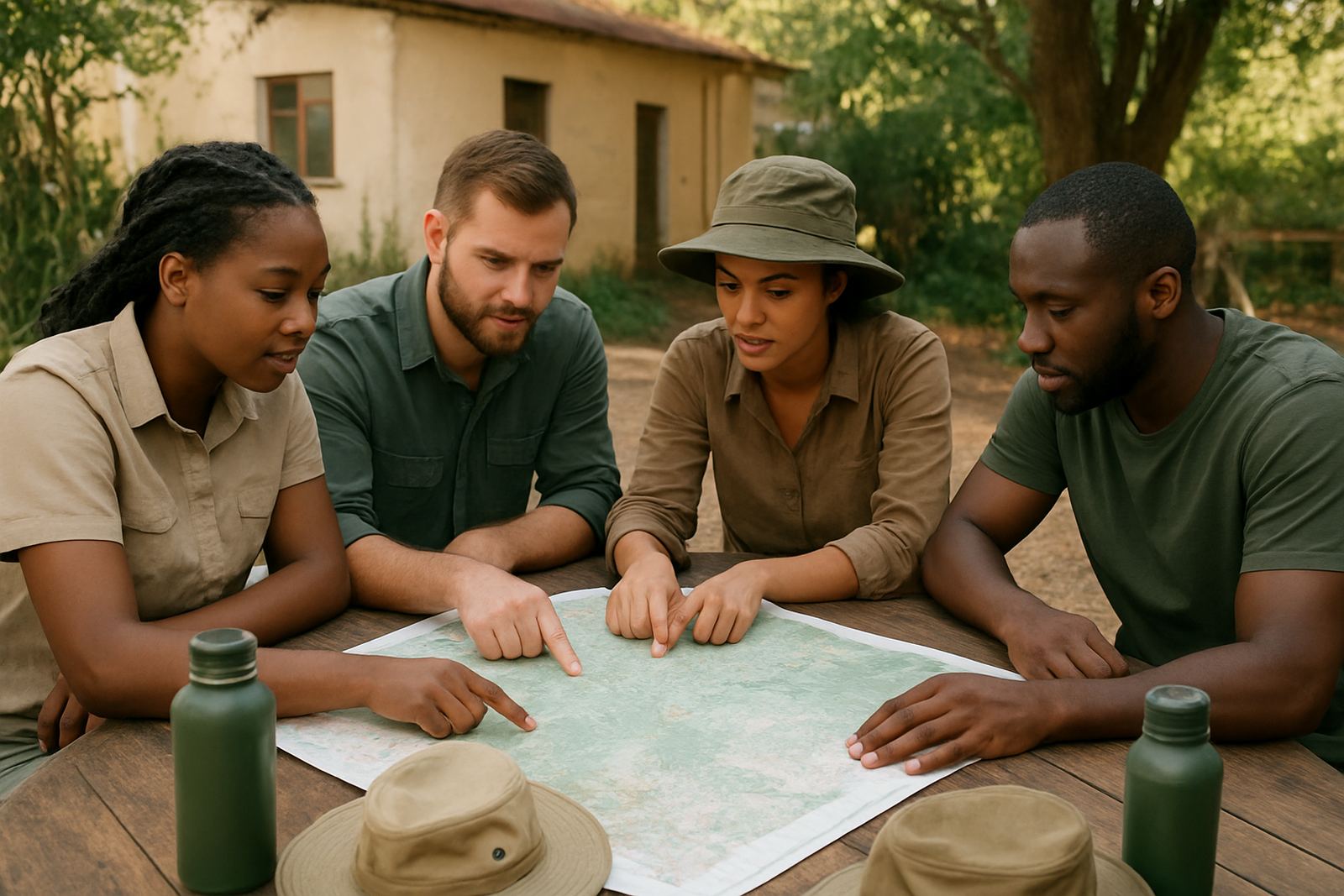
Keeping conservation work organised from the first enquiry
Environmental groups often run on a mix of staff, volunteers, students and part-time project leads. One week the team is planning a beach clean-up in Durban, the next it is a school talk in Pretoria, then a permit issue or donor report needs attention in Cape Town. When messages live in personal accounts and files sit on different laptops, work slows down and details get missed.
Inbox NPO Mail is set up for non-profit organisations that need practical tools without paying for features they will never use. You can create proper role-based mailboxes, share calendars for events and use document spaces for proposals, attendance lists, site notes and funding packs. That makes it easier to keep one version of the truth, even when the team is working from different towns or from the field with patchy signal.
For environmental groups, the main aim is simple: keep communication tidy, keep documents easy to find and make sure new people can pick up tasks without a long handover.
Typical setup for field teams, coordinators and volunteers
A small environmental NGO usually starts with a handful of core users and a few shared addresses. A typical equipment set is not heavy. Most people use a laptop or benchtop at the office, a smartphone for daily mail and calendar access, and a stable internet line at the base. In coastal areas like Cape Town and Durban, humidity and power cuts can affect equipment, so mobile access and proper sync matter more than fancy extras.
Common setup items include:
- Custom mail addresses for programme staff, administration and public enquiries
- Shared calendars for training days, outreach visits and board meetings
- Document spaces for policies, field notes, budgets and donor reports
- Mobile device setup so staff can check mail while on site
- Contact imports for existing partner lists, schools and municipal contacts
If your group runs litter picks, rehabilitation projects or environmental education in several provinces, each project lead can have a clear mailbox and shared folders. That avoids the usual problem where one volunteer leaves and all the information disappears with them.
Planning around branches, travel and load-shedding
Environmental organisations often work across more than one location. A head office in Observatory may handle admin, while project activity happens in Bellville, Stellenbosch, Johannesburg or Bloemfontein. That means the system has to work for staff in the office and people on the road. Good planning starts with how your team actually operates, not how you hope it will operate one day.
We usually suggest mapping who needs access to what before setup begins. For example, a fundraising lead may need donor files and a shared calendar, while a field coordinator only needs team mail and document folders for current projects. Admin handover should also be planned upfront, so there is a clear person responsible for each mailbox, calendar and folder after staff changes. If you wait until a resignation or a project handover, things become messy very quickly.
- Keep one mailbox for each role, not each person where possible
- Use shared calendars for site visits, workshops and grant deadlines
- Separate public enquiries from internal project mail
- Limit folder access for sensitive donor and staff records
Common mistakes that slow down non-profit teams
One common mistake is trying to run everything from a single shared account. It seems easier at first, but it creates confusion, weakens accountability and makes it hard to know who replied to a funder or updated a schedule. Another issue is leaving document folders unstructured, so the team stores final reports next to rough notes, images and old drafts. After a few months, nobody can find the current file.
Some groups also skip training and expect volunteers to work it out as they go. That usually leads to missed calendar invites, duplicate files and people saving documents to personal devices. For environmental groups that rely on seasonal campaigns and school visits, these mistakes can waste real time and money.
We also see teams postpone security checks. A small non-profit may think it is too small to be targeted, but mail accounts linked to donors, municipal partners and event planning can still be misused. A basic security review and proper access control go a long way.
Budget ranges that suit South African non-profits
Budget matters for every environmental group, especially when funds must cover transport, printing, venue costs and field equipment. The good news is that a well-planned mail and collaboration setup can stay within a sensible monthly range. Costs depend on the number of users, how much shared storage you need and whether you need migration from an old system.
As a guide, small groups with a few users and basic shared calendars can often start in the lower monthly range, while active organisations with multiple projects and more storage will need more. Once-off setup work such as mailbox creation, contact imports, document space setup and training is usually quoted separately. If you also need mail migration from another system, allow extra time and a higher once-off cost.
- Small teams: usually the lowest monthly band, suitable for up to 5 to 10 users
- Growing teams: mid-range budgets for 10 to 25 users with shared files and calendars
- Multi-project organisations: higher monthly spend where several coordinators need admin access
- Once-off onboarding: from basic setup to full migration and training, depending on complexity
For many non-profits, the better question is not whether the service is the cheapest, but whether it avoids admin errors and saves staff time every week. That is where the value shows up.
Support for launches, migrations and ongoing admin help
Inbox NPO Mail supports environmental groups across South Africa from Observatory, Cape Town, with area support for Johannesburg, Durban, Pretoria and Bloemfontein. The process can include domain linking, mailbox setup, calendar setup, document space setup, mail migration, contact imports, mobile device setup, admin handover, security review, team training and go live support.
That matters when a new campaign is about to start or the organisation is moving away from a messy old mail system. Migration should be planned carefully so important threads, contacts and calendar entries are not lost. Good training also helps staff get used to shared documents and team calendars without relying on one person to explain everything every time.
For environmental groups, ongoing admin help is often the part that keeps things steady. When a new volunteer joins, a project changes or a mailbox needs access adjusted, you want quick practical support, not a long delay. That is especially useful when the office is dealing with municipal deadlines, school bookings or fieldwork that cannot wait.