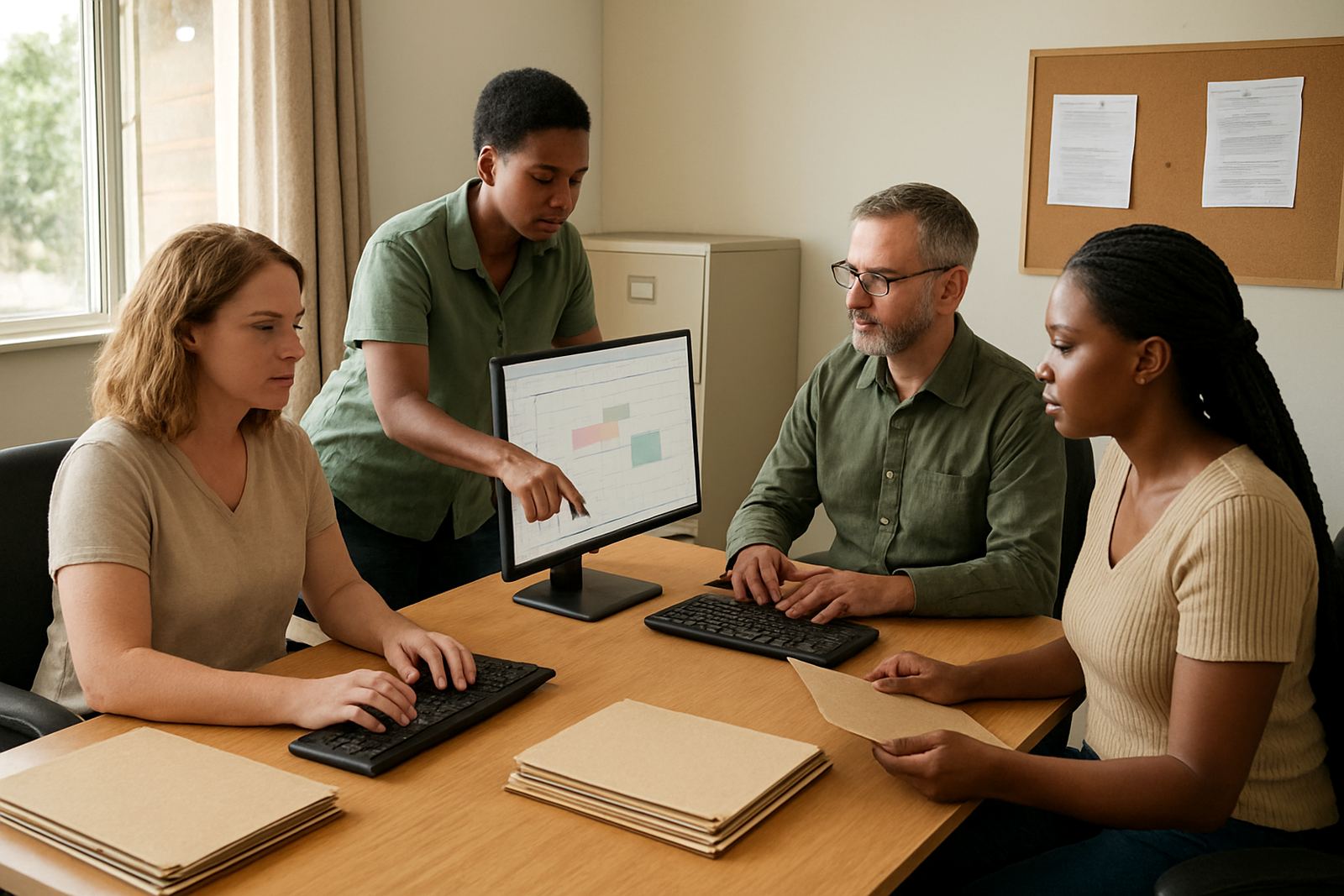
Message and coordination for clinics, care teams and outreach staff
Health NPOs usually work with a mix of clinic staff, community health workers, programme managers and volunteers. That means messages must be easy to follow, properly assigned and available to the right person without confusion. Inbox NPO Mail is set up for non profit teams that need proper organisation, not a complicated system with extra features they will not use.
For a clinic or outreach team, the usual pain points are missed handovers, personal inboxes being used for work, and event changes not reaching everyone in time. A shared and structured setup helps with patient support follow ups, stock alerts, transport changes and visiting schedules. It also keeps communication steady during load shedding when people may be checking messages from mobile data instead of the office network.
Most health NPOs in Cape Town, Johannesburg, Durban, Pretoria and Bloemfontein need a simple structure from the start. Use role based mailboxes for generic functions like info, referrals, outreach and admin, then give each person their own address for accountability. That keeps matters tidy when staff change, which happens often in grant funded programmes and volunteer led projects.
Typical setup for health NPO teams
The right equipment set is usually modest, but it needs to be planned properly. A small office in Observatory may only need a fibre router, a few laptops and mobile phones. A larger programme office may have a printer, scanner, shared meeting room screen and several mobile devices for field supervisors. Near the coast, especially in Cape Town and Durban, it is wise to keep equipment dry and well ventilated because humidity can affect devices and cables.
- Staff laptops or desktops for office work and reporting
- Smartphones for field teams and duty managers
- Reliable internet access with mobile data as backup
- Shared calendar access for clinic rosters and outreach dates
- Document folders for policies, donor reports and templates
We normally recommend keeping the setup plain and practical. If a team has three programme coordinators and five field staff, there is no need for every person to manage their own disconnected system. Shared calendars and document space reduce the number of calls asking who changed a date or where the latest form was saved.
How to plan folders, calendars and handovers
Good planning saves time later. Health NPOs should map out who handles referrals, who signs off reports, who manages community outreach and who receives urgent notices after hours. Once that is clear, mailbox access and shared folders can be arranged around actual work flows rather than job titles only.
We also suggest setting up calendars by team function. One calendar can cover clinic visits, another can cover training dates, and another can cover board meetings or donor deadlines. This helps when several people are travelling between sites in Cape Town, Johannesburg or Pretoria, because everyone can see changes without calling around.
Document collaboration is useful for standard forms, outreach registers, policy notes and monthly reporting. Instead of sending multiple versions through our contact form, teams can keep one working copy. That cuts down on errors caused by outdated files, which is a common issue when different people are working from different offices or from home during municipal water interruptions or transport delays.
Common mistakes we see in health sector mail setups
One common mistake is using personal email addresses for official work. That creates problems when staff leave, and it makes it hard to trace decisions. Another issue is giving too many people full access to everything. Health NPOs need proper access control so sensitive information is only seen by the people who need it.
Another mistake is leaving migration until the last minute. If a team is moving from old mailboxes, contacts and calendars, there should be time for checks, training and testing. Rushing the process can lead to missing contacts, broken calendar entries and confusion on the first day of use. It is also a mistake to skip basic training and assume everyone will figure it out on their own, because field staff and admin staff often need different levels of guidance.
- Do not mix personal and organisational message use
- Do not share one password across the whole team
- Do not store every file in message attachments only
- Do not start without a clear handover plan
- Do not ignore mobile setup for staff who work away from the office
Budget ranges for South African non profit health teams
Health NPO budgets vary a lot, depending on staff numbers and how much migration work is needed. A small team with a few mailboxes and shared calendars may only need a modest monthly budget, while a multi site organisation with training and admin support will need more. For planning purposes, many groups in South Africa work with a starting range from about R350 to R1 200 per user per month, depending on the mix of services.
There may also be once off costs for migration, contact imports, device setup and admin handover. A smaller setup can often be planned from around R1 500 to R5 000 once off, while a larger migration with more users, folders and training can sit higher. For offices with tight funding, it helps to phase the work, starting with the most urgent mailboxes and calendars first, then adding document space and training once the core system is stable.
Inbox NPO Mail keeps the scope practical so health organisations can stay within grant limits and still have proper day to day control. If your team is in a town centre office, a clinic based programme or a mix of city and field sites, the setup can be matched to what you actually use, not what looks fancy on paper.
Support for busy teams from Observatory to other provinces
Inbox NPO Mail is based in Observatory, Cape Town and supports health NPOs across South Africa, including Bellville, Stellenbosch, Johannesburg, Durban, Pretoria and Bloemfontein. The team can help with domain linking, mailbox setup, calendar setup, document space setup, mail migration, contact imports, mobile device setup, admin handover, security review, team training, go live support and ongoing admin help.
For a health organisation, that support matters because communication cannot stop when a coordinator is away or a volunteer changes shift. A clear setup gives your team one place to look for messages, one place to check dates and one place to keep working documents. That makes it easier to keep clinics informed, manage outreach routes and respond to community needs without constant admin friction.
Most importantly, the system should be easy enough for staff to use every day. If people can send, read, share and update information without hunting through messy folders or old threads, the organisation saves time and avoids avoidable mistakes. That is the practical benefit health NPOs usually want first.