What a room booking calendar does for your team
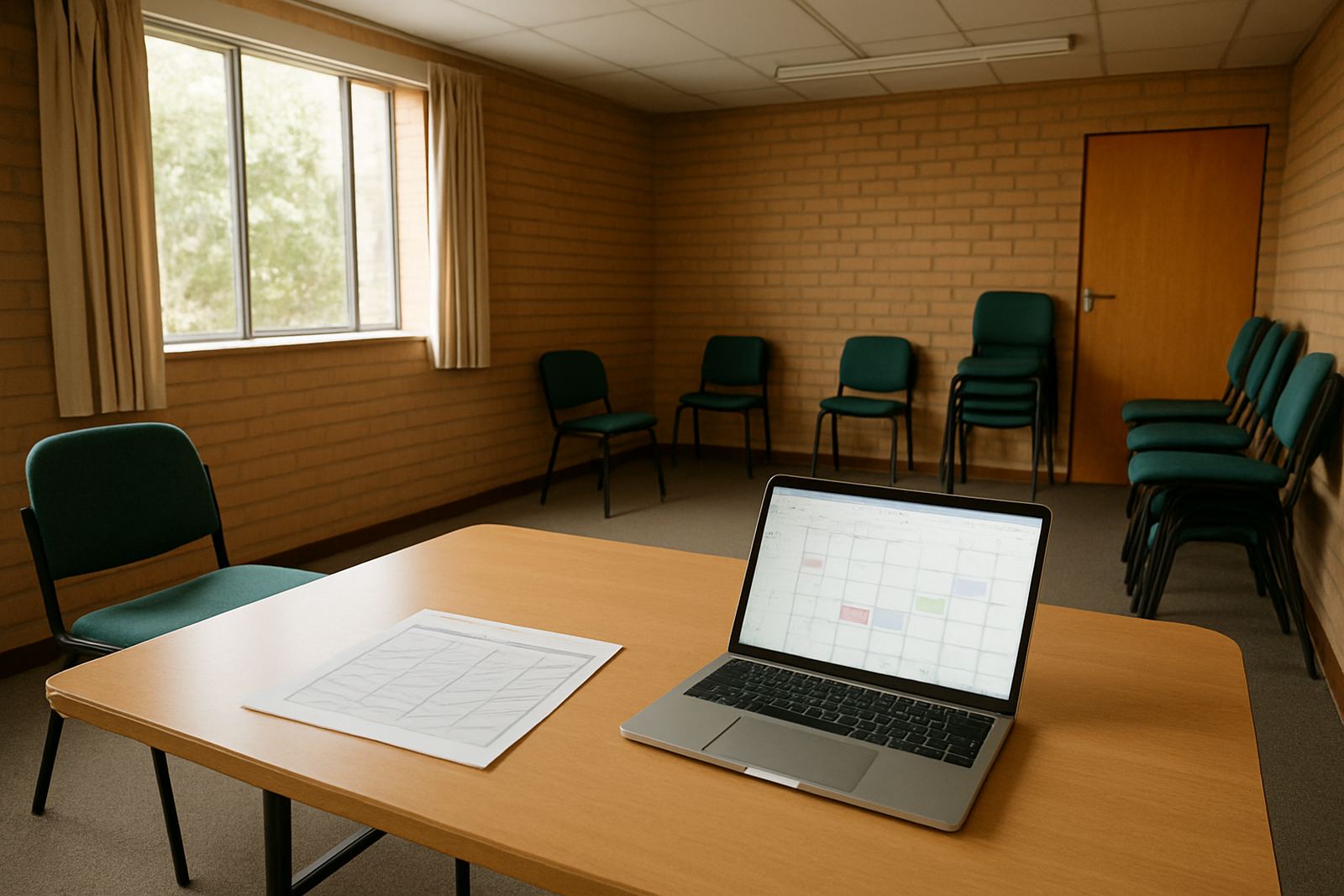
A room booking calendar gives every staff member one live view of which spaces are free, reserved, or already in use. Instead of phoning around or sending separate messages, your team can check availability and book a slot in a few clicks. That matters in busy organisations where counselling rooms, boardrooms, therapy spaces and training rooms are all needed at the same time.
For non-profits, the real benefit is control. Reception can see who booked the room, project teams can plan around outreach sessions, and managers can track usage without digging through our contact form threads. It also helps avoid awkward clashes, like two groups arriving for the same venue on the same morning.
Booking options that suit small offices and multi-branch teams
Most organisations start with one calendar for a single room, then add more spaces as the team grows. We can set up simple room calendars for a small office in Observatory, or a full structure for branches in Cape Town, Johannesburg, Durban, Pretoria and Bloemfontein. If your organisation runs regular workshops or counselling appointments, the system can be arranged so each room has its own calendar and its own booking rules.
Typical options include hourly slots, all-day bookings, recurring reservations, and approval steps for rooms that need sign-off. You can also set working hours for each space so no one books a room after hours by mistake. If a room has limited capacity or special use, such as private sessions or donor meetings, that can be reflected in the setup too.
- Single-room or multi-room setup
- Hourly, daily, or recurring bookings
- Approval controls for restricted spaces
- Separate calendars for branches or departments
- Mobile access for staff in the field
Where room calendars work best
Room booking calendars suit any non-profit that shares physical spaces between different teams or programmes. They are useful in head offices, satellite branches, community centres, churches, clinics and training venues. If your staff work in a place where one room might be used for meetings in the morning, counselling at lunch and a training session in the afternoon, a shared calendar keeps things orderly.
They also help organisations that run with limited admin cover. During load-shedding, for example, people may arrive earlier or later than planned and a clear booking record helps the day stay on track. In coastal areas like Cape Town, where humidity and salt air can affect office equipment, a digital booking system reduces the need for printed diaries and wall sheets that get worn out quickly.
- Meeting rooms and boardrooms
- Counselling and consultation rooms
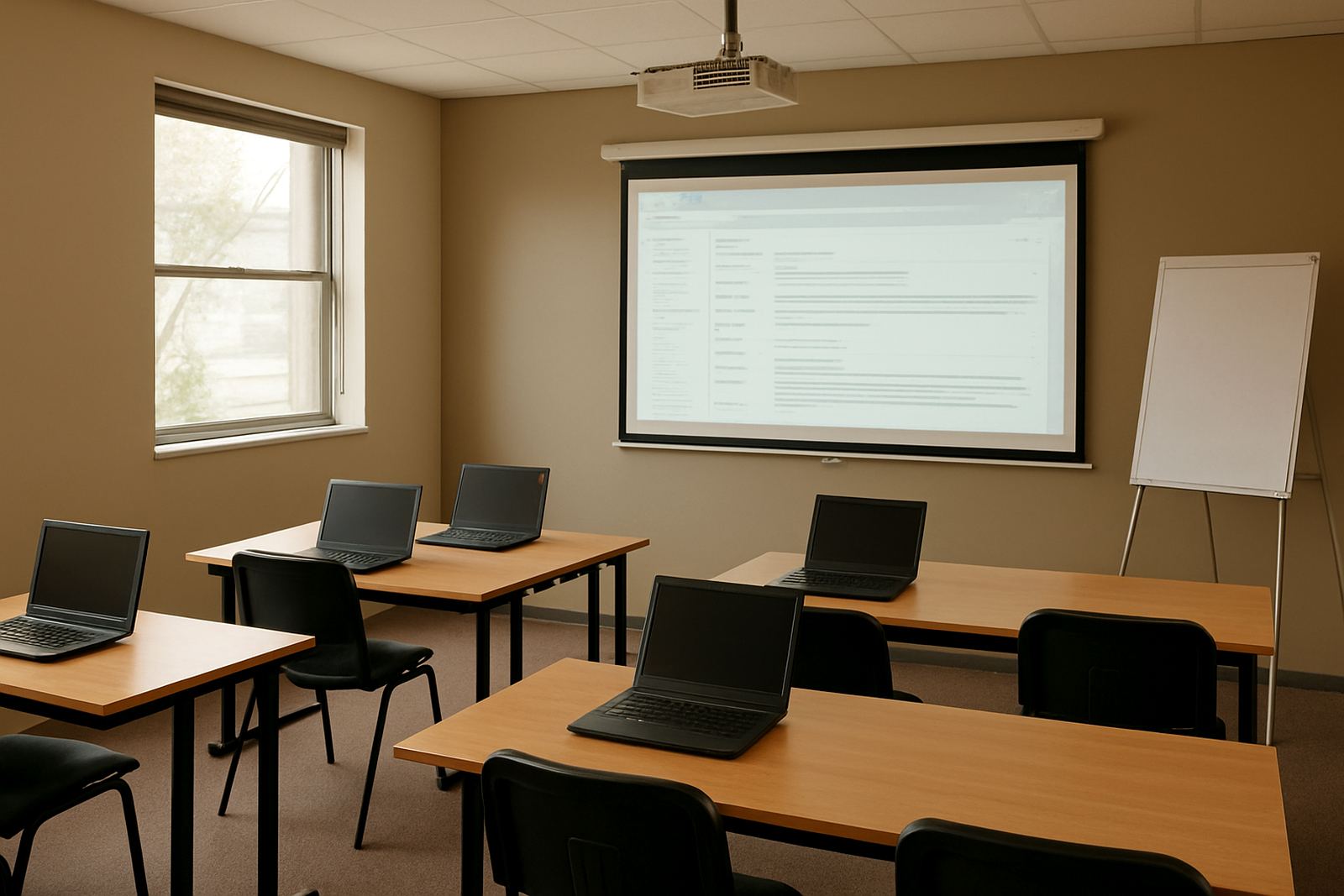
- Training venues and computer labs
- Community outreach spaces
- Shared rooms in branch offices
Setup, connectivity and what power you need
There is no gas requirement for room booking calendars. What you do need is stable internet access, user accounts for the staff who will book rooms, and at least one device per person or per admin station. A laptop, benchtop, tablet or smartphone can all be used, as long as the user can sign in to the shared calendar.
Installation is usually straightforward. We handle domain linking, mailbox setup, calendar setup, contact imports and mobile device setup where needed. If your organisation is moving from paper diaries or a mixed system of WhatsApp messages and spreadsheets, we can assist with the migration and the handover so your staff know where to book, change or cancel a room. In many offices the process is live within a day or two, though larger teams may need a longer rollout if several branches are involved.
Care, admin and routine servicing
A room calendar does not need physical servicing, but it does need good admin habits. Someone should review permissions now and then, especially when staff leave or new volunteers join. It also helps to keep room names clear and consistent. For example, use one naming style across the organisation so nobody books the wrong space because the labels changed from one branch to another.
We can help with ongoing admin, security review, team training and go live support. If your team needs a refresher after a staff change or a new branch opens, training can be repeated and booking rules can be adjusted. Small checks like these prevent confusion later, especially where several people share the same calendar every day.
- Review user permissions every few months
- Remove old staff accounts promptly
- Keep room names and booking rules consistent
- Check time zones and working hours for each branch
- Back up admin notes and handover details
What to check before you order
Before you set up a room booking calendar, count how many spaces need to be managed and who must have booking rights. Some teams only need one coordinator with full control, while others need department heads to manage their own rooms. It is also worth checking whether bookings should be open to all staff or limited to certain groups, such as counselling teams or project managers.
Ask how cancellations will work, who gets alerts when a room is changed, and whether recurring bookings should be allowed. If your organisation uses shared calendars alongside message, document storage and mobile access, make sure the setup matches the way your staff already work. A tidy setup at the start saves a lot of back-and-forth later, and makes the system much easier for everybody to use.
- How many rooms need booking control
- Who may book, edit or cancel
- Whether approval is required for some spaces
- How alerts and reminders should work
- Whether branch-specific rules are needed
Key facts
| Product type | Shared room booking calendar setup |
|---|---|
| Use case | Meeting rooms, counselling rooms, training spaces and shared offices |
| Access | Benchtop, laptop, tablet and mobile device |
| Typical setup | Single room, multi-room or multi-branch calendar structure |
| Admin features | Permissions, approvals, recurring bookings and cancellation controls |
| Support | Setup, migration, training, go live help and ongoing admin support |