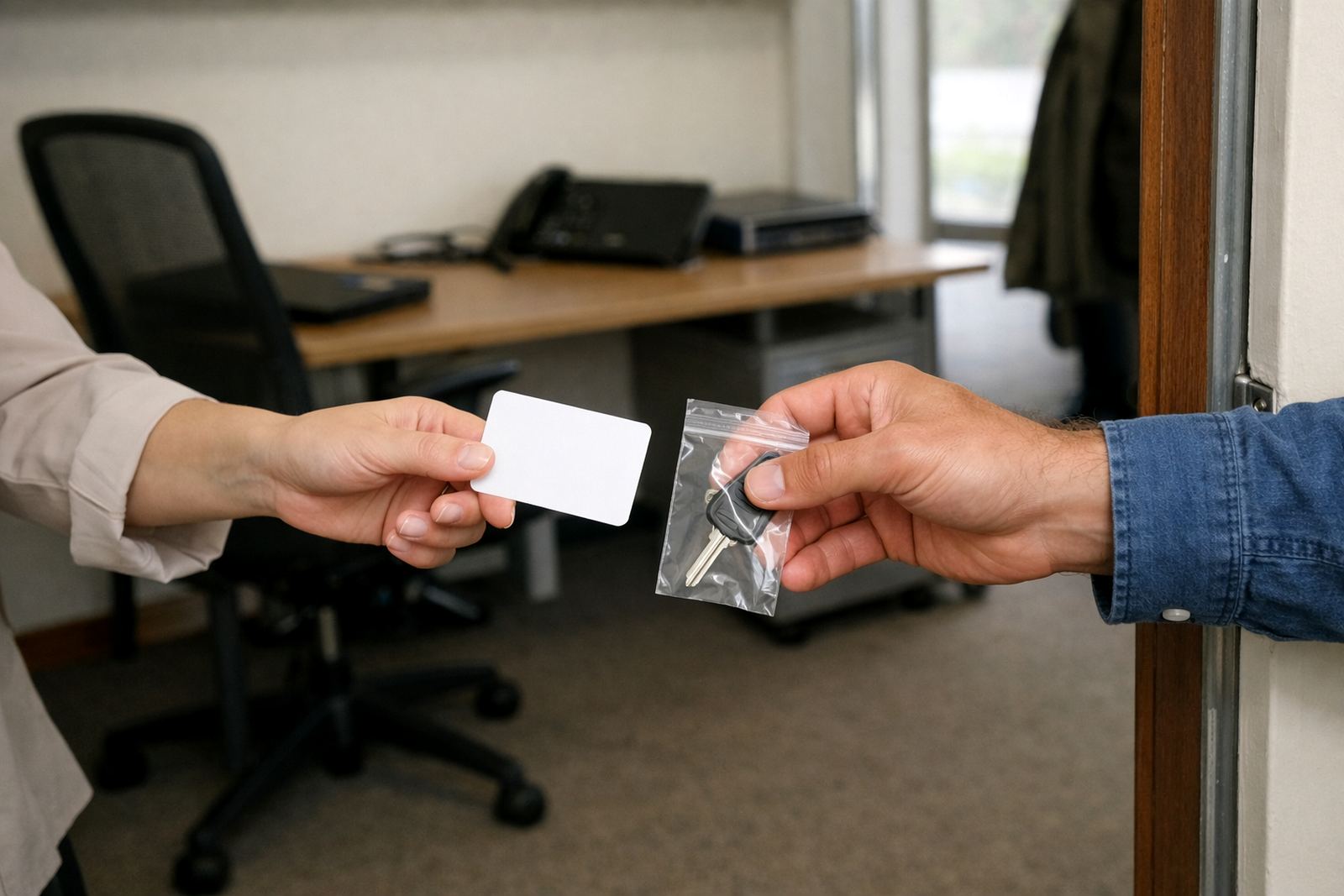
Start with a same-day access review
The safest offboarding starts on the day notice is given, not on the last day at the office. Make a short list of every system the person can open: mailbox, shared calendar, document folders, mobile devices, admin panels and any group mailing lists. In a small non-profit, one login is often tied to donor queries, venue bookings, project notes and volunteer coordination, so a missed account can cause delays fast.
Set the exit date and the access changes side by side. If the person works remotely from Johannesburg or Durban, plan the handover early so there is no gap when the laptop is returned. For coastal teams in Cape Town or East London, make sure backup copies are available before any device is collected, since humidity and power cuts can make last minute troubleshooting a bit messy.
Protect the mailbox before you redirect replies
Message is usually the first place problems show up. Decide who needs to see the departing staff member's mail, and for how long. Some organisations prefer a full handover to a manager, while others want only selected messages copied to a shared inbox. Keep the arrangement simple and written down.
- Save important correspondence into the correct shared folder before the account is changed.
- Set an auto-response that names the new contact person.
- Check group mailing lists, supplier threads and donor communication chains.
- Remove personal forwarding rules that could send private mail outside the organisation.
Do not leave old mailboxes open for months because it feels convenient. That is where missed invoices, contact lists and confidential replies can sit unnoticed. A clean cutover protects the organisation and the staff member at the same time.
Move the shared calendar work without losing appointments
Calendars are often forgotten until a meeting is missed. If the leaving staff member managed training sessions, site visits or board meetings, transfer those entries to a shared calendar before their final day. This helps the next person see what is coming up, who must attend and where documents are stored.
For non-profits working across Cape Town, Pretoria and Bloemfontein, shared calendars are especially useful when teams travel and cannot rely on quick hallway updates. If a person booked venues, transport or outreach dates, check every recurring appointment and every invite they sent. One missed update can mean a venue goes unused or a municipal meeting gets skipped.
- Reassign recurring meetings to the team calendar.
- Check reminders, approval notes and attached files.
- Confirm who can edit versus who should only view.
- Remove the departing user from private calendar sharing once records are captured.
Keep document folders tidy and traceable
Shared documents need more care than many organisations expect. A staff member might keep project plans, sign-off notes, grant reports and vendor quotations in folders that only they understand. Before they leave, move all live files into the correct shared document space and name them in a way that makes sense to the next person.
Use clear folder titles, date stamps and version notes. It is worth spending an hour here because poor folder structure creates confusion for months. If a team in Stellenbosch or Bellville must pick up a proposal after someone has left, they should not have to guess which document is final and which one was saved in a rush. The aim is simple: anyone with the right permission should be able to find the latest file without phoning three people.
For sensitive records, check who can edit, download or share the folder externally. Some project files contain beneficiary details, payroll notes or partner agreements that should stay tightly controlled.
Do a clean migration of contacts and mobile devices
When a staff member leaves, their contact list can be more valuable than their inbox. Client names, venue contacts, service providers and committee members should be moved into the organisation's shared address book or contact store. If those details stay on one phone, the next team member is forced to start from scratch.
Mobile setup also matters. If the person used a phone or tablet for calendar alerts and message access, remove the organisation account after the handover and confirm that no shared files remain cached on the device. In a place like Cape Town, where staff may travel between office, home and field work, this step helps prevent old notifications from popping up on a device that is no longer meant to carry company data.
- Import the contact list into the shared system before access is removed.
- Update saved signatures, display names and group memberships.
- Remove the account from mobile devices and tablets.
- Confirm the organisation can still open critical files after the device is returned.
Set a simple handover for the next person
A safe offboarding is not complete until someone else can take over the work. A short admin handover should cover current tasks, standing meetings, login ownership, supplier contacts and any open issues. Keep it practical. A two page summary is often better than a long report nobody reads.
For non-profits, the handover should also mention donor deadlines, volunteer rosters, grant dates and any municipal or compliance tasks still pending. If the outgoing person managed area support for Johannesburg, Durban or Pretoria, note the local contacts and which files belong to which branch. This saves time and reduces mistakes during load-shedding weeks when staff are already working around disrupted schedules.
A final security review is worth doing before the account is closed. Check that the person no longer has admin rights, shared folder control or hidden access to old collaboration spaces. Once that is done, the organisation can move forward with less risk and less confusion.
What this looks like in a real South African handover
Consider a small non-profit in Observatory, Cape Town that is losing a project coordinator on a Friday. The coordinator managed donor mail, a shared calendar for community visits and a document folder with training notes. If the team waits until the last afternoon, they may lose track of upcoming meetings and important replies. If they prepare early, the new contact can step in on Monday with everything in place.
That same process works just as well for a branch team in Bloemfontein or a remote admin in Durban. The tools do not need to be complicated. What matters is that the organisation knows who can access what, where the records live and who owns the next step. Offboarding done well protects the work, the people and the budget.
For many non-profits, the biggest risk is not a major breach. It is a small gap that turns into a missed message, a lost file or a meeting nobody knew about. Closing that gap is part of good stewardship, not just admin.