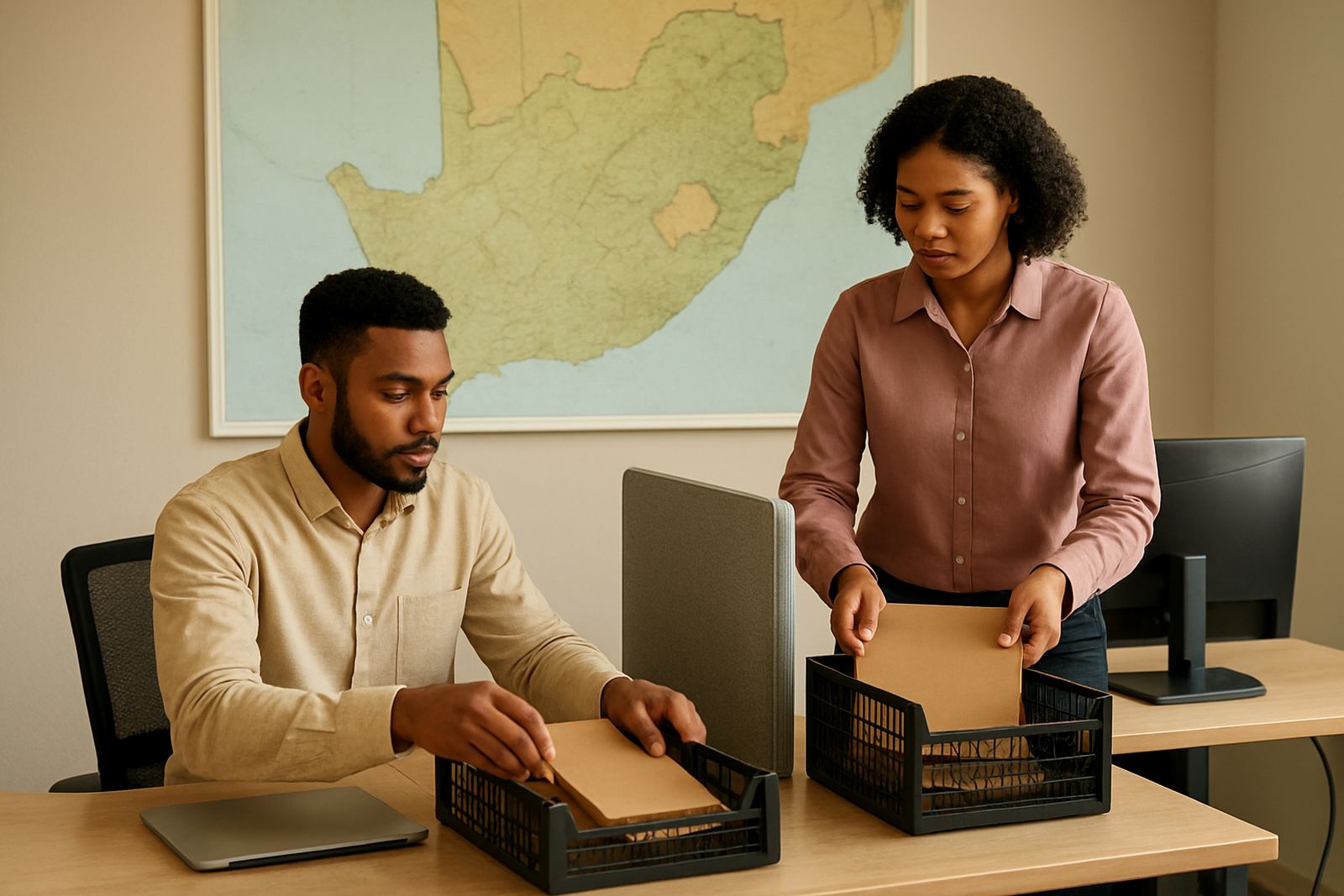
What regional mailbox sets do for a non-profit team
Regional Mailboxes give each area its own message identity, while still letting headquarters keep sight of the full picture. A team in Observatory can handle western Cape queries, Johannesburg can manage inland requests, and a provincial coordinator can step in when one branch is short-staffed or working on a load-shedding schedule.
This setup is practical for organisations that deal with donors, beneficiaries, volunteers, schools, clinics or community partners in more than one city. Instead of one inbox filling up fast, messages are split into clear channels such as Cape Town Support, Durban Support or Pretoria Support, so the right person sees the right mail sooner.
- Province based mailboxes for reporting and oversight
- City based mailboxes for local response handling
- Support region mailboxes for branch or outreach teams
- Shared access for approved staff, not one person only
Sizes and options that fit South African operating realities
There is no need to overbuy. Some organisations only need three regional mailboxes, while others need one for each major city plus a national admin inbox. The right size depends on how many people share the work, how often mail is forwarded, and whether your staff move between office, home and field visits.
Most NPOs do well with a simple set up at first, then add more mailboxes as programmes grow. If your team works across Cape Town, Johannesburg, Durban, Pretoria and Bloemfontein, you can keep the structure neat from day one and avoid messy catch all accounts later on.
- Small set: 2 to 4 regional mailboxes for one province or one programme area
- Medium set: 5 to 8 mailboxes for multi-city service delivery
- Large set: 9 or more mailboxes for national coordination and branch offices
- Optional shared calendars and document space for each region
Where regional mailboxes work best
Regional Mailboxes suit organisations that need clear lines of responsibility and quick handover between teams. They are useful for service counters, fundraising teams, volunteer coordination, fieldwork, training programmes and any admin office that has to answer from more than one location.
They also help when different branches must work at different times. For example, a Cape Town office may close earlier during winter, while a Durban team may keep going later in the day. With regional mailboxes, messages can be routed to the correct region rather than sitting in one overcrowded inbox.
- Non-profits with provincial branches or satellite offices
- Community outreach teams working by district or municipality
- Organisations with separate donor, beneficiary and programme mail streams
- Boards or management teams that need oversight without taking over daily replies
Setup, linking and what power you actually need
Regional Mailboxes are set up online and linked to your own domain, so staff can send and receive from addresses that match your organisation name. During setup we confirm the mailbox names, connect the domain, and then add calendars, shared folders and document space if required. The process is usually straightforward, but older accounts sometimes need clean migration planning first.
Power needs are modest because the service is accessed through phones, laptops and office computers. You do not need gas, but you do need reliable internet and enough backup power for the devices your staff use. In areas affected by load-shedding, a small UPS for the router and a charged laptop can keep admin going for basic message access. If your office is in a coastal area like Cape Town or Durban, keep equipment dry and well ventilated because humidity can affect hardware over time.
- Domain linking and DNS confirmation
- Mailbox creation and naming structure
- Mobile device setup for field staff
- Admin handover for internal control
Care, servicing and keeping mail under control
Good mailbox care is mostly about admin discipline. Review who has access, archive old threads, and remove staff who no longer need entry. If several people answer from the same regional mailbox, keep a clear naming convention for sent replies, shared signatures and holiday notices. That avoids confusion when a donor or stakeholder follows up two weeks later.
We also recommend a security review now and then, especially if your team uses public wifi, shared tablets or phones that travel between sites. If somebody loses a device, or a staff member leaves suddenly, passwords and access rights should be checked the same day if possible. A small oversight can lead to delayed replies or unwanted access, and that creates extra work for everyone.
- Check access rights every quarter
- Review mailbox storage before it gets full
- Back up contact lists and document links
- Confirm signatures, out of office notes and forwarding rules
What to check before you order Regional Mailboxes
Before ordering, decide how your team will actually use the service. The most common mistake is naming boxes by department when the work is really regional, or vice versa. If your organisation covers more than one city, keep the names simple and practical. Regional labels are easier for staff, volunteers and external contacts to understand.
Also check who will manage the mail once it is live. Some groups want one central administrator, while others prefer each branch to manage its own inbox with oversight from head office. It helps to know this before migration day, because moving mail, contacts and calendars is easier when the structure is already set out. A bit of planning now saves a lot of chasing later.
- How many regions or branches need separate mailboxes
- Whether each mailbox needs shared calendar access
- Which contacts must be imported from old systems
- Who will train staff and handle ongoing admin
A practical fit for teams that work province by province
For non-profits that need order, visibility and budget control, Regional Mailboxes are a tidy way to organise communication. They keep local work local, while still letting management see what is happening across the organisation. That matters when teams are spread across Cape Town, Johannesburg, Durban, Pretoria and Bloemfontein and no one can afford to miss a message.
Inbox NPO Mail supports setup, migration, training and go live support so your team can settle into the new structure quickly. Whether you are starting fresh or cleaning up a cluttered mail system, the aim is simple: fewer missed messages, clearer responsibility and less admin pressure on the team.
Key facts
| Mailbox structure | Province, city or support region based sets |
|---|---|
| Typical size | 2 to 12+ regional mailboxes |
| Access | Web, laptop and mobile device access |
| Included options | Shared calendars, document collaboration, contact imports |
| Setup support | Domain linking, migration, training and go live help |
| Best fit | Non-profit organisations with multiple branches or service areas |